xTool S1 vs Creality Falcon 2 Pro (2026): Which Enclosed Diode Wins?
xTool S1 vs Creality Falcon 2 Pro: autofocus, camera, power, and cut results compared. Specs, prices, and a clear verdict on which one to buy.
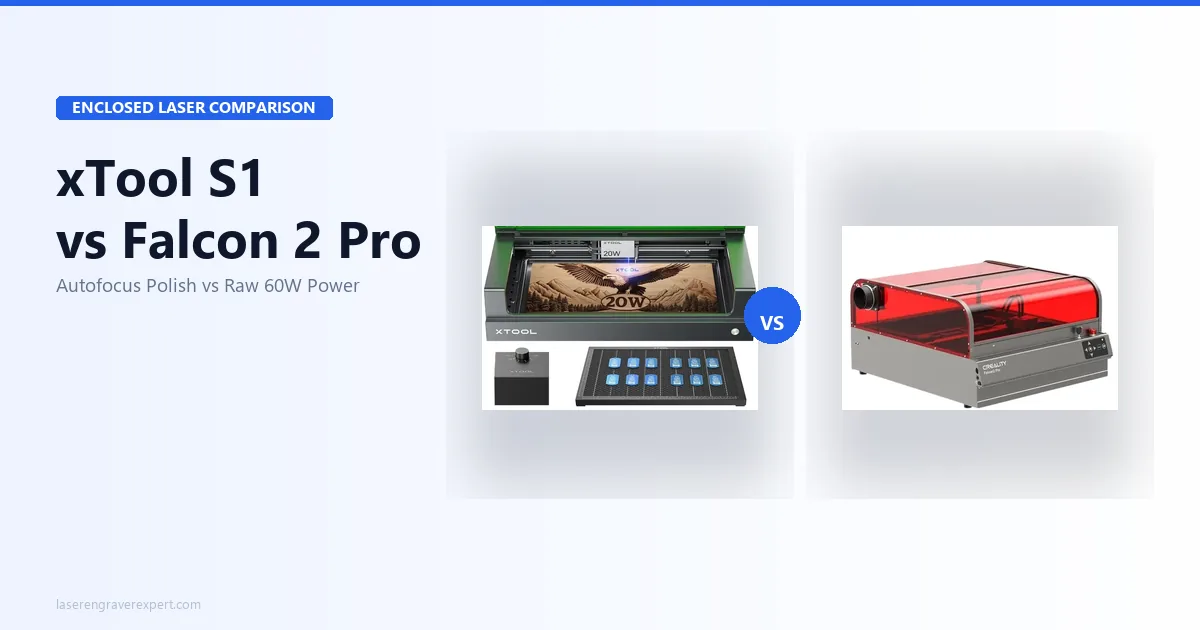
The xTool S1 vs Creality Falcon 2 Pro decision pits two Class 1 enclosed diode lasers against each other, but they solve different problems: the xTool S1 (20W, with a 40W option) wins on workflow (autofocus, a reliable built-in camera, and best-in-class xTool Creative Space software), while the Creality Falcon 2 Pro 60W wins on raw cutting power, clearing 22mm basswood and 33mm acrylic in a single pass. This comparison weighs both manufacturers’ published specs against real-world results reported by owners running batch coasters, portrait engravings, multi-thickness wood cuts, leather patches, and acrylic panels, so here’s the honest breakdown of which fits your work. If you haven’t narrowed to these two yet, start with our best laser engravers of 2026 roundup or the best laser engraver for beginners guide; for the higher-power xTool S1, see our xTool S1 40W review , and for the sub-$1,000 enclosed field, our best laser engravers under $1,000 guide covers both machines in context.
Quick Verdict
xTool S1 vs Creality Falcon 2 Pro: Key Differences
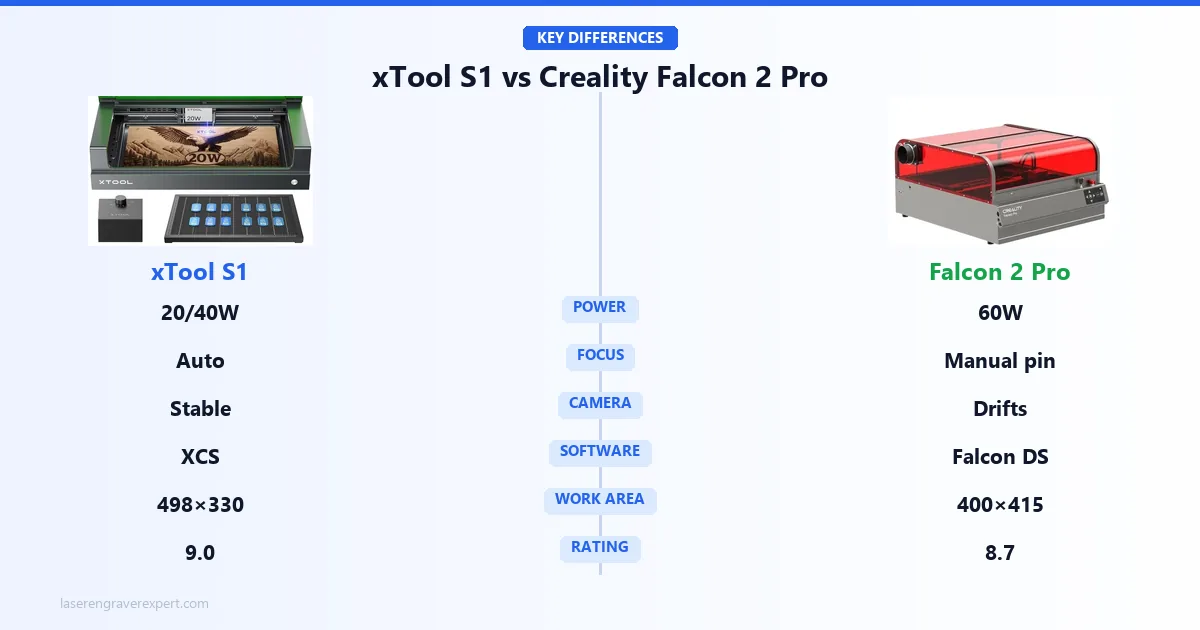
Most comparison articles in this category open with a spec table. I want to start with the thing that actually determines which machine fits your workflow: autofocus vs. manual focus.
The xTool S1 measures material thickness and sets focal distance automatically before every job. You place your material, launch the job, and the machine handles it. For mixed sessions (coasters, then leather patches, then 6mm plywood), there is zero refocus friction between materials.
The Creality Falcon 2 Pro uses a physical focus pin. You set the pin on the material surface, position the laser head to the correct focal height, remove the pin, then run the job. It works. It is accurate. And it takes about 30 seconds per material change.
Thirty seconds sounds trivial. It is not, at production volume. Across a 40-piece mixed batch, that is 20 extra minutes of manual setup versus a machine that does it automatically. If you run consistent flat materials, same thickness every session, you set focus once and forget it. If you run variety, the xTool S1’s autofocus compounds in value every day you use it.
Everything else in this comparison matters less than getting this decision right.
xTool S1 vs Creality Falcon 2 Pro: Performance Comparison
Cutting Depth and Power
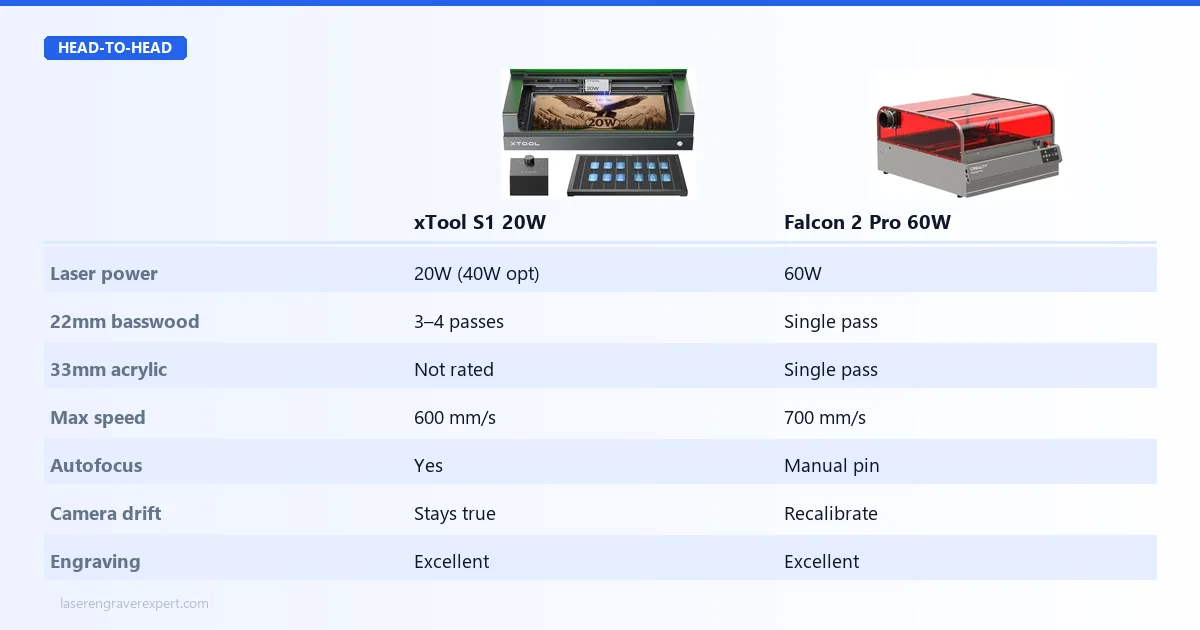
On raw laser power, the Creality Falcon 2 Pro 60W is simply in a different category. In the xTool S1 vs Creality Falcon 2 Pro matchup, this is the one area where the Falcon wins decisively and without caveats.
The flagship 60W module cuts 22mm basswood in a single pass. It clears 33mm black acrylic in one pass. It moves through material that would require three or four passes on the xTool S1 20W. For buyers whose primary use is production cutting (signs, thick wooden panels, layered acrylic work), this is the machine to have.
The xTool S1 is available in 20W and 40W configurations. The 20W handles 3mm basswood cleanly in a single pass and 6mm birch in two to three passes, workable for most hobbyist and light production cutting. The 40W closes the gap considerably. But even the xTool S1 40W does not match the Creality Falcon 2 Pro 60W for single-pass cutting depth. For buyers still deciding whether diode wattage is enough for their materials or whether CO2 is the right tool, our diode vs CO2 vs fiber laser guide explains the material physics behind the power difference, useful context before committing to either machine type.
Engraving Quality
For pure engraving quality (detail, grayscale tones, fine lines), the gap largely closes. Both machines produce excellent engraving results at their respective power levels. The power advantage is most meaningful for cutting, not engraving. If you are engraving on wood specifically, our best laser engraver for wood guide covers material settings and machine recommendations in depth.
Power winner: Creality Falcon 2 Pro 60W, significantly for cutting.
Camera: Both Have One, Only One Stays Calibrated
Both machines include overhead cameras for visual material positioning. In the xTool S1 vs Creality Falcon 2 Pro comparison, both cameras work, but they behave differently over time.
The xTool S1’s camera maintains consistent registration: xTool’s specs put the average alignment offset around 1.8mm across the full 498 × 330mm bed, holding steady across weeks of daily use. For repeat positioning work (placing designs on pre-cut blanks, aligning artwork on irregular material), that consistency means you can trust the camera’s position data session after session without re-running calibration.
The Creality Falcon 2 Pro’s camera works well out of the box after initial calibration. The issue is that the calibration drifts. Thermal expansion during operation, vibration from the gantry, and normal use cause the camera registration to shift over time. Users who do high-volume production work find themselves recalibrating every few days to maintain acceptable accuracy. It is a solvable problem, not a deal-breaker, but it is ongoing maintenance that the xTool S1 does not require at the same frequency.
Camera winner: xTool S1, for long-term reliability.
Both cameras are primarily useful for repeat-positioning production runs, placing designs on pre-cut coasters, ornaments, or custom blanks. If that describes your workflow, our best laser engraver for small business guide covers camera-workflow setups in detail. For tumbler engraving specifically, where the rotary attachment and camera alignment must work together for consistent results, our best laser engraver for tumblers guide benchmarks both machines on drinkware workflows.
xTool S1 vs Creality Falcon 2 Pro: Software Comparison
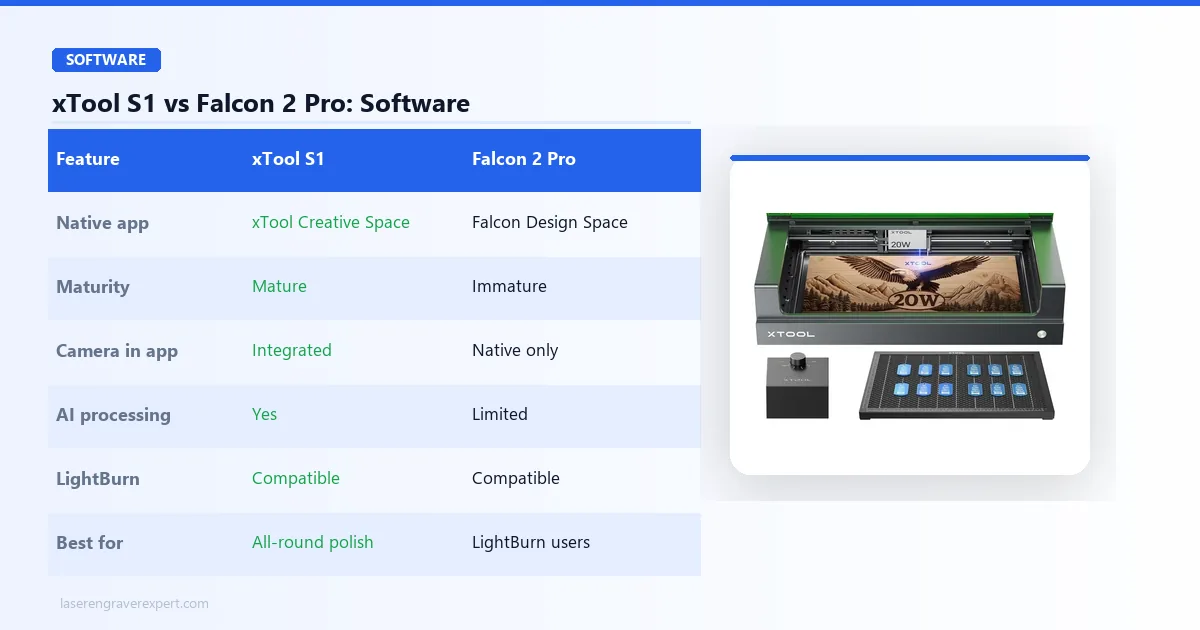
xTool Creative Space versus Creality Falcon Design Space is the most one-sided comparison in this article.
xTool Creative Space is a mature platform. It has AI image processing, background removal, camera integration, a well-maintained settings library for common materials, and a responsive development team that ships updates regularly. The community around xTool software is large enough that most workflow questions have documented answers within minutes of searching.
Creality Falcon Design Space is functional but noticeably raw. Missing features, UI inconsistencies, and limited community documentation push most serious users to LightBurn within the first week of owning the machine. LightBurn costs $60 as a one-time license and is excellent, but it does not integrate with the Falcon’s built-in camera, which means camera positioning becomes a native-software-only workflow.
Both machines are fully LightBurn compatible. But the xTool S1’s native software is good enough to use as a primary tool, which means the camera works inside the same interface you run jobs from. That integration matters for workflow continuity.
Software winner: xTool S1, decisively.
If you are new to laser software and unsure which platform to learn, the best laser engraver for beginners guide has a section on software learning curves that is worth reading before committing to either machine.
xTool S1 vs Creality Falcon 2 Pro: Specifications Comparison
Here’s how the xTool S1 and Creality Falcon 2 Pro line up on the specs that decide the buy: power, work area, focus, camera, and software. Skim the table, then read on for what each difference means in practice.
| Spec | xTool S1 20W | Creality Falcon 2 Pro 60W |
|---|---|---|
| Work area | 498 × 330mm | 400 × 415mm |
| Laser power | 20W (40W available) | 60W (22W/40W also available) |
| Max speed | 600mm/s | 700mm/s |
| Autofocus | Yes | No, manual focus pin |
| Camera | Built-in overhead | Built-in overhead |
| Enclosure | Fully integrated | Fully integrated, fold-flat |
| Safety class | Class 1 | Class 1 |
| LightBurn compatible | Yes | Yes |
| Native software | xTool Creative Space | Falcon Design Space |
The xTool S1 is wider (498mm vs 400mm), which benefits projects that are wider than tall. The Creality Falcon 2 Pro is taller (415mm vs 330mm), useful for taller panels and signs. Neither machine has a meaningful overall bed size advantage; they just distribute the area differently.
Neither machine offers a work area extension kit. Both are fixed-bed designs.
If you regularly work with pieces that push these boundaries, check specific project dimensions against each machine before deciding. For standard project sizes up to roughly A3, both beds handle the common range. If you need an extendable work area, the xTool D1 Pro review covers the extension kit that stretches its bed to 430 × 930mm, a consideration worth knowing before you commit.
Noise and Build Quality
Both machines are enclosed and produce substantially lower noise than open-frame diode lasers. The xTool S1 is reported at around 47 dB during operation, quiet enough to run on a video call with tolerable but not disruptive background noise.
The Creality Falcon 2 Pro is slightly louder due to its higher-powered exhaust system required to clear fumes from the more powerful 60W module. The fold-flat design is a practical bonus: it stores more compactly than the xTool S1 when not in use, which matters if workspace is limited.
Build quality on both machines is solid. The xTool S1 feels slightly more premium. The Creality Falcon 2 Pro is more utilitarian but holds up equally well over extended production use.
Who Should Buy the xTool S1
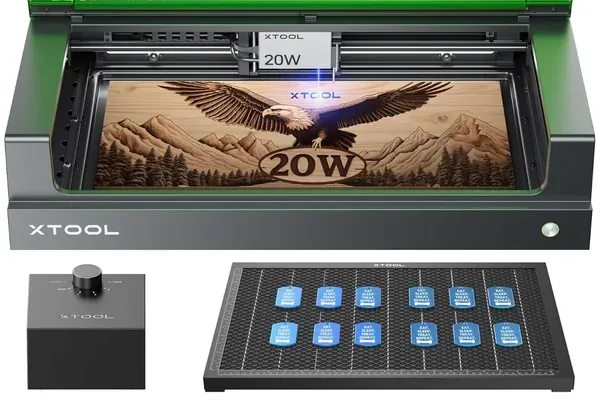
xTool S1 20W
9.0/10- Autofocus: biggest daily workflow advantage in this comparison
- Reliable camera that stays calibrated
- xTool Creative Space is best-in-class native software
- 47 dB operation: genuinely quiet for home studio use
- Class 1 certified, integrated enclosure
- 20W base: less cutting power than Creality Falcon 2 Pro 60W
- Shorter depth (330mm vs 415mm)
- Premium price over equivalent open-frame machines
The xTool S1 is for the home studio user, the professional maker, or the small business operator who values workflow smoothness over raw wattage. If your work involves variety (different material types, different thicknesses, irregular or pre-cut blanks), the autofocus and reliable camera compound in value every day you use them.
It is also the right choice if you are newer to laser engraving and want a machine that does not require you to maintain calibrations or troubleshoot software gaps. The xTool S1 is the closest thing to a plug-and-play enclosed laser at this tier. For leather-focused buyers (patches, wallets, and keychains), our best laser engraver for leather guide ranks the xTool S1 among six machines across three hide types with exact settings. For a complete look at how the xTool S1 performs against its own family, see our xTool S1 vs D1 Pro comparison , which covers the open-frame vs. enclosed trade-off in full detail.
Who Should Buy the Creality Falcon 2 Pro
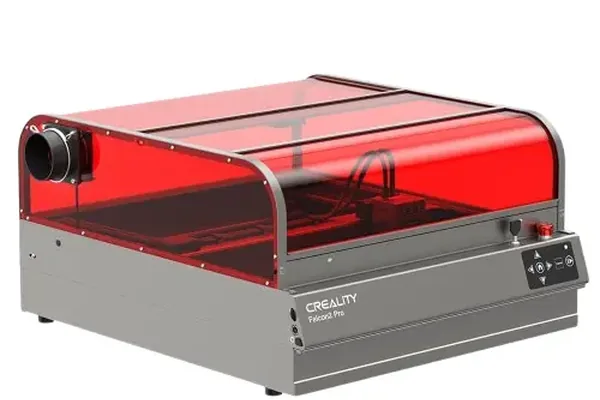
Creality Falcon 2 Pro 60W
8.7/10- Best-in-class 60W cutting power for the price
- Cuts 22mm basswood and 33mm acrylic in a single pass
- Fold-flat design saves storage space
- Modular laser: upgrade from 22W to 60W on same frame
- LightBurn compatible
- No autofocus: manual focus pin for every material change
- Camera requires periodic recalibration
- Falcon Design Space software is immature
- Slightly louder exhaust than xTool S1
The Creality Falcon 2 Pro is for production cutters who need maximum wattage and primarily work with flat, consistent materials. If you run high-volume cutting jobs on uniform stock (signs, acrylic panels, thick wooden pieces), the 60W power advantage is real and the manual focus workflow is a one-time setup per material type. If the Falcon 2 Pro is more machine than you need, Creality’s cheaper diode and UV models are worth a look — we rank them all in our best Creality laser engravers guide .
It is also appealing for buyers who are comfortable with LightBurn and do not rely on the native software at all. In that workflow, the software gap disappears and you are left with the best cutting power per dollar in the enclosed diode category. If you are planning to turn this into a business, our guide on how to start a laser engraving business covers exactly which machine specs translate into profitable production workflows.
xTool S1 vs Creality Falcon 2 Pro: Buying Guide
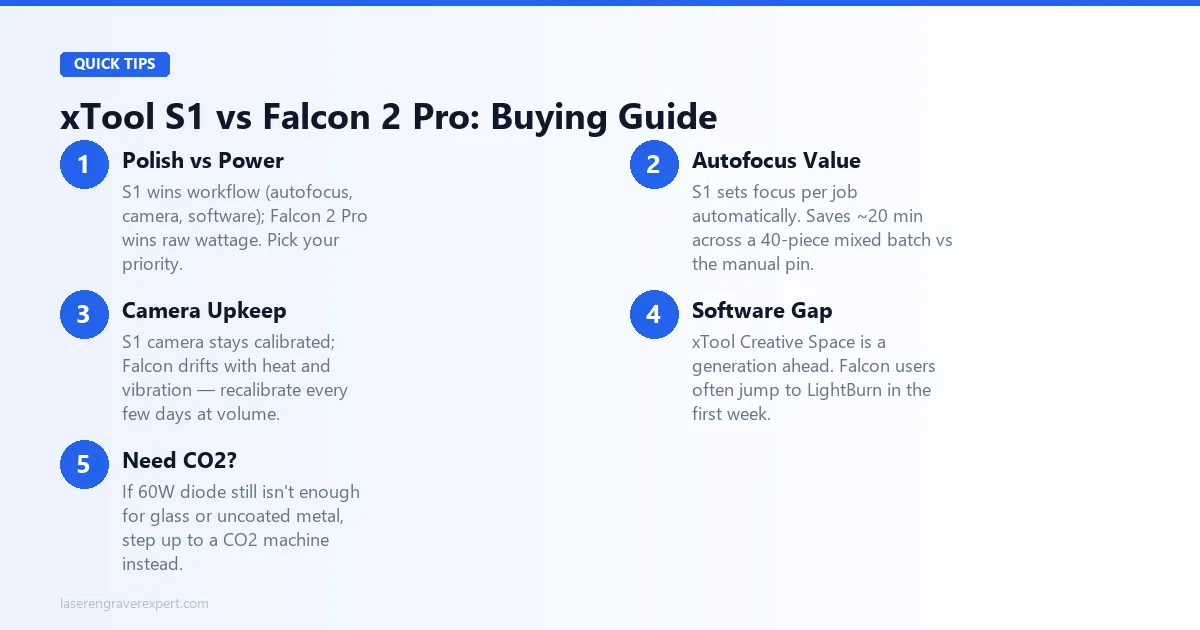
The xTool S1 vs Creality Falcon 2 Pro decision comes down to what you value more: workflow polish or raw wattage. These machines serve the same broad category, enclosed diode laser for indoor production use, but they solve different problems.
The xTool S1 is a more refined machine. Autofocus, reliable camera, excellent software, and a build quality that communicates premium without requiring premium-grade forgiveness when things do not go as expected. It earns its 9.0 rating by being the better daily driver for the widest range of users.
The Creality Falcon 2 Pro 60W is a more powerful machine. When you need to cut through 22mm basswood in a single pass or produce 33mm acrylic work at volume, no enclosed diode laser at this price comes close. Its 8.7 rating reflects that it earns its place despite the autofocus gap and software immaturity.
Here is the decision framework:
- Variety of materials, production batch work, or newer to lasers → xTool S1. Autofocus and software polish pay dividends daily.
- Primary use is cutting thick stock, consistent flat materials, power per dollar is the priority → Creality Falcon 2 Pro 60W. The wattage is genuinely useful and it earns its price.
- Not sure? The xTool S1 is the safer default. The Creality Falcon 2 Pro requires more from the operator. The xTool S1 gives more to the operator.
- Need CO2 power instead? If 60W diode is still not enough for your materials, the OMTech 60W CO2 review covers the next tier up: glass, ceramic, and uncoated metal are where CO2 pulls away from diode entirely. For an enclosed CO2 option closer to these two machines in price and footprint, the xTool P2 review covers the 55W CO2 machine with camera nesting and offline operation. For buyers who want CO2 with a simpler app-based experience, our Glowforge Aura review covers the entry CO2 that trades wattage for ease of use.
For the full picture on either machine, read our xTool S1 review and our Creality Falcon 2 Pro review before making the final call.
Final Verdict
The xTool S1 vs Creality Falcon 2 Pro decision is workflow polish versus raw wattage. Both are excellent enclosed diode lasers; the question is which problem you’re solving.
Frequently Asked Questions
xTool S1 vs Creality Falcon 2 Pro: which should I buy?
Does the xTool S1 have autofocus?
How does the Creality Falcon 2 Pro camera compare to the xTool S1 camera?
Is the Creality Falcon 2 Pro 60W significantly more powerful than the xTool S1?
Which machine has better software: xTool S1 or Creality Falcon 2 Pro?
Ready to buy?
Check xTool S1 Price →Ready to buy?
Check Creality Falcon 2 Pro Price →You Might Also Like
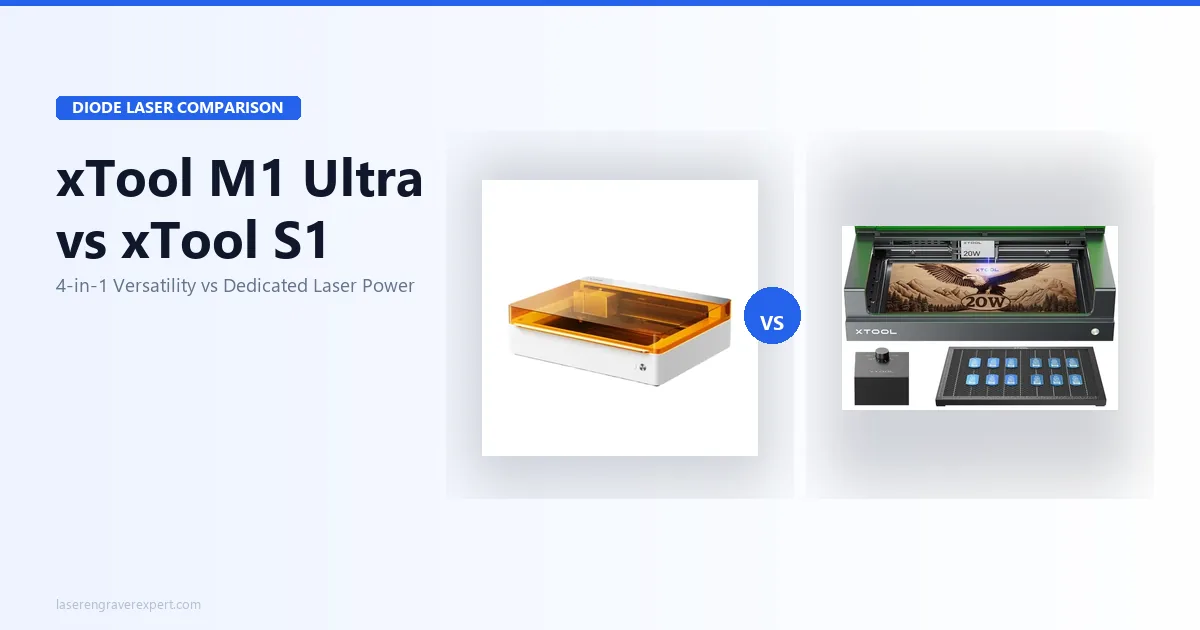
xTool M1 Ultra vs xTool S1 (2026): Which Is Right for You?
xTool M1 Ultra vs xTool S1: 4-in-1 multi-tool vs dedicated laser. Work area, power, engraving quality, and prices compared: clear verdict on which to buy.
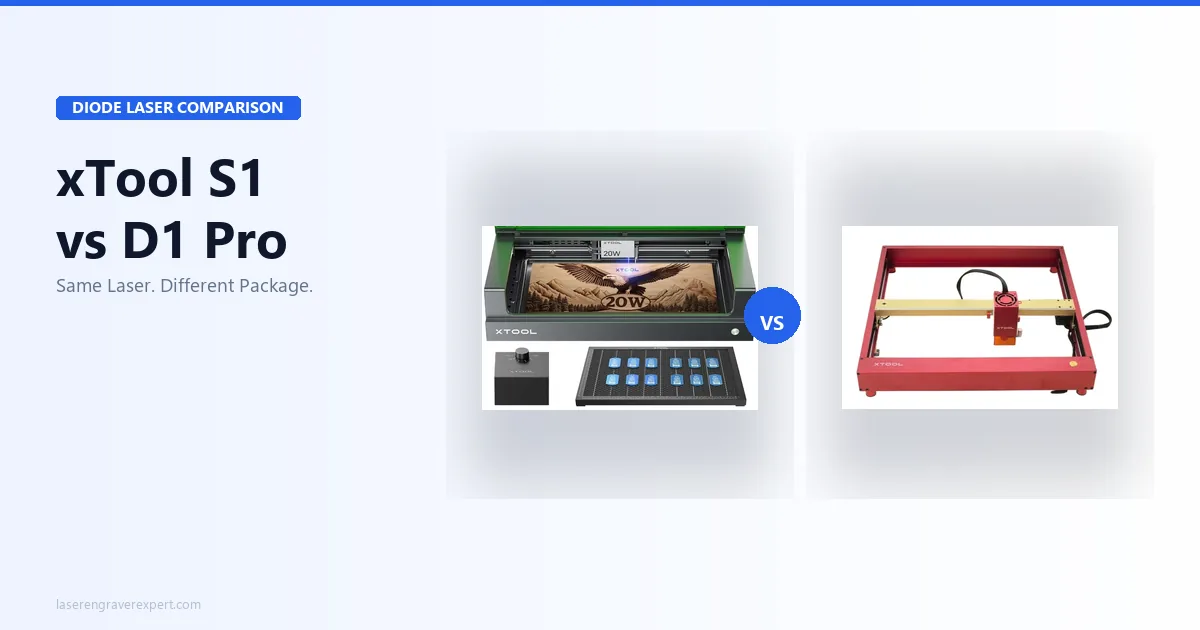
xTool S1 vs xTool D1 Pro (2026)
xTool S1 vs xTool D1 Pro: same laser module, different machines. Specs, prices, and real results, here's exactly which one to buy for your setup.
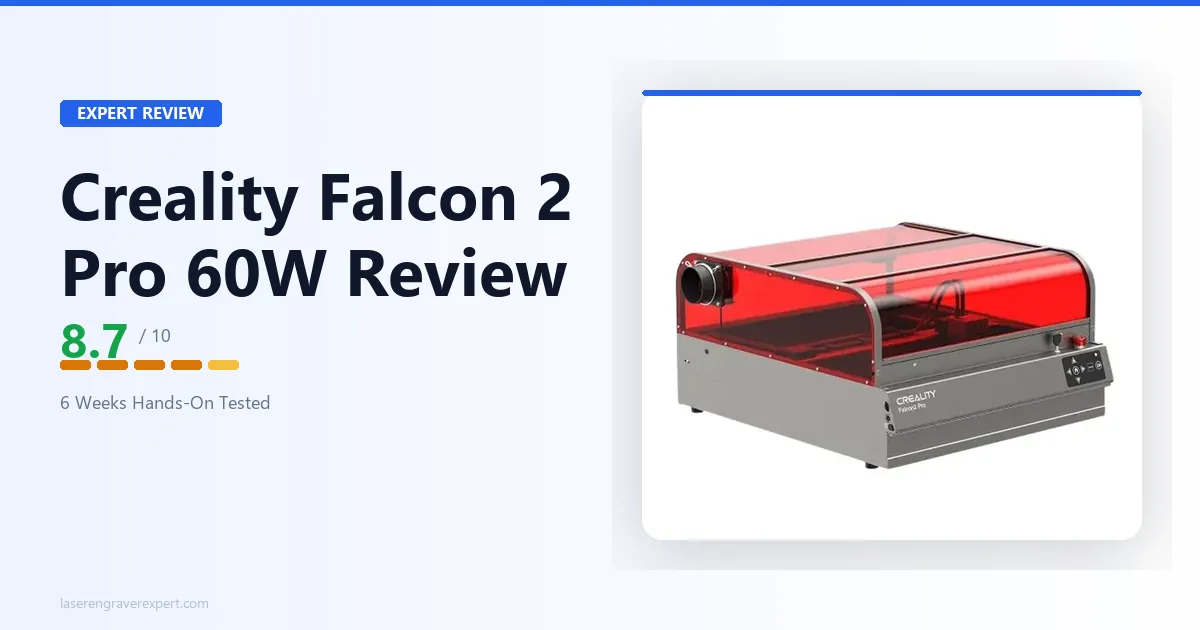
Creality Falcon 2 Pro 60W Review 2026: Is $1,899 Worth It?
Creality Falcon 2 Pro review: cut speed, engraving quality, and software on the 60W module. Full verdict on whether it justifies $1,899 vs the xTool P2.