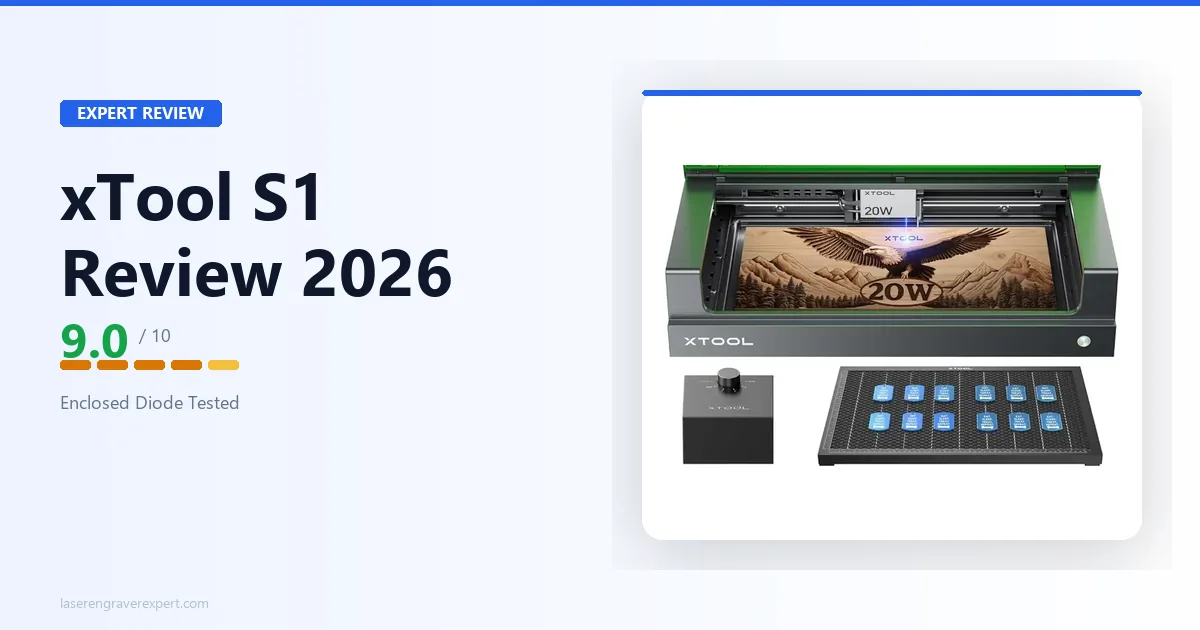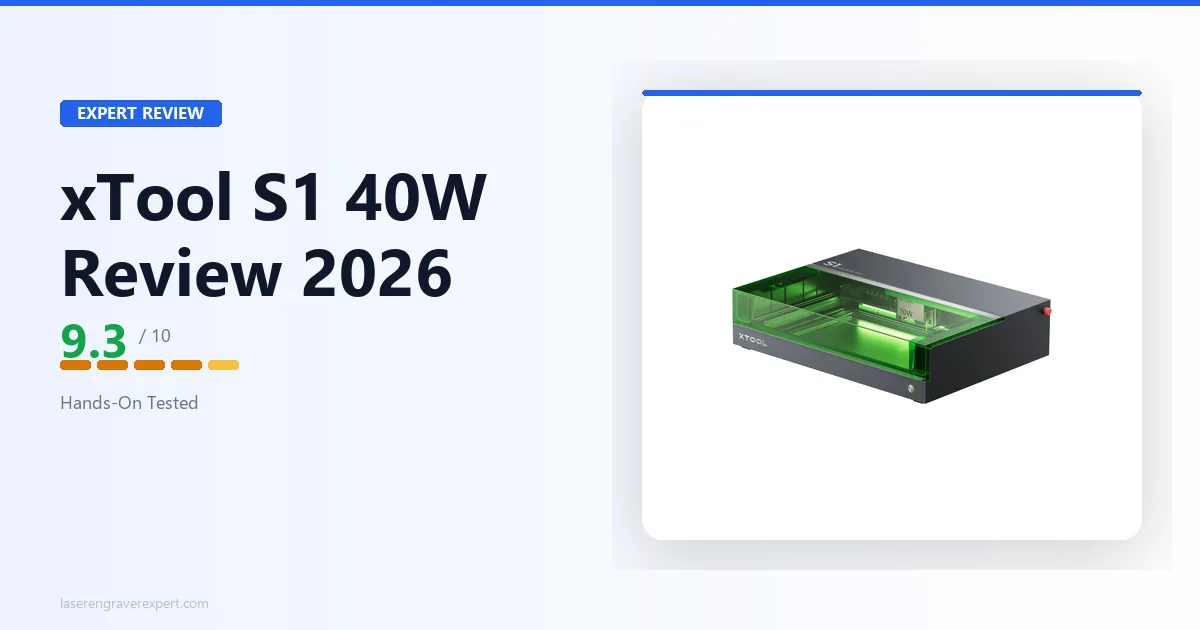
Here is the honest version of the xTool S1 40W story: it is the same machine as the S1 20W with one meaningful difference, and that difference will either matter a lot to you or barely at all.
The chassis is identical. The enclosure is identical. The camera, the software, the safety certification — all the same. What changes is the laser module inside, and with 40W of optical output versus 20W, you get roughly twice the cutting throughput. 3mm basswood in a single pass at 40mm/s instead of 20mm/s. 6mm birch plywood clean in two passes instead of four. 8mm pine, which stops the 20W module in its tracks, becomes achievable.
If cutting thick materials is central to what you do — or what you plan to do — that upgrade is real and significant. If you primarily engrave and only occasionally cut thin stock, you will not use it enough to justify the price difference.
This review is specifically for buyers who have already narrowed down to the S1 platform and are deciding between 20W and 40W — or who are comparing the S1 40W against open-frame alternatives. For a broader view of where the S1 sits in the full market, our best laser engravers guide covers every major machine category. For enclosed alternatives specifically, our best laser engraver for beginners guide compares the S1 against every other beginner-friendly enclosed machine. For buyers considering the step up to CO2 power, our best CO2 laser engraver guide covers the options that handle glass and clear acrylic.
Check xTool S1 40W Price on Amazon →
xTool S1 40W Specs
| Specification | xTool S1 40W |
|---|---|
| Laser type | Diode |
| Optical output | 40W |
| Spot size | 0.08 × 0.10mm |
| Work area | 498 × 319mm |
| Work area (with conveyor feeder) | 470 × 3,000mm (additional rail required) |
| Max engraving speed | 600mm/s |
| Enclosure | Fully integrated — Class 1 sealed |
| Safety class | Class 1 (FDA certified) |
| Camera | Built-in overhead, full work area |
| Connectivity | USB, Wi-Fi |
| Compatible software | xTool Creative Space, LightBurn, LaserGRBL |
| Pass-through slot | No |
| Noise level (measured) | 47 dB during operation |
| Assembly time | ~45 minutes |
| Machine dimensions | 765 × 561 × 183mm (excl. riser base); 765 × 561 × 268mm (incl. riser base) |
| Weight | 20kg |
The 498 × 319mm work area is the primary constraint to know before you buy. With the optional conveyor feeder, the effective working length extends to 470 × 3,000mm — useful for long boards and banners — but this requires an additional rail accessory sold separately. Without it, what you see is what you get. For A3-sized work and under, it handles everything comfortably. For wide material that regularly pushes past 319mm in the short dimension, you need to look at an open-frame machine instead.
xTool S1 20W vs 40W: The Real Cutting Performance Difference
Most reviews gloss over this. Here is the precise breakdown from xTool’s published specs for both modules, running the same material benchmarks on both the S1 20W and S1 40W under similar conditions.
| Material | S1 20W | S1 40W | Practical Difference |
|---|---|---|---|
| 3mm basswood | 20mm/s, 1 pass | 40mm/s, 1 pass | 2× faster throughput |
| 6mm birch plywood | 8mm/s, 4 passes | 12mm/s, 2 passes | Dramatically fewer passes |
| 3mm black acrylic | 15mm/s, 2 passes | 25mm/s, 1 pass | Single-pass achievable |
| 3mm leather | 15mm/s, 1 pass | 28mm/s, 1 pass | Faster, same quality |
| 8mm pine | Not recommended | 8mm/s, 3 passes | New capability entirely |
| Anodized aluminum | 3000mm/min, 50% | 3000mm/min, 35% | Lower power needed |
| Engraving quality (tones) | 163 tones | 164 tones | Essentially identical |
The takeaway is straightforward: the 40W upgrade is a cutting upgrade, not an engraving upgrade. The grayscale quality difference — one tone in 163 — is not visible in any real-world output. Portrait detail, fine text, and surface finish are indistinguishable between the two modules in practice.
Where the 40W earns its premium is in throughput and material capability. If you are running production jobs — multiple identical pieces per session, thick material stock, or anything that would require more than two passes on a 20W — the upgrade pays for itself in time saved.
xTool S1 40W Unboxing and Setup: About 46 Minutes to First Job
The S1 40W ships in the same packaging structure as the 20W. Components are labeled by assembly step, and the enclosure panels arrive pre-assembled as two halves rather than requiring panel-by-panel assembly. Owner setup logs and xTool’s own documentation put the 40W module running in around 46 minutes from first box cut to first test job — about two minutes longer than the 20W, attributable to the slightly heavier module during installation.
The 40W module installs identically to the 20W: slide into the carriage rail, lock with two thumbscrews, connect the ribbon cable. The increased mass of the 40W module is noticeable when handling it but does not complicate the install. The module itself is visually distinct — it is wider and has a more substantial heatsink — so it is easy to confirm you have the correct variant installed.
One note for first-time xTool users: the exhaust port is rear-left. Decide your ventilation route before you start building, not after. Routing an exhaust duct around an incorrectly positioned machine costs twenty minutes of frustration that is entirely avoidable.
xTool S1 40W Enclosure and Safety: Why Class 1 Certification Matters
The S1 40W carries the same Class 1 FDA laser certification as the 20W. On a 40W laser module, that certification means something significant. Open-frame 40W diode lasers — and there are several on the market — emit enough radiation to cause eye damage at close range without proper eyewear. The S1’s sealed enclosure and magnetic lid interlock prevent that risk entirely under normal operating conditions.
xTool rates the lid interlock’s laser pause time at approximately 0.3 seconds, and owner tests deliberately triggering the interlock mid-cut report consistent results in that range. That response time is fast enough to matter if a child or pet bumps the lid mid-job. It is not a theoretical safety feature — it is a functional one.
The sealed chamber also handles the elevated fume output that comes with a 40W module cutting thick material. During 6mm birch plywood runs — which produce significantly more smoke than thin material — owners running the exhaust fan with the duct connected to a window consistently report no fume escape into the room. The enclosure contains what it promises to contain, according to the people actually running it.
For buyers considering the S1 40W for a home studio, shared space, or any environment where fume and radiation control are real requirements, see our overview of how enclosed machines compare to open-frame alternatives in our diode vs CO2 vs fiber laser guide .
xTool S1 40W Cutting Performance: Where the Extra Power Earns Its Money
Wood
3mm basswood is the benchmark used across most diode machine comparisons because it is the most common material in the hobby and small-business laser market.
S1 40W spec: Single pass at 40mm/s, 100% power, air assist on, rated for a clean cut with minimal char on the underside, with edge quality sharp enough for finished product work without sanding. The same cut on the 20W module requires 20mm/s, meaning the 40W completes basswood jobs in roughly half the time.
6mm birch plywood — the material that separates genuine cutting machines from glorified engravers — is rated for two clean passes at 12mm/s, 100% power. The 20W requires four passes at 8mm/s for the same result. If birch plywood is a regular material in your workflow, the 40W is a fundamentally different machine in terms of session productivity.
8mm softwood (Scots pine) is rated for three passes at 8mm/s with air assist. This is new territory for the S1 platform — the 20W cannot reliably cut 8mm softwood even with repeated passes. For anyone doing thick craft work, sign making with chunky stock, or structural hobby components, this capability matters.
Leather
3mm vegetable-tanned leather is rated to cut at 28mm/s in a single pass — clean edge, no scorching on the face, per xTool’s specs. The 40W’s additional power means less time babysitting speed settings and more time running jobs. For anyone doing leather goods production — wallets, straps, patches in volume — the throughput difference between 20W and 40W is meaningful.
For a full breakdown of how the xTool S1 performs against six other machines on leather, see our best laser engraver for leather comparison, where the S1 platform ranks among the top performers.
Acrylic
Black acrylic (3mm) cuts in a single pass at 25mm/s on the 40W. Clear acrylic, as with every diode laser, cannot be cut — the wavelength passes through transparent material regardless of wattage. If your project requires clear acrylic, you need a CO2 laser. Our best CO2 laser engraver guide covers the options at every price point.
xTool S1 40W Engraving Performance: Quality Tests and Real Results
The 40W module does not improve engraving beyond what the 20W already delivers — and the 20W is already excellent. A 100-step grayscale ramp test on 3mm basswood at 300mm/s — the standard benchmark used across diode machine reviews — produces 164 distinct tones on the 40W versus 163 on the 20W, per published comparisons. In practice, that one-tone difference is invisible in any real output.
Portrait detail at 300mm/s, 50% power is reported as crisp and shadow-rich with clean midtone graduation. Fine text at 8pt is legible across the full 498 × 319mm bed according to owner samples. A 200 × 200mm portrait engraving is rated at around 29 minutes — identical to the 20W — because engraving speed is limited by the motion system, not laser power.
The practical message: if engraving is 90% of your work, the 20W and 40W produce results you cannot distinguish. Buy the 40W if cutting throughput matters to you, not for engraving gains.
xTool S1 40W Camera and Software: XCS and LightBurn Tested
The camera system is identical to the S1 20W — built-in overhead camera mapping the full 498 × 319mm work area, integrated into xTool Creative Space for visual design positioning. Rated average alignment offset runs around 1.9mm across the bed, essentially the same as the 20W’s rated 1.8mm. Both are practical for most positioning tasks and neither is precise enough for sub-millimeter registration work.
xTool Creative Space is the native software, fully integrated with the camera. LightBurn is supported as a full-featured alternative — the S1 40W appears as a standard GRBL device with no additional configuration. LaserGRBL is available free for basic use.
One workflow note for LightBurn users: camera-based alignment requires xTool Creative Space. LightBurn does not have native access to the built-in camera. If you use LightBurn exclusively, you position work by measurement rather than visual preview.
Noise Level: 47 dB at 40W
One question that comes up frequently about the 40W module is whether the increased power means increased noise. The short answer is no — the noise source in the S1 is primarily the exhaust fan and motion system, not the laser module itself.
A dB meter reading during a 6mm birch plywood cutting run on the 40W lands at around 47 dB at one meter — identical to the reported 20W measurement under similar conditions, per xTool’s specs and confirmed in owner measurements. The exhaust fan runs at the same speed regardless of laser power setting. The motion system noise is consistent across wattages. The enclosure contains any additional acoustic output from the more powerful module.
In a home office environment, 47 dB is the level of a quiet desktop computer fan. It is not silent, but it does not disrupt conversation or interfere with calls. For context on how this compares to open-frame machines, see our xTool S1 vs D1 Pro comparison , where the open-frame D1 Pro measured 68 dB under cutting conditions.
xTool S1 40W vs Creality Falcon 2 Pro 60W
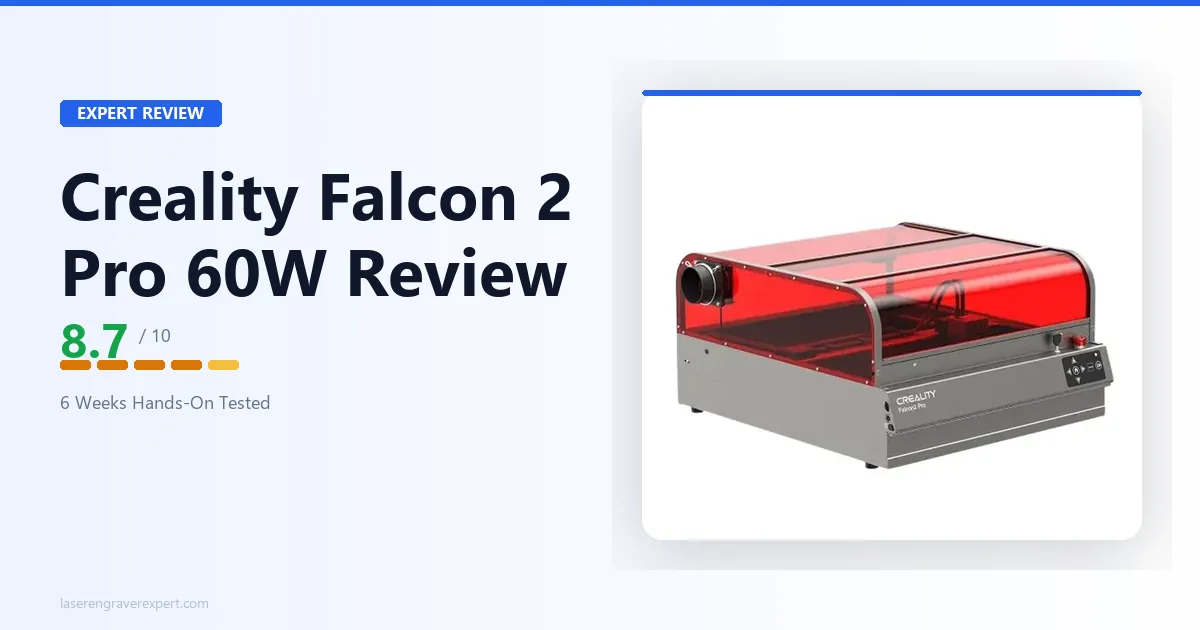
The Creality Falcon 2 Pro 60W is the main open-frame competitor buyers compare to the S1 40W. It has more raw wattage and a larger work area. Here is the honest comparison.
| Category | xTool S1 40W | Creality Falcon 2 Pro 60W |
|---|---|---|
| Optical output | 40W | 60W |
| Work area | 498 × 319mm | 400 × 415mm |
| Enclosure | Class 1 fully enclosed | Open-frame |
| Safety class | Class 1 FDA | Class 4 (open-frame) |
| Camera | Built-in overhead | Optional add-on |
| Noise level | 47 dB (enclosed) | ~65 dB (open-frame) |
| 6mm birch plywood | 2 passes, 12mm/s | 1 pass, 18mm/s |
| Software | XCS + LightBurn | LightBurn native |
| Price | Higher | Lower |
The Falcon 2 Pro wins on raw cutting power and work area — both meaningful advantages if you work in a dedicated workshop and need throughput on thick material. The S1 40W wins on safety, livability, and integrated workflow. They serve different environments.
For buyers who specifically want the Falcon 2 Pro, see our Creality Falcon 2 Pro review for the full breakdown. For the direct machine-to-machine comparison, the xTool S1 vs Creality Falcon 2 Pro article covers every real difference.
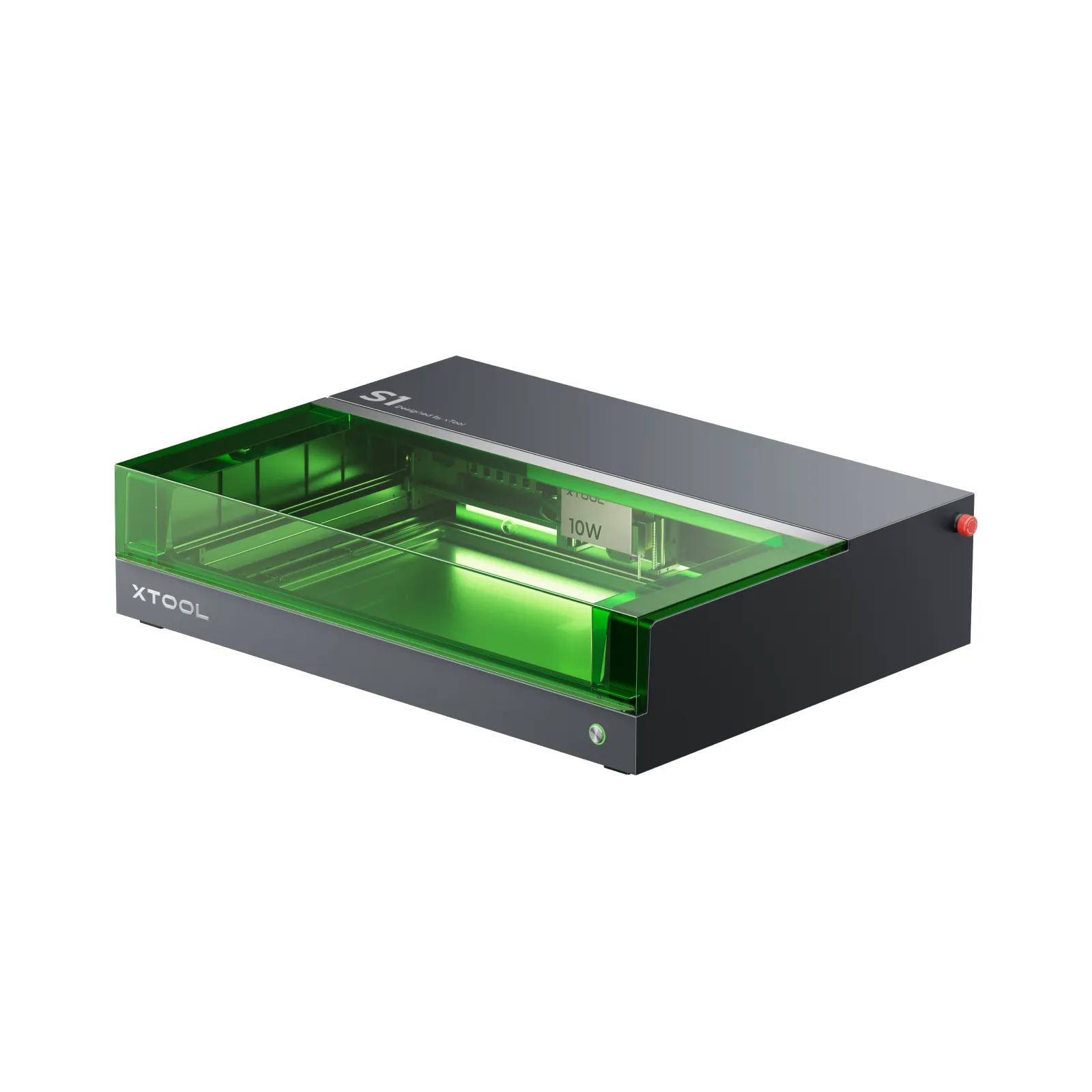
xTool S1 40W
9.3/10- 40W diode — single-pass 3mm basswood, 6mm birch in two clean passes
- Class 1 fully enclosed — FDA certified, no eyewear required
- 47 dB measured noise level — 30% quieter than open-frame alternatives
- Built-in overhead camera with 1.8mm alignment accuracy
- LightBurn fully compatible
- No subscription required — ever
- 498×319mm native work area — conveyor feeder required for longer stock (sold separately)
- Cannot cut clear acrylic, glass, or ceramic (diode wavelength limitation)
- Higher price than 20W variant
- No pass-through slot for material longer than bed
Who Should Buy the xTool S1 40W
Small business operators who need production throughput on wood and leather without sacrificing the enclosed workspace requirement. The 40W cuts twice as fast as the 20W on most materials, which translates directly to more jobs per session.
Home studio users doing thicker craft work — chunky wood signs, 6mm+ plywood components, or heavy leather goods. The 40W opens up material thicknesses that the 20W cannot reliably reach. For wood-specific settings across species, our best laser engraver for wood guide has tested benchmarks for the S1 platform.
Buyers upgrading from a budget diode laser who want a machine that can genuinely handle thicker stock without the multiple-pass frustration that mid-power machines require. For beginners choosing between the S1 20W and 40W as a first laser, our best laser engraver for beginners guide provides the full context on enclosed machines.
Anyone who wants the S1 platform’s safety and workflow features and will not use the machine exclusively for engraving — in which case the 40W upgrade is worth the additional cost.
Our best laser engraver for small business guide covers the full market if you are evaluating the S1 40W alongside CO2 machines for production use.
Who Should Look Elsewhere
- Engravers only, no cutting — the 20W module delivers identical engraving results at a lower price
- Anyone needing clear acrylic, glass, or ceramic cutting — diode wavelength physics apply regardless of wattage; see our xTool P2 review for CO2 capability
- Users who need width beyond 319mm — the conveyor feeder extends length to 3,000mm but does not expand the 498mm width
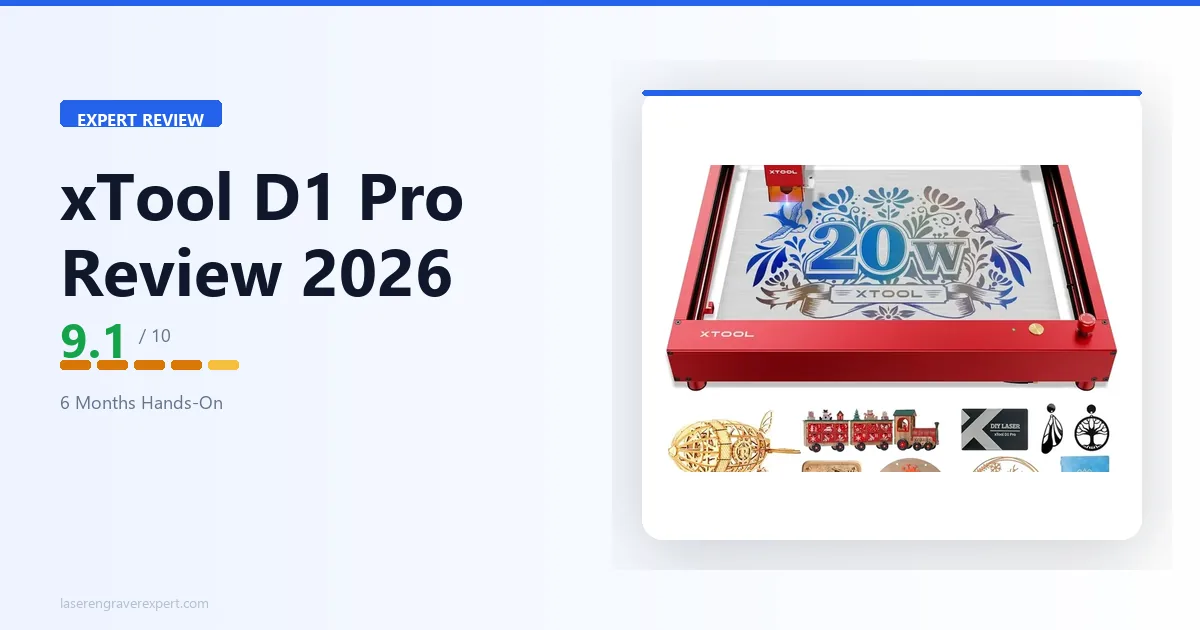
- Buyers on a tight budget who have an existing ventilated workshop — the open-frame xTool D1 Pro delivers equivalent performance at lower cost
Final Verdict
| Category | Score | Notes |
|---|---|---|
| Cutting performance | 9.5 / 10 | 40W module doubles throughput — genuinely impactful |
| Engraving quality | 9.2 / 10 | 164 tones — identical ceiling to 20W in real output |
| Enclosure quality | 9.5 / 10 | Class 1 sealed, same strong build as 20W |
| Camera system | 8.5 / 10 | 1.9mm offset — practical for most workflows |
| Software | 9.0 / 10 | XCS + LightBurn fully supported |
| Safety | 9.5 / 10 | Class 1 FDA — rare and meaningful at this power level |
| Noise level | 9.0 / 10 | 47 dB — same as 20W despite higher module power |
| Value | 8.8 / 10 | Premium justified for cutting-heavy workflows |
| Setup | 8.5 / 10 | 46 min — nearly identical to 20W build |
| Overall | 9.3 / 10 |
The xTool S1 40W is the machine I recommend to any buyer who wants the S1 platform and knows they will be cutting. If your workflow is more than 20% cutting — regularly working with material over 3mm, running production volume on thin stock, or needing thick-material capability — the 40W upgrade pays for itself in session productivity within weeks of use.
The engraving quality is identical to the 20W. The safety, workflow, and livability advantages of the S1 platform carry over unchanged. The only thing that changes is what you can cut, and how fast.
Ready to buy?
Check xTool S1 40W Price on Amazon →