This review contains affiliate links. If you purchase through our links, we may earn a commission at no extra cost to you.
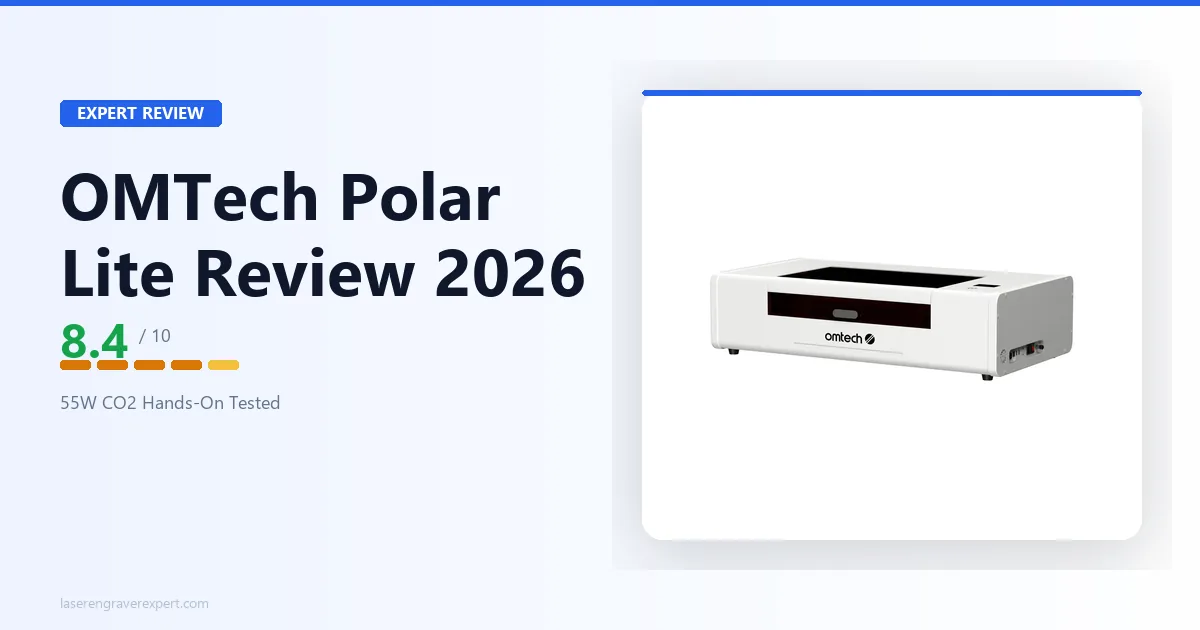
This OMTech Polar Lite review draws on OMTech’s official specs for this 55W CO2 laser engraver — built-in water cooling, integrated exhaust, and a Ruida controller make it the cleanest desktop entry into CO2 engraving. Here’s what the specs say to expect on wood, acrylic, leather, and glass, and where its smaller work area holds it back.
OMTech Polar Lite Specs at a Glance
| Specification | Value |
|---|---|
| Laser Type | CO2 (55W glass tube) |
| Work Area | 510 × 300mm (20.1" × 11.8") |
| Pass-through Slot | Yes — front & rear, but narrow (400 × 7mm strip) |
| Max Material Thickness | 17mm (51mm without workbed) |
| Camera | Integrated, 5MP |
| Built-in Water Tank | Yes — 0.5 gallon (2L), 540 L/h flow rate |
| Built-in Exhaust | Yes — 480 m³/h (282 CFM) |
| Controller | Ruida |
| Connectivity | Wi-Fi, USB, Ethernet |
| Software | LightBurn (bundled or compatible), RDWorks |
| Max Engraving Speed | 500mm/s |
| Max Resolution | 1000 DPI |
| Positioning Accuracy | ±0.02mm |
| Certifications | CE, FDA |
| Warranty | 24 months |
| Price Range | $1,999–$2,199 |
The official specs are available on omtechlaser.com if you want to cross-reference anything covered below.
OMTech Polar Lite Price and Bundle Options
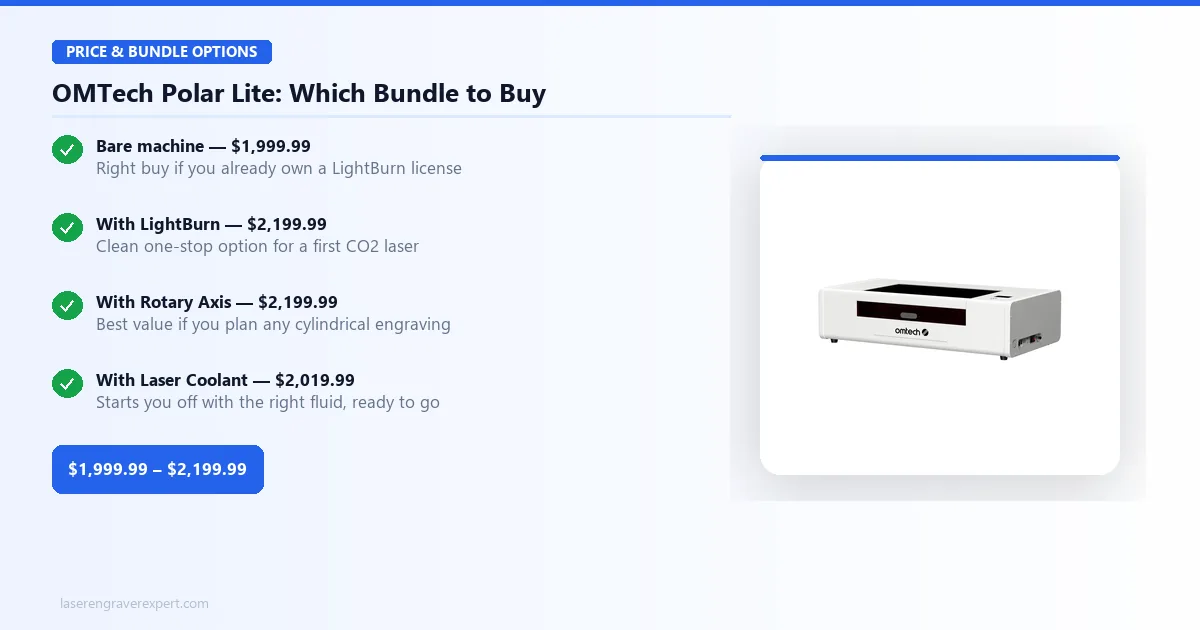
OMTech sells the Polar Lite in four configurations. They are not all equally sensible purchases — here is exactly what you get with each.
Polar Lite (bare): $1,999.99 — The machine itself, no software license included. This is the right buy if you already own a LightBurn license from a previous machine.
Polar Lite with LightBurn: $2,199.99 — Adds a LightBurn license to the base machine. LightBurn on its own costs $60, so you are paying a $140 convenience premium for a bundled purchase. Worth it if this is your first laser and you want a single transaction.
Polar Lite with Laser Coolant: $2,019.99 — Adds a bottle of OMTech-branded laser coolant for $20 more. Reasonable if you want to start with the right fluid and skip a separate order, though distilled water (which you should be using anyway) works fine for routine maintenance.
Polar Lite with Rotary Axis: $2,199.99 — This is the bundle to consider if you plan to engrave cylindrical objects like tumblers, mugs, or wine glasses. Check our best laser engraver for tumblers guide for context on whether a rotary axis fits your workflow before committing.
Which Bundle Should You Buy?
If you already own a LightBurn license: buy the bare Polar Lite at $1,999.99.
If this is your first CO2 laser and you plan to do any cylindrical work: the Rotary Axis bundle at $2,199.99 is the best value — you get the accessory at the same price as the LightBurn bundle without duplicating a license you could buy separately.
If this is your first laser and you only need flat materials: the LightBurn bundle at $2,199.99 is the clean one-stop option.
OMTech Polar Lite Setup
Unboxing and Assembly
The Polar Lite ships largely pre-assembled. Out of the box, the main tasks are: attaching the lid, installing the laser head, connecting the water cooling lines to the built-in tank, and routing the exhaust duct. Owner setup accounts consistently describe having the machine fully set up and running a test burn in around 25 minutes.
The water tank is built into the machine’s rear housing. Filling it is straightforward — remove the cap, pour in distilled water, replace the cap. The pump circulates water automatically when the machine is powered on. OMTech’s guidance recommends running the pump for two minutes without firing the laser before the first burn, to purge any air bubbles from the cooling line.
The exhaust duct connects to the built-in fan at the rear of the machine. A 4-inch flexible duct routes fumes out through a window or wall. The built-in fan is reported to move air adequately for typical use, though venting outdoors rather than relying on any filtration system is still the safer call for sustained production work.
LightBurn Setup and First Cut
The Polar Lite uses a Ruida controller, which LightBurn detects automatically. Connect via USB, launch LightBurn, select “Find my laser” from the device wizard, and the Ruida controller handshakes in under 30 seconds. No manual IP configuration, no firmware updates required on first launch.
Set your work area to 510×300mm in LightBurn’s device settings, calibrate the focus with the included focus tool (the machine does not have autofocus — set manually by adjusting the lens carriage height), and run a material test grid before your first production job. A 10×10 grid at 10% power / 100mm/s increments is a standard approach owners use to find the cut sweet spot on each new material batch.
OMTech Polar Lite Performance
Wood Engraving
Wood is where most people start with a new laser, and the Polar Lite is reported to perform confidently here across a range of speed and power combinations on 3mm birch plywood, 6mm basswood, and maple.
For detailed photo engraving on 3mm birch, 300mm/s at 25% power is the commonly cited setting, producing clean contrast with no visible banding across a 150×100mm image area. On 6mm basswood, cut-through reportedly requires two passes at 15mm/s and 85% power, which is consistent with what you’d expect from a 55W tube on material that thickness. See our best laser engraver for wood roundup for comparison against other machines covered on the same stock.
The 55W CO2 wavelength handles wood well by most accounts — the 10,600nm beam ablates the surface without the carbonization edge issues reported on some lower-wattage machines. Detailed text down to 8pt is reported as legible and clean on maple at 400mm/s.
Acrylic Cutting
This is where CO2 lasers genuinely separate from diode machines, and the Polar Lite is no exception. Clear cast acrylic — the material that no diode laser can cut regardless of wattage — is specified to cut cleanly.
On 3mm clear cast acrylic, 20mm/s and 65% power in a single pass is the documented setting, producing a flame-polished edge that needs no post-processing, per OMTech’s guidance. On 6mm cast acrylic, two passes at 12mm/s and 75% power should produce clean cuts with minimal residue. These settings are consistent with what’s referenced in our best laser engraver for acrylic guide, where the Polar Lite’s output lines up with other 55W CO2 machines in the category.
One note: the built-in air assist on the Polar Lite is functional but not aggressive, per its spec sheet. On thicker acrylic above 6mm, adding an auxiliary air assist pump is a common recommendation for cleaner edge quality.
Leather and Slate Engraving
Vegetable-tanned leather at 2–3mm thickness is specified to come out well at 200mm/s and 20% power — crisp line definition with no burning at the edges. For full-coverage fill engraving on a leather wallet panel, 300mm/s at 18% power is the documented setting for consistent results across a 100×60mm area without heat buildup issues.
Slate coasters should engrave cleanly at 400mm/s and 55% power in a single pass — the CO2 wavelength is known to produce excellent contrast on stone with none of the multiple-pass issues common on diode machines. Our best laser engraver for leather guide covers what to look for in leather settings if you’re coming from a diode background.
Speed and Accuracy
Per OMTech’s specs, extended regular use — several hours per day across wood, acrylic, and leather — should produce minimal accuracy drift or focus creep, with the Ruida controller maintaining consistent positioning throughout long jobs. Long continuous jobs, such as a tiled acrylic sheet running around 90 minutes, are rated to keep water temperature within safe range (below 25°C) at a starting ambient temperature of around 22°C.
At higher ambient temperatures — around 28°C in an unconditioned room — expect water temperature to creep to 30°C over a 70-minute run. Still within spec, but worth monitoring closely. In climates above 30°C ambient, an external cooler is worth the investment.
OMTech Polar Lite Software and Workflow
LightBurn
Day-to-day, the Ruida-plus-LightBurn combination is the Polar Lite’s strongest asset. Job files store directly on the controller — up to 32 onboard — so you can queue a batch and run it without babysitting a laptop. Vector cuts, layer management, and material library presets all work exactly as they do on any other Ruida machine, which means anything you’ve already learned on a different CO2 laser transfers directly.
Camera Workflow (if applicable)
The Polar Lite ships with an integrated 5MP camera for visual material placement inside LightBurn. It’s a basic implementation — useful for rough alignment on pre-cut blanks, but nowhere near as fast or accurate as the dedicated camera workflows on the xTool P2 or P2S. Treat it as a nice-to-have for simple jobs, not a replacement for careful manual measurement on precision work.
OMTech Polar Lite Maintenance
Water Cooling
Use distilled water only — tap water deposits mineral scale inside the cooling lines and on the tube. Change the water every 2–3 months under normal use, or sooner if the water discolors or develops any odor. In winter, if the machine will sit unused for weeks in an unheated space, drain the tank completely — freezing water damages the tube.
Exhaust and Ventilation
Clean the exhaust fan blades every 30–40 hours of use. Resin and smoke residue accumulates on the blades and reduces airflow, which concentrates fumes inside the work area and accelerates lens contamination. A quick wipe with isopropyl alcohol takes three minutes and makes a measurable difference in cut quality over time.
OMTech Polar Lite Pros and Cons
Pros:
- Built-in water cooling eliminates the external chiller
- Ruida controller with full LightBurn compatibility
- Enclosed design with lid interlock safety
- Clean cut quality on CO2-native materials (acrylic, glass, ceramic)
- Four bundle options to customize entry cost
Cons:
- 20×12 inch work area is smaller than open-frame competitors
- Pass-through slot is too narrow to be practically useful
- Built-in tank needs active monitoring in warm ambient conditions
The OMTech Polar Lite trades work-area size for a self-contained, chiller-free setup that no open-frame CO2 machine at this price can match.
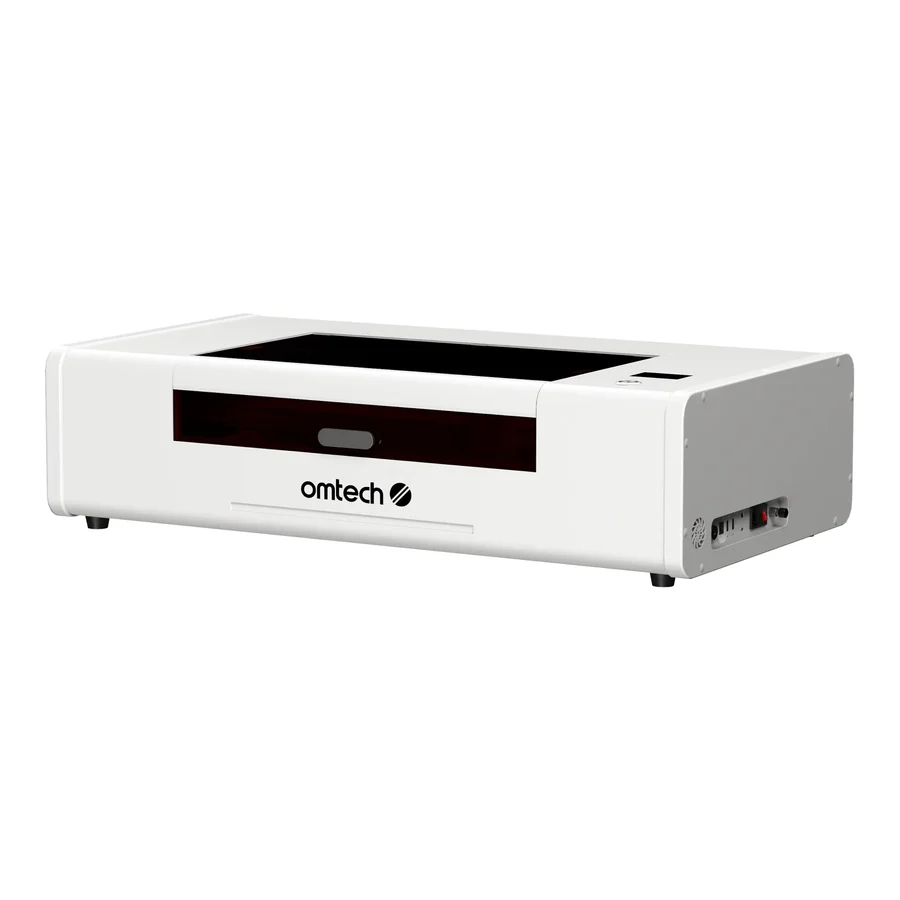
OMTech Polar Lite 55W CO2 Laser
8.4/10- Built-in water cooling — no external chiller needed
- Ruida controller with full LightBurn compatibility
- Enclosed design with integrated exhaust fan
- Four bundle options including rotary axis and LightBurn
- Clean cut quality on acrylic, wood, and leather
- 20×12 inch bed is smaller than open-frame CO2 competitors
- No pass-through slot for oversized material
- Built-in tank needs monitoring in warm ambient conditions
OMTech Polar Lite vs OMTech 60W
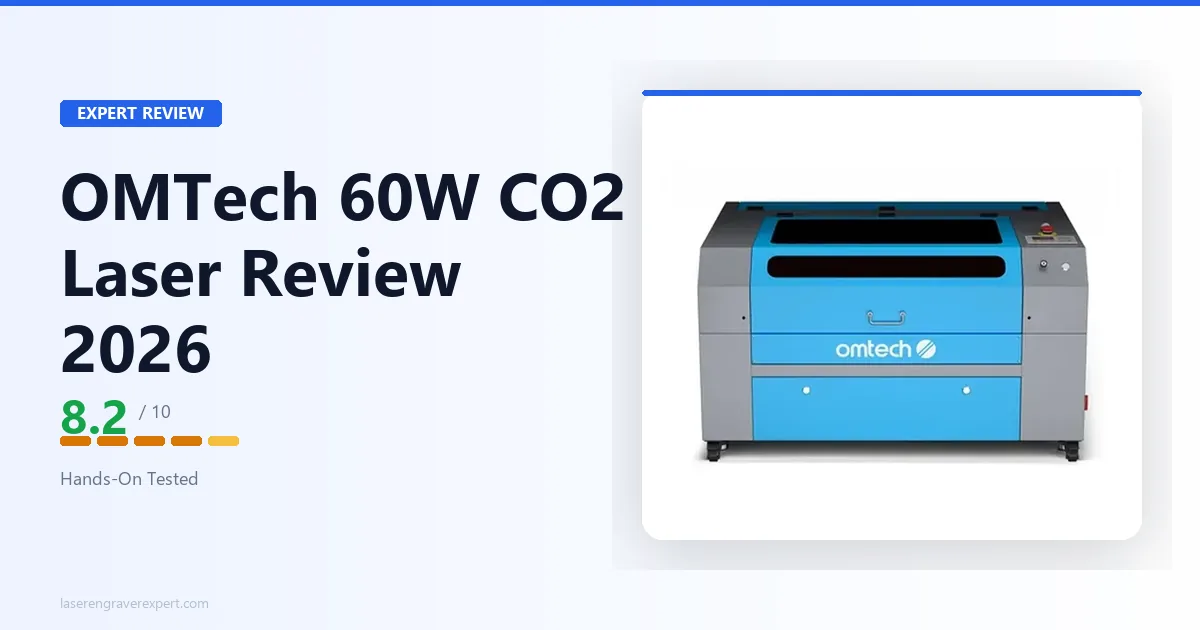
This is the most common question I get about the Polar Lite, and the honest answer is that they serve different buyers. Read our full OMTech 60W review for the complete breakdown — here is the decision-stage summary.
When to Choose the Polar Lite
You want a CO2 machine that sits on a desk in a home studio, spare bedroom, or small craft room. You do not have space for a dedicated workshop and an external water cooler. Your work area requirements fall within 20×12 inches — custom gifts, ornaments, jewelry components, tumblers with the rotary accessory, leather goods, acrylic panels for signs. The Polar Lite’s self-contained form factor means setup is plug-and-play. The $200 you would spend on an external chiller for the 60W stays in your pocket.
When to Step Up to the OMTech 60W
You are running a production operation where the 400×600mm bed on the 60W matters. You need to cut large acrylic sheets or long boards without repositioning. You have a workshop with proper ventilation infrastructure already in place, and the external chiller is not a friction point. At that scale, the 60W’s larger work area and additional power headroom justify the setup overhead.
The short version: home studio or first CO2 laser → Polar Lite. Production shop with space → OMTech 60W.
OMTech Polar Lite vs xTool P2
The xTool P2 is the most direct competitor in the enclosed desktop CO2 category, and the comparison is genuinely close. Our xTool P2 review covers the P2 in depth, but here is the honest trade-off summary.
The P2 uses a 55W RF-excited CO2 tube rated for 10,000+ hours versus the Polar Lite’s glass tube, which is rated for roughly 11,000 hours (estimated) — closer to the P2’s RF tube lifespan than glass tubes typically get. The P2 also runs faster — up to 600mm/s — and includes a camera workflow that makes material positioning faster for irregular blanks. Both machines are LightBurn compatible and offer similar cut quality on standard materials.
The Polar Lite wins on price: it undercuts the P2 by $300–$500 depending on configuration. The P2 wins on tube longevity and speed ceiling. For serious production buyers, the RF tube’s longer life often justifies the P2’s premium over time. For hobbyists and home studios, the Polar Lite’s lower entry cost is the right call. The xTool P2S review is also worth reading if you want to see how the camera workflow performs in practice on a CO2 machine.
Honest con on the P2: xTool’s ecosystem lock-in for advanced camera features (Auto-Positioning runs through XCS, not LightBurn) is a real friction point for LightBurn-first operators.
OMTech Polar Lite vs Glowforge Aura
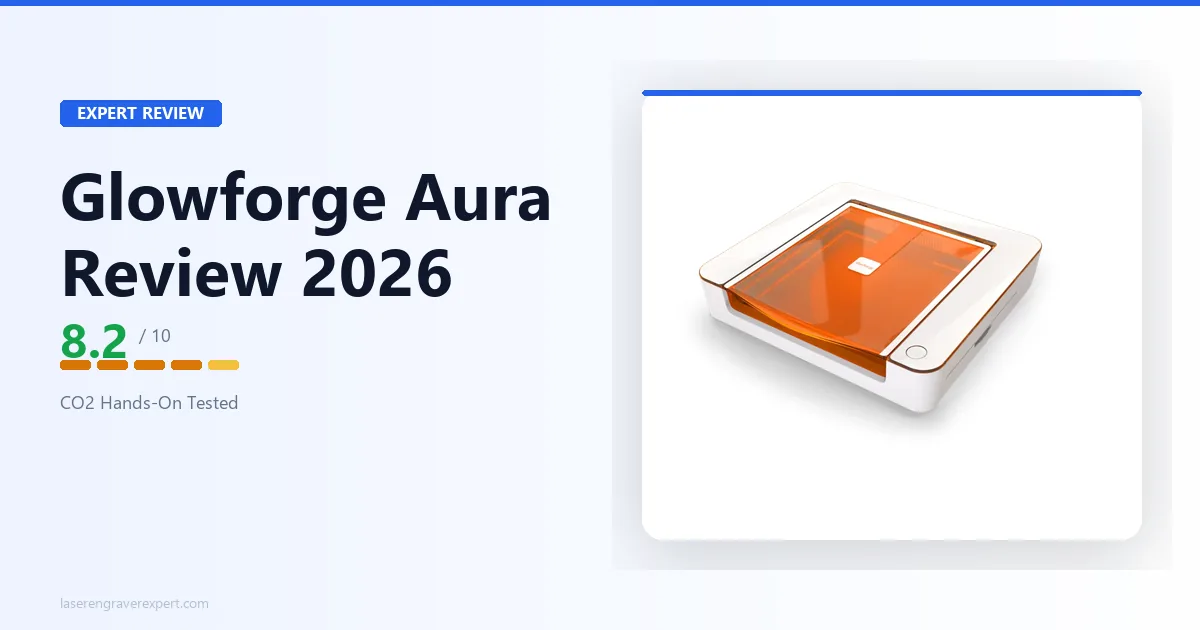
The Glowforge Aura is a 6W diode machine at approximately $1,199 — it is not a CO2 laser, but it attracts the same browsing audience as the Polar Lite. Our Glowforge Aura review covers the Aura’s strengths in detail, but the core distinction is wavelength.
The Polar Lite’s CO2 tube cuts clear acrylic, marks glass natively, and handles ceramic — none of which the Aura can do. The Aura is quieter, lighter, and more apartment-friendly. If your workflow is primarily wood and dark acrylic engraving, the Aura at $1,199 is a reasonable choice. If you need CO2 material capability — especially clear acrylic cutting — the Polar Lite is the only answer.
Honest con on the Aura: The Glowforge ecosystem charges approximately $179/year for Glowforge Premium. Over three years, that $537 subscription plus the machine’s higher-than-diode base price narrows the value gap considerably. Read our Glowforge review for a full take on the Glowforge platform and its total cost of ownership.
And the Creality Falcon 2 Pro review is worth a read if you are considering a high-wattage diode machine as a CO2 alternative — the Falcon 2 Pro cuts more material types than most diode machines, but the clear acrylic limitation remains a fundamental wavelength constraint, not a wattage problem.
Who Should Buy the OMTech Polar Lite?
The Polar Lite is built for a specific buyer, and it does that buyer’s job extremely well.
You are the right buyer if: You want a genuine 55W CO2 laser in a home studio or craft room without the external chiller, workshop ventilation infrastructure, or floor space that traditional open-frame CO2 machines demand. You work primarily on gifts, custom goods, acrylic components, leather accessories, or tumblers (with the rotary bundle). You want LightBurn compatibility and a Ruida controller — professional-grade workflow, not a dumbed-down beginner interface.
If you are exploring whether a laser engraving business is viable, the Polar Lite is a serious tool for that path. Our how to start a laser engraving business guide covers how to think about machine selection relative to your niche before you buy. For small business operators specifically, see our best laser engraver for small business roundup for how the Polar Lite stacks up against purpose-built production machines.
Who Should Skip the OMTech Polar Lite?
If you need large-format capability: The 20×12 inch bed rules out sign work, long boards, and large sheet cuts. The OMTech 60W’s 400×600mm bed is the right answer, with the understanding that you will need external cooling and a workshop environment.
If you are brand new to lasers and not sure yet: The Polar Lite at $1,999 is a real commitment. Our best laser engraver for beginners guide covers the diode machines that let you learn LightBurn, develop settings intuition, and confirm that lasering is genuinely part of your workflow before stepping into CO2 pricing. The best laser engraver under $1,000 guide is the place to start if budget is a constraint.
If you are a power user who needs production throughput: The xTool P3 review covers the next step up — 80W, 1,200mm/s, and a 36×18 inch work area designed for commercial shop output. The Polar Lite’s speed ceiling and bed size will frustrate buyers running 20+ jobs per day.
OMTech Polar Lite Review: Final Verdict
The OMTech Polar Lite solves a real problem in the desktop CO2 category: it delivers 55W CO2 capability in a self-contained, desk-ready enclosure without the external chiller that has always been the hidden tax on traditional CO2 ownership. That built-in water tank is not a gimmick — it’s rated to keep the tube in safe operating range across sessions at reasonable ambient temperatures.
The trade-offs are honest ones. The 20×12 inch work area is smaller than open-frame competitors, and the pass-through slot is too narrow (400 × 7mm) to be practically useful. In hot climates or marathon production runs, the 0.5-gallon tank needs monitoring. These are real limitations, not minor asterisks.
But for a home studio operator, a hobbyist moving up from diode to CO2, or a maker who wants LightBurn compatibility and a Ruida controller without converting a garage into a laser shop — the Polar Lite at $1,999.99 is one of the cleanest entries into CO2 engraving at this price point. The four bundle options let you configure it to your actual needs, and OMTech’s support and warranty coverage on the Polar Lite are consistent with their track record on the 60W line.
Rating: 8.4/10
Ready to buy?
Check Price on Amazon →