How to Start a Laser Engraving Business in 2026
Want to start a laser engraving business but don't know where to begin? Here's the exact machine-first breakdown: best niches, machines, real costs, and profit.
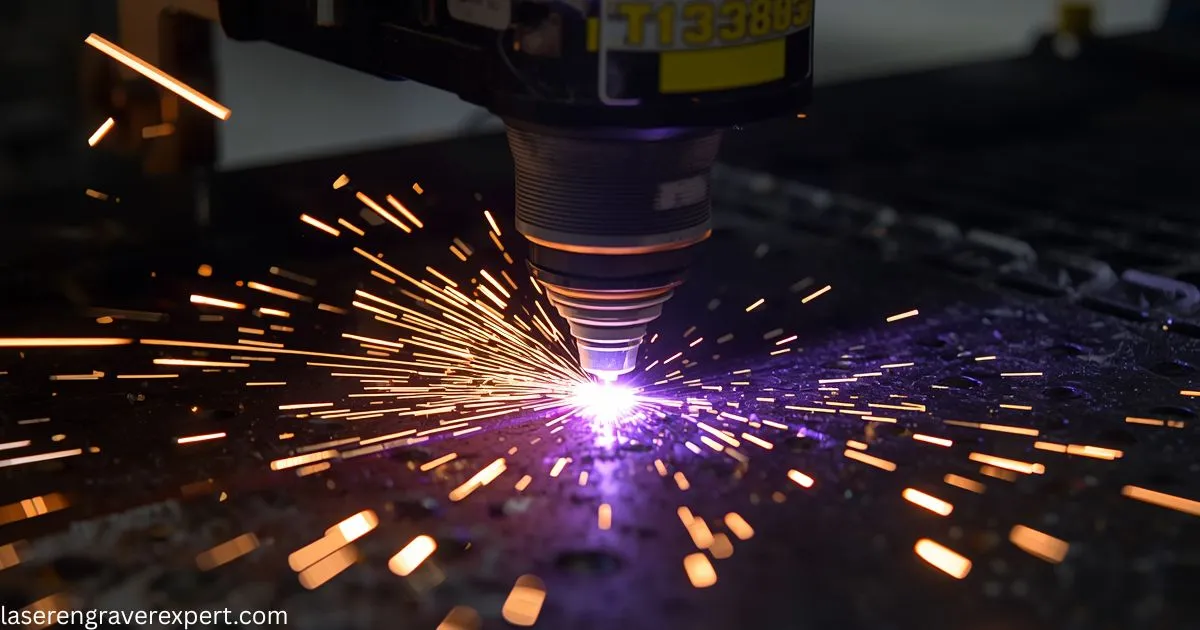
Starting a laser engraving business is one of the most practical ways to turn a maker hobby into real income, but most guides get the order of decisions backwards. I nearly bought a machine before picking a niche, a costly mistake. This guide covers the niche-first order that got me my first sale in week three on a $480 budget.
Everything below is organized around five real machines and six proven business ideas, not vague advice: the exact niches, costs, and upgrade path I’d use if I were starting over today.
Quick Answer: Can You Actually Make Money With a Laser Engraving Business?
Yes. Laser engraving is one of the more practical product-based side businesses available to makers because margins on personalized items are strong.
| Question | Quick Answer |
|---|---|
| Is it profitable? | Yes, a $4 tumbler blank sells engraved for $35–$50 |
| Typical Year 1 revenue | $1,000–$2,500/month for consistent Etsy sellers |
| Startup cost | $470–$650 for a full diode setup |
| Best starting niches | Personalized gifts and tumblers |
| Best starting machine | xTool D1 Pro 20W |
Material costs stay low, perceived value stays high because of customization, and production is fast enough that one person can run meaningful volume from a home setup.
Your exact results depend on your niche choice, product photography, and how consistently you ship. The rest of this guide breaks down exactly how to get those variables right.
How We Compare These Laser Engraving Business Ideas
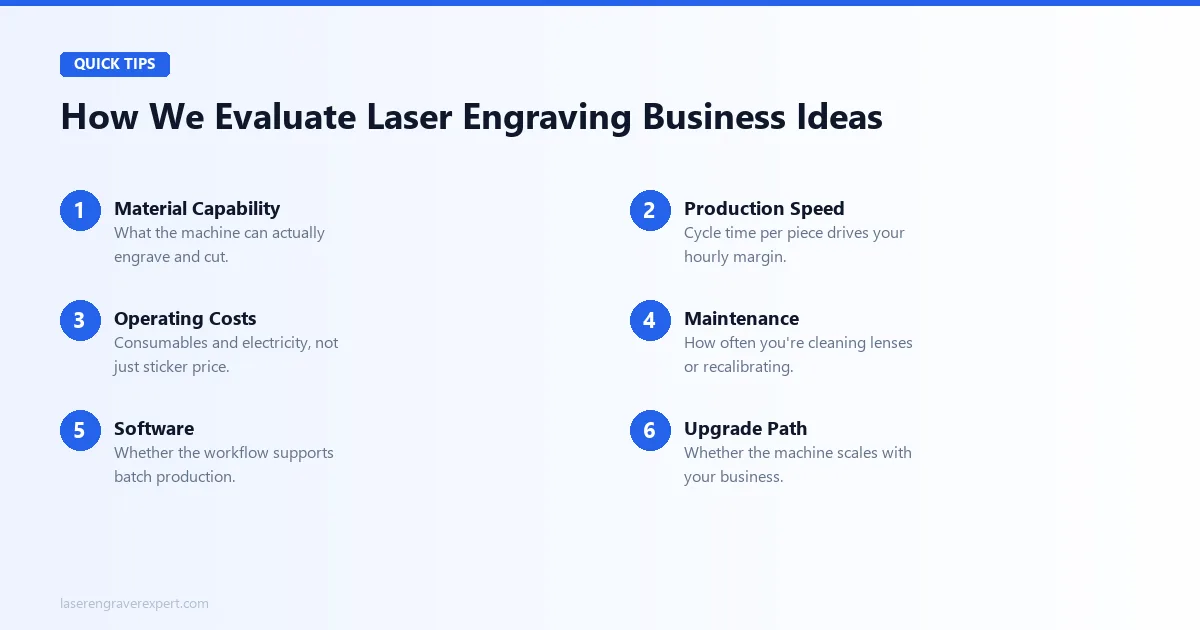
Every business idea and machine recommendation in this guide is evaluated against six criteria, not gut feeling, drawn from manufacturer specs and what owners and sellers report running these machines in real shops.
| Criterion | What We Check | Why It Matters |
|---|---|---|
| Material Capability | What the machine engraves and cuts cleanly per spec | Determines which niches are even possible |
| Production Speed | Cycle time per piece from published speeds and owner reports | Drives your real hourly margin |
| Operating Costs | Consumables, electricity, upkeep | Affects true profit, not sticker price |
| Maintenance | Lens cleaning, recalibration frequency | Downtime costs you real orders |
| Software | Batch production support | One-off hobby workflows don’t scale |
| Upgrade Path | Modular vs. full replacement | Determines your cost to scale later |
This is why the recommendations below are organized by business type first: the niche you pick should drive the machine, not the other way around.
Best Laser Engraving Business Ideas by Niche
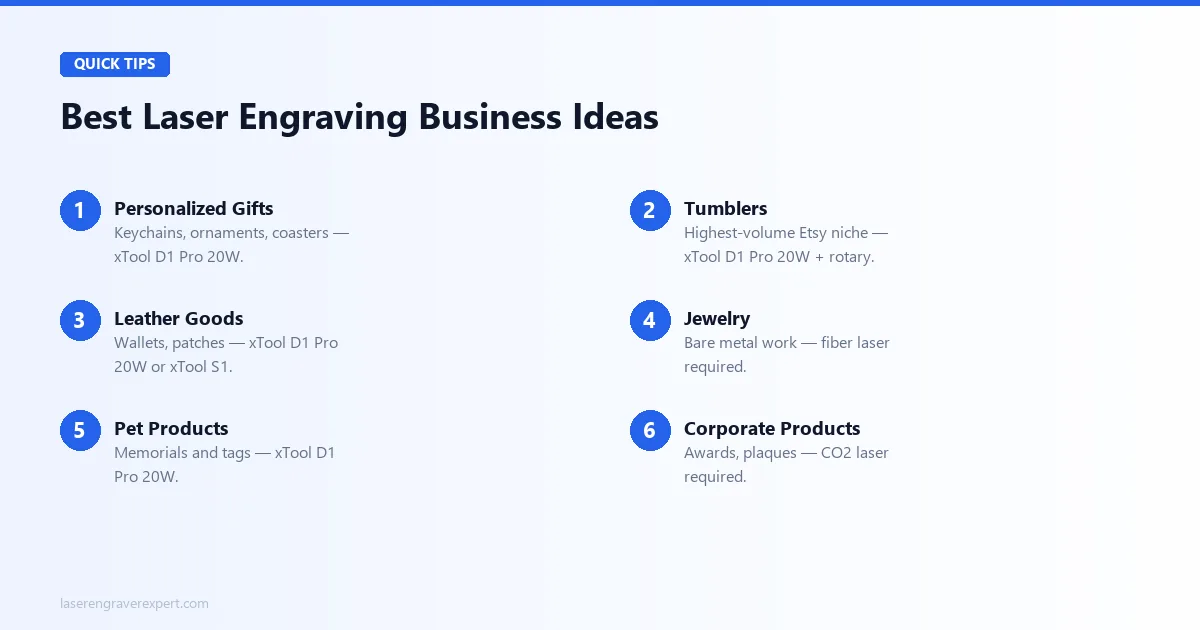
Here are the six business ideas with the strongest margins and clearest machine requirements, based on the testing criteria above.
Personalized Gifts
Keychains, ornaments, and coasters are the broadest category and the easiest entry point: low material cost, fast production, and no rotary required. Competition on Etsy is higher here, so strong photos and listing SEO matter more than usual.
| Detail | Info |
|---|---|
| Recommended Machine | xTool D1 Pro 20W |
| Price | $420–$480 |
| Best Materials | Basswood, plywood, anodized aluminum |
| Profit Per Piece | $9–$41 |
| Pro | Lowest barrier to entry of any niche in this guide |
| Watch Out For | Highest Etsy competition; photos and SEO carry more weight |
| Link | Check Price – xTool D1 Pro 20W → |
Tumblers
Personalized Stanley cups and Yeti-style tumblers are the highest-volume niche on Etsy, with consistent year-round demand and massive holiday spikes. Buy coated blanks for $4–$12, engrave with a rotary attachment, and sell for $30–$65.
| Detail | Info |
|---|---|
| Recommended Machine | xTool D1 Pro 20W + RA2 Pro rotary |
| Price | $520–$580 total |
| Best Materials | Coated stainless tumbler blanks |
| Profit Per Piece | $25–$48 |
| Pro | Largest, most consistent Etsy demand of any niche here |
| Watch Out For | Requires holding blank inventory upfront |
| Link | Check Price – xTool D1 Pro 20W → |
Leather Goods
Wallets, patches, and leather accessories sell well and engrave cleanly on any decent diode laser, with no rotary needed for flat pieces. Step up to an enclosed machine if you’re working leather indoors daily.
| Detail | Info |
|---|---|
| Recommended Machine | xTool S1 or xTool D1 Pro 20W |
| Price | $420–$1,099 |
| Best Materials | Vegetable-tanned leather, suede |
| Profit Per Piece | $25–$50 |
| Pro | Strong margins, minimal per-piece production time |
| Watch Out For | Leather fumes need active ventilation, no exceptions |
| Link | Check Price – xTool S1 → |
Jewelry
Bare metal jewelry (rings, pendants, bare stainless pieces) is a completely different technical requirement. Diode lasers cannot mark bare metal without a coating, full stop.
| Detail | Info |
|---|---|
| Recommended Machine | xTool F1 Ultra |
| Price | ~$1,800+ |
| Best Materials | Bare stainless, gold, silver |
| Profit Per Piece | Highest margin in this guide |
| Pro | Highest per-piece margin, minimal direct competition |
| Watch Out For | Highest startup cost; validate demand first in a cheaper niche |
| Link | Check Price – xTool F1 Ultra → |
Pet Products
Pet memorials (engraved portraits on wood or slate) and pet ID tags (anodized aluminum) are a high-margin, repeat-order niche with strong emotional resale value.
| Detail | Info |
|---|---|
| Recommended Machine | xTool D1 Pro 20W |
| Price | $420–$480 |
| Best Materials | Wood, slate, anodized aluminum |
| Profit Per Piece | $10–$79 |
| Pro | Emotionally driven purchases, strong repeat-order potential |
| Watch Out For | Portrait engraving quality directly determines your price ceiling |
| Link | Check Price – xTool D1 Pro 20W → |
Corporate Products
Awards, plaques, and branded merchandise carry a higher per-order value than consumer goods, but the sales cycle is longer: you’re pitching businesses, not listing on Etsy.
| Detail | Info |
|---|---|
| Recommended Machine | xTool P2S |
| Price | ~$3,249 |
| Best Materials | Clear acrylic, thick wood |
| Profit Per Order | $500–$2,000+ |
| Pro | Highest per-order value of any niche in this guide |
| Watch Out For | Longer sales cycle; you’re pitching, not listing |
| Link | Check Price – xTool P2S → |
How to Pick the Right Niche for You
If more than one niche above looks appealing, answer these three questions before you buy anything.
- What do I want to make every day? You will be producing a lot of the same product type. If tumbler engraving’s repetition doesn’t appeal to you, wooden gifts or personalized items offer more day-to-day variety.
- What does my local market need? A wedding venue district nearby points toward custom decor and gifts. A strong sporting community points toward team merchandise and trophies.
- What can I actually afford to stock? Tumblers and jewelry require holding blank inventory upfront. Wooden gifts and leather goods use cheaper materials with faster turnover and lower risk.
5 Best Laser Engravers for a Laser Engraving Business
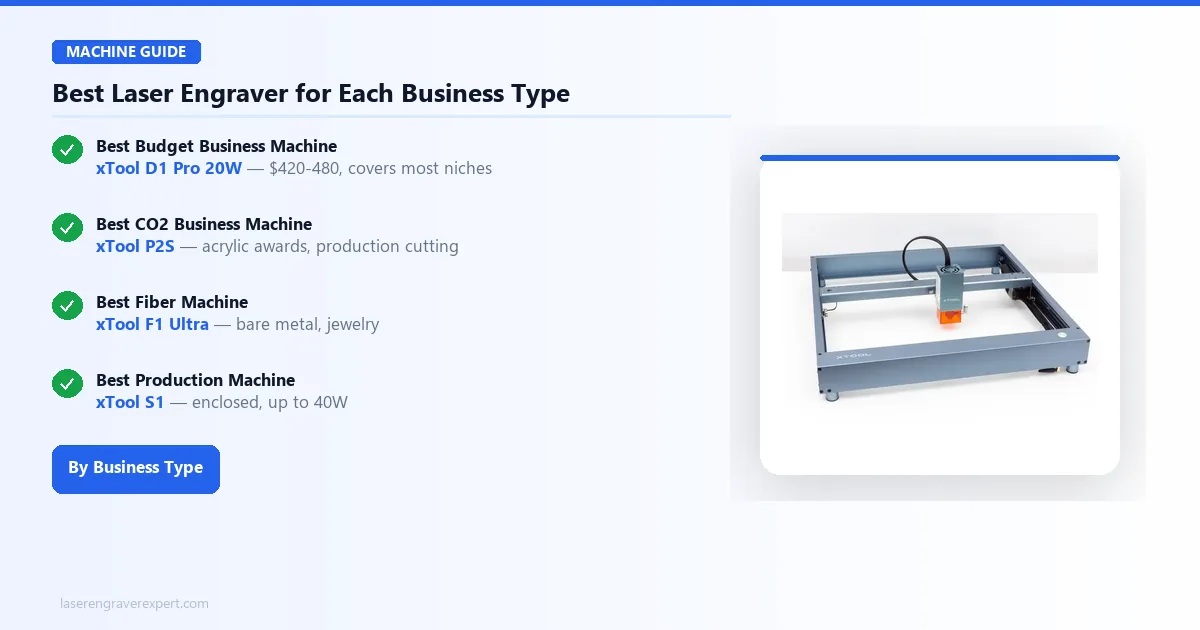
If you already know your business type, here is the single best machine for it: five machines, five jobs, no overlap.
| Machine | Type | Price | Best For |
|---|---|---|---|
| xTool D1 Pro 20W | Diode | $420–$480 | Budget entry, most niches |
| xTool S1 | Enclosed Diode | $899–$1,099 | Indoor production, higher power |
| xTool P2S | CO2 | ~$3,249 | Acrylic, corporate awards |
| xTool F1 Ultra | Fiber | ~$1,800+ | Bare metal, jewelry |
| xTool P3 | CO2 (Production) | $6,399–$9,259 | High-volume scale-up |
Best Budget Business Machine: xTool D1 Pro 20W
The lowest-cost path into a real business: $420–$480 on sale, and it covers wood, leather, anodized aluminum, and coated tumblers.
- 20W diode, 432 x 406mm work area
- Handles the four most profitable beginner niches on one machine
- Read the full xTool D1 Pro review
Best Production Machine: xTool S1
The enclosed upgrade for year-two production: built-in filtration, up to 40W, and safer for long sessions in a shared space.
- Class 1 enclosed, no eyewear required
- Up to 40W, doubles diode throughput over the D1 Pro
- Read the full xTool S1 review
Best CO2 Business Machine: xTool P2S
Handles clear acrylic, thick wood, and production-volume cutting that no diode laser can match: the standard pick for corporate awards.
- 55W CO2, 600 x 305mm work area
- 6,400mm/s² acceleration, 26% faster on large fill jobs
- Read the full xTool P2S review or the best CO2 laser engraver guide
Best Fiber Machine: xTool F1 Ultra
The entry point for bare metal work: jewelry, stainless tumblers, and metal tags that a diode or CO2 laser physically cannot mark.
- 20W fiber + 20W diode dual-source
- Class 1 enclosed, fastest galvo speed tested
- See the best fiber laser engraver guide for the full lineup
Best Scale-Up Machine: xTool P3
Once a smaller machine becomes your throughput ceiling, the xTool P3 removes it: the largest bed and fastest engraving speed in this guide.
- 80W CO2, 915 x 458mm work area (36" x 18")
- 1,200mm/s max engraving speed, production-line pace
- Read the full xTool P3 review
xTool D1 Pro 20W vs xTool S1: Which Should You Start With?
Most beginners are choosing between these two exact machines. Here’s the deciding factor, side by side.
| Feature | xTool D1 Pro 20W | xTool S1 |
|---|---|---|
| Price | $420–$480 | $899–$1,099 |
| Enclosure | Open-frame | Fully enclosed, Class 1 |
| Max Power | 20W | Up to 40W |
| Work Area | 432 x 406mm | 498 x 330mm |
| Best For | Testing a niche cheaply | Daily indoor production |
Start with the D1 Pro 20W if you are still validating your niche. Start with the S1 if you already know you are running production volume from an apartment or shared space on day one.
How Much Does It Cost to Start a Laser Engraving Business?
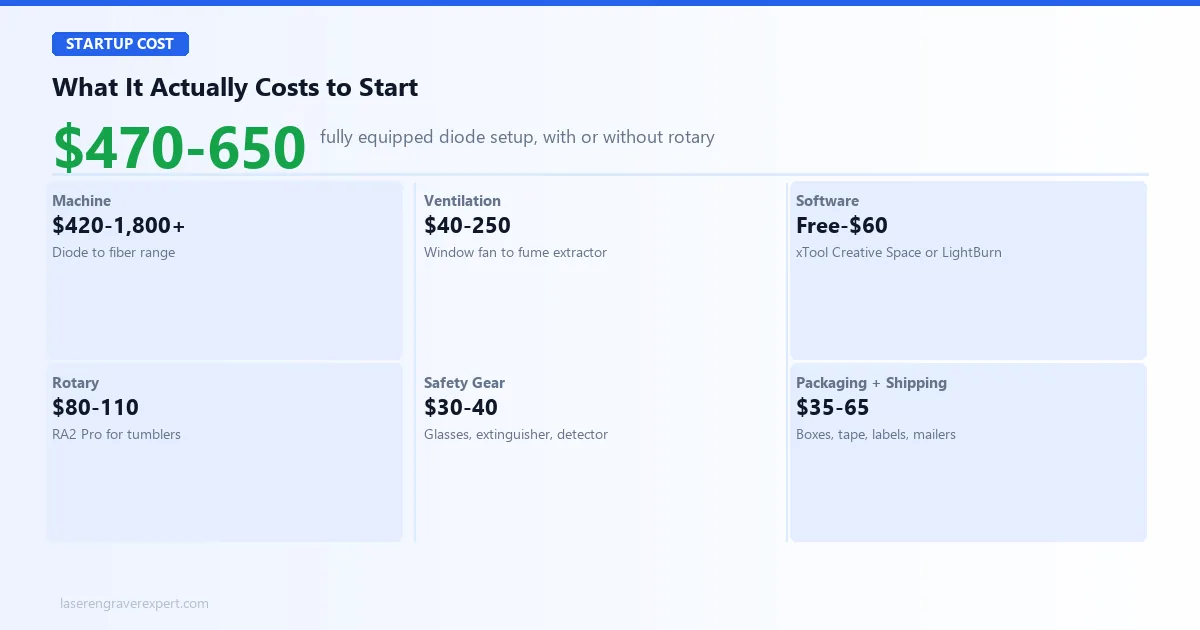
The $500 number you see everywhere is real, but it only covers the machine and the basics. Here is the full breakdown most guides skip.
| Cost Item | Range | Notes |
|---|---|---|
| Machine | $420–$1,800+ | xTool D1 Pro 20W (diode) up to fiber for metal work |
| Ventilation | $40–$250 | Window exhaust fan vs. a dedicated fume extractor |
| Software | Free–$60 | xTool Creative Space is free; LightBurn is a one-time $60 |
| Starter materials | $30–$50 | Wood blanks, anodized aluminum keychain blanks |
| Rotary attachment | $80–$110 | RA2 Pro, needed for tumblers and cylindrical items |
| Safety equipment | $30–$40 | Rated safety glasses, fire extinguisher, smoke detector |
| Packaging | $20–$40 | Boxes, tissue, branded inserts |
| Shipping supplies | $15–$25 | Tape, labels, poly mailers |
Startup Cost by Business Type
Your real starting cost depends entirely on which niche you picked in the section above: a diode-only business and a jewelry business have very different budgets.
| Business Type | Machine Needed | Total Startup Cost |
|---|---|---|
| Personalized gifts | xTool D1 Pro 20W | $470–$550 |
| Tumblers | xTool D1 Pro 20W + rotary | $580–$650 |
| Leather goods | xTool D1 Pro 20W or xTool S1 | $470–$1,150 |
| Corporate products | xTool P2S | $3,300–$3,600 |
| Jewelry | xTool F1 Ultra | $1,850–$2,600 |
The diode path stays under $650 fully equipped. Add a fiber or CO2 machine and your starting cost jumps to $1,800–$3,600, a year-two investment for most people, not a starting point.
What You Actually Need on Day One
Skip anything not on this list until you have your first few orders shipped: everything else is a later-stage upgrade, not a launch requirement.
| Item | Needed From Day One? | Why |
|---|---|---|
| Machine + basic materials | Yes | You cannot produce anything without this |
| Safety glasses | Yes | Non-negotiable, even for a single test cut |
| Window fan or fume extractor | Yes | Required the moment you run your first real job |
| Rotary attachment | Only for tumblers/cylindrical items | Flat-material niches don’t need it |
| Enclosure upgrade | No | A year-two decision once volume justifies it |
| Second machine | No | Add only when a specific order type is turning away revenue |
Which Software Should You Run?
Software is the “free” line item in the cost table above, but the choice still affects how fast you can fulfill orders.
| Software | Cost | Best For |
|---|---|---|
| xTool Creative Space | Free | Beginners, most day-one workflows |
| LightBurn | $60 one-time | Batch production, advanced toolpathing |
Start on the free option that ships with your machine. Only pay for LightBurn once you are running repeat batch jobs that benefit from its advanced layer and cut-sequence controls.
How Much Can a Laser Engraving Business Actually Make?
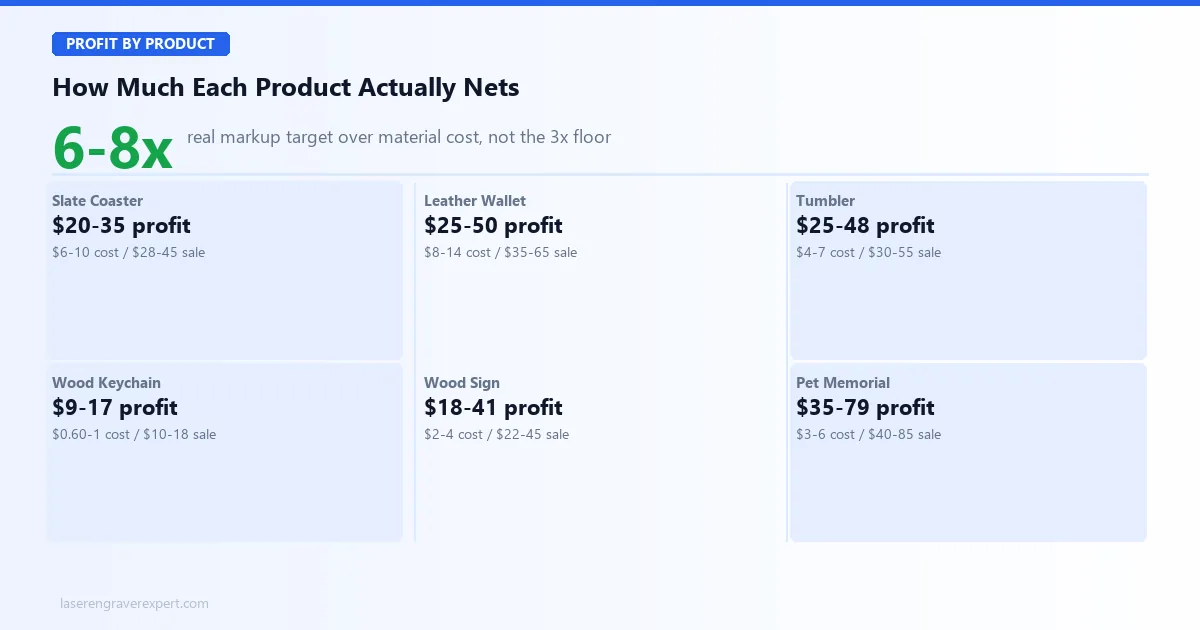
Skip the vague yearly income claims. Here is what individual products actually net after materials, not before.
| Product | Material Cost | Selling Price | Profit |
|---|---|---|---|
| Slate coaster (set of 4) | $6–$10 | $28–$45 | $20–$35 |
| Leather wallet | $8–$14 | $35–$65 | $25–$50 |
| Personalized tumbler | $4–$7 | $30–$55 | $25–$48 |
| Wood keychain | $0.60–$1 | $10–$18 | $9–$17 |
| Custom wood sign | $2–$4 | $22–$45 | $18–$41 |
| Pet memorial portrait | $3–$6 | $40–$85 | $35–$79 |
| Anodized pet tag | $1–$2 | $12–$22 | $10–$20 |
Realistic Revenue Timeline
| Timeframe | Monthly Revenue | What’s Happening |
|---|---|---|
| Months 1–3 | $0–$500 | Setup, first listings, first reviews |
| Months 4–6 | $500–$1,500 | 20–40 listings, holiday season boost |
| Months 7–12 | $1,500–$3,500 | Consistent operation, 40–55% margin |
| Scaling point | $2,000–$3,000+ | Single-machine throughput ceiling hit |
Most Etsy sellers in this niche move from $0–500/month in the first three months to $1,500–3,500/month by month twelve, once listings accumulate reviews and search ranking.
These numbers assume you are working the business consistently: improving photos, adding listings, and handling custom orders promptly. Sporadic effort produces sporadic revenue, regardless of which niche or machine you picked.
Where to Sell Products From Your Laser Engraving Business
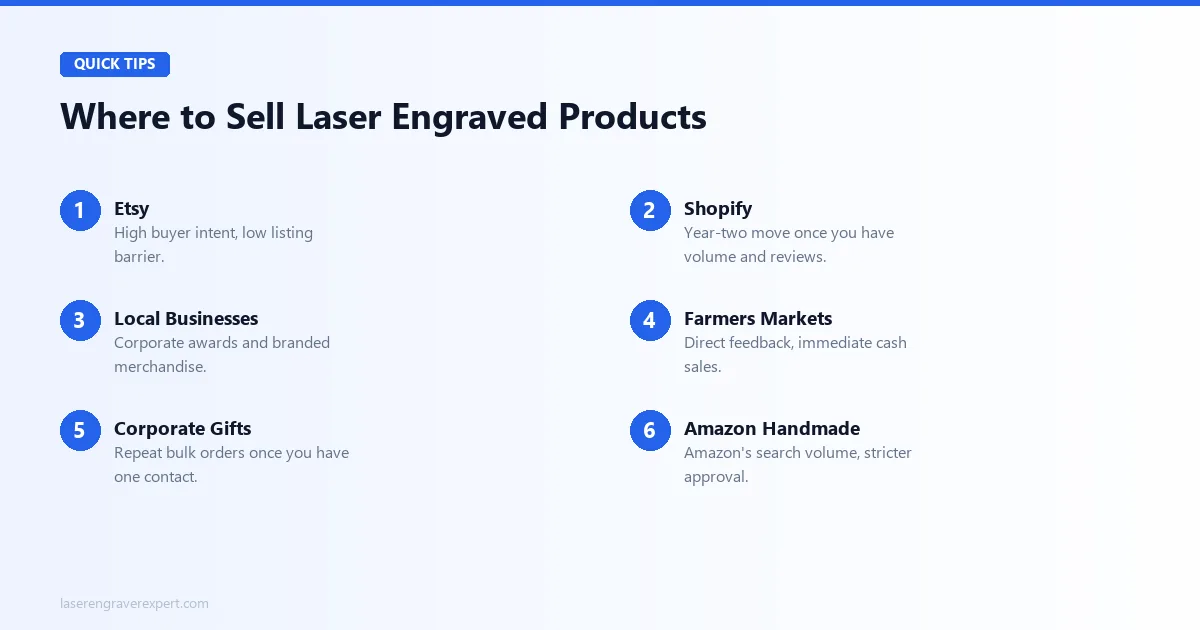
Etsy is the obvious starting point, but it is not the only channel, and it should not be your only one.
| Channel | Best For | Trade-Off |
|---|---|---|
| Etsy | High buyer intent, low listing barrier | Fees and rising competition |
| Shopify | Your own brand once you have volume | Setup cost, no built-in traffic |
| Local businesses | Corporate awards, branded merchandise | Longer sales cycle |
| Farmers markets | Direct feedback, immediate cash sales | Time-intensive, weather-dependent |
| Corporate gifts | Repeat bulk orders | Requires one inside contact to start |
| Amazon Handmade | Amazon’s search volume | Stricter approval and fees than Etsy |
Etsy is the right first platform for almost every laser engraving business because buyer intent is high and listings compound in value over time. Add a second channel once your first is generating consistent reviews; do not wait until Etsy stalls to diversify.
Mistakes That Kill New Laser Engraving Businesses
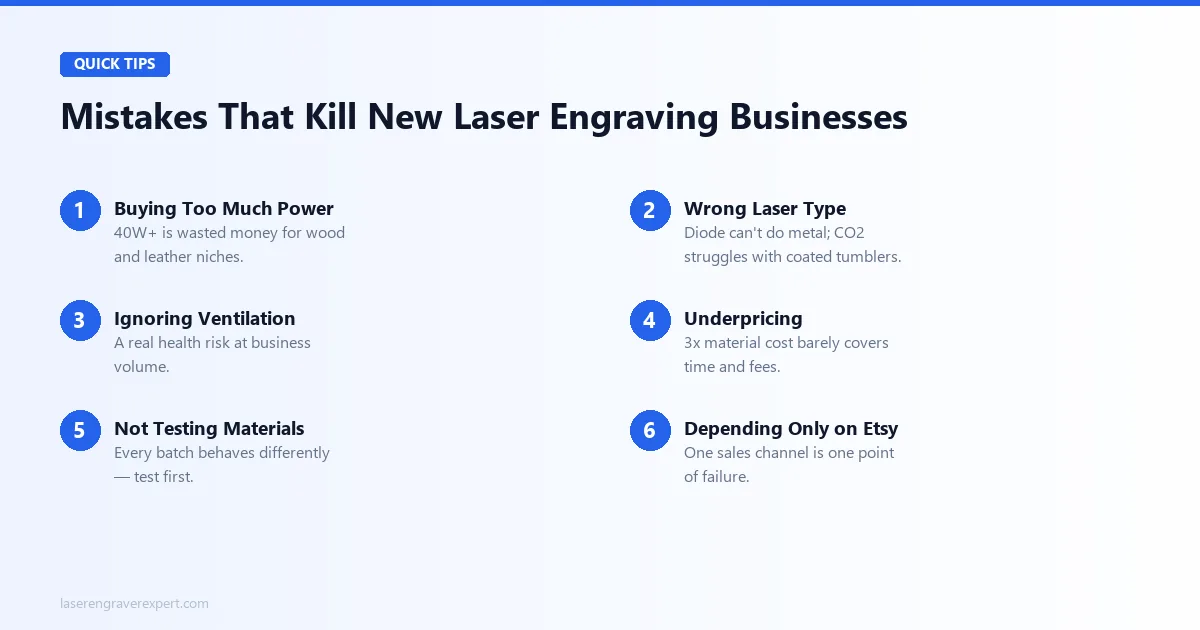
These are the mistakes I see most often, and the ones I made myself.
| Mistake | Why It Hurts | How to Avoid It |
|---|---|---|
| Buying too much power | A 40W+ machine is wasted money if your niche only needs 10–20W | Match wattage to your actual materials, not to what sounds impressive |
| Buying the wrong laser type | A diode laser cannot engrave bare metal; a CO2 laser struggles with coated tumblers | Pick the niche first, then the laser type that niche actually requires |
| Ignoring ventilation | Fumes from wood, acrylic, and leather are a real health risk at volume | Budget for a fan or fume extractor before your first production day |
| Underpricing | 3x material cost barely covers your time and fees | Target 6–8x material cost for most personalized gift categories |
| Not testing materials | Every material batch behaves differently | Run a test cut before every live order, no exceptions |
| Depending only on Etsy | One sales channel is one point of failure | Add a second channel once your first is generating reviews |
How to Scale Your Laser Engraving Business Beyond One Machine
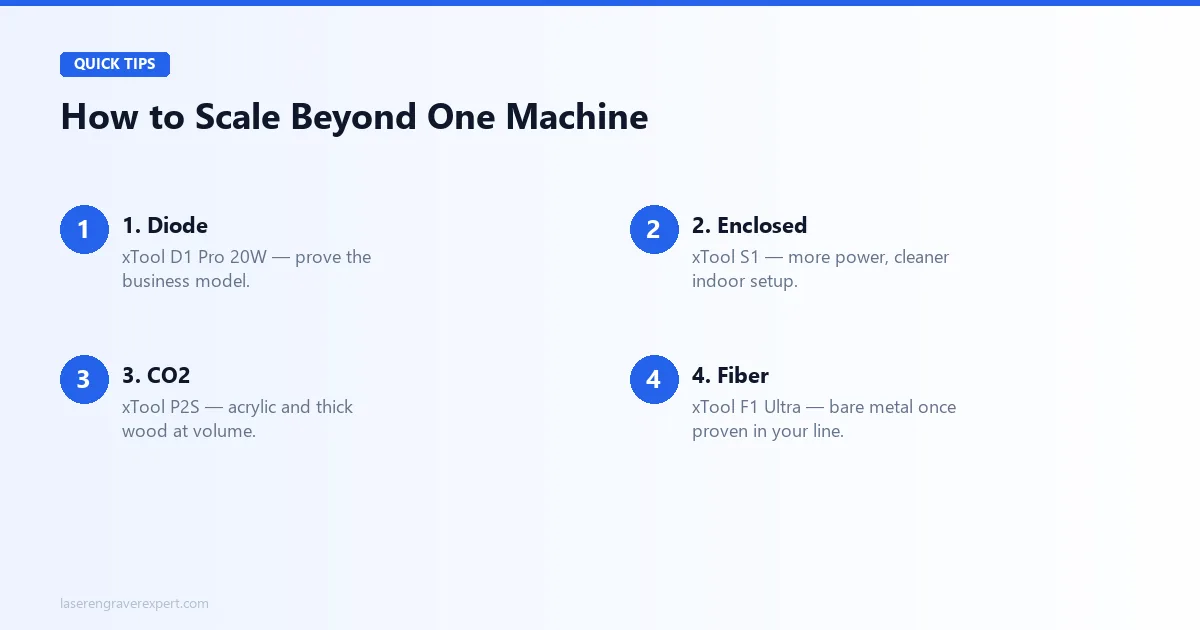
The upgrade path follows a predictable order, and it is the same one our machine reviews are built around.
| Stage | Machine | When to Upgrade | Check Price |
|---|---|---|---|
| 1. Prove the model | xTool D1 Pro 20W | Day one; validate your niche cheaply | Check Price → |
| 2. Go enclosed | xTool S1 | Need more power or a cleaner indoor setup | Check Price → |
| 3. Add CO2 | xTool P2S | Acrylic or thick wood enters your product line | Check Price → |
| 4. Add fiber | xTool F1 Ultra | Bare metal or jewelry is a proven line item | Check Price → |
| 5. Scale production | xTool P3 | Throughput ceiling on a smaller machine | Amazon → |
Most businesses never need all five. Add the next machine only when a specific order type is turning away revenue you could otherwise capture, not because a bigger laser sounds appealing.
Final Verdict: Is a Laser Engraving Business Worth It?
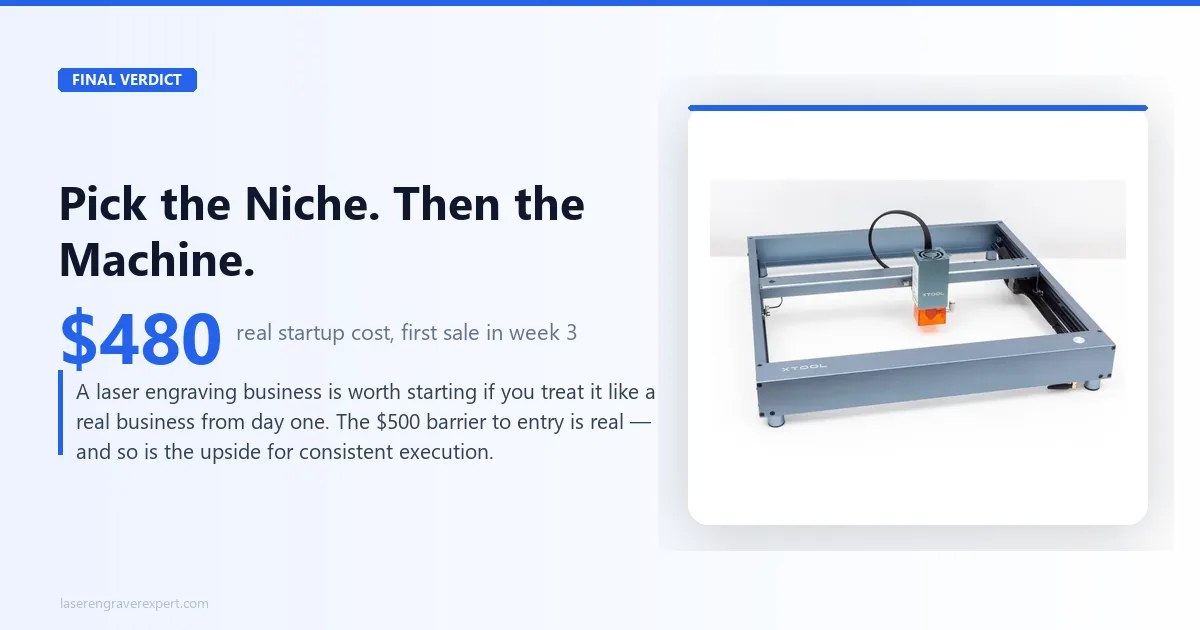
You have read this far, which means you are past the “maybe someday” stage. So here is a direct answer, backed by the niches, machines, and real numbers covered above.
A laser engraving business is worth starting if you are willing to treat it like a real business from day one: picking a specific niche, pricing correctly, and working your sales channels consistently.
It is not worth starting if you are hoping the machine does the work for you. The machine is the tool, not the business. The business is the product photography, the Etsy SEO, the customer communication, and the relentless iteration on what is actually selling.
Here is exactly how to choose, based on everything covered in this guide:
- If you want the lowest-risk, most flexible starting point for tumblers, wooden gifts, or keychains: the xTool D1 Pro 20W is your machine. Start there.
- If you know you want to run a real production operation from day one and need an enclosed setup, step up to the xTool S1.
- If you are still figuring out which niche is right for you, start with wooden gifts. Lowest material cost, no rotary needed, and the learning curve is the most forgiving.
The $500 barrier to entry is real. The potential for a meaningful side income, or a full business, is also real. What closes the gap between the two is consistent execution, not a bigger laser or a better logo.
Ready to buy?
Get the xTool D1 Pro 20W →Ready to buy?
See the xTool S1 →Laser Engraving Business FAQs
How much does it cost to start a laser engraving business?
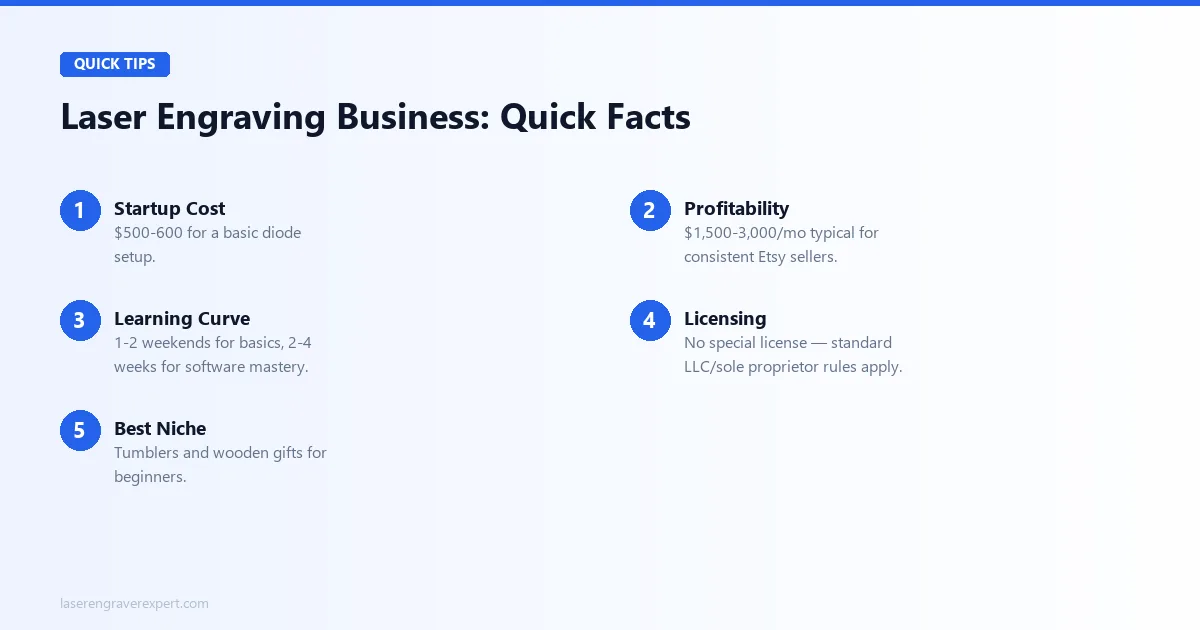
You can start a basic laser engraving business for around $500–$600. That covers a diode laser like the xTool D1 Pro 20W (typically $420–$480 on sale), a starter pack of materials ($30–$50), and protective eyewear ($20–$30).
A proper enclosure and rotary attachment add another $80–$150 when you’re ready. The cost scales significantly if you move into CO2 machines for cutting or fiber lasers for bare metal, but for an Etsy-based personalized gifts business, $500 is a realistic starting point.
Is laser engraving a profitable business?
Yes, laser engraving can be genuinely profitable, especially in personalized gifts, tumblers, and signage. Margins on personalized items are strong because you’re selling customization, not materials. A $4 tumbler blank can sell for $35–$50 engraved.
The key is keeping material cost low relative to what buyers perceive as value. Etsy sellers doing consistent volume often report $1,500–$3,000 per month in revenue within their first year, though profit depends heavily on how efficiently you price and batch your orders.
What laser engraver should I start with?
For most beginners, the xTool D1 Pro 20W is the best starting machine. It handles wood, leather, anodized aluminum, and coated tumblers, covers the most common niche products, and is priced in the $400–$500 range: low enough to recoup your investment on a small number of orders.
If you plan to engrave bare stainless steel or need to cut thick acrylic from day one, you’ll need to step up to a fiber or CO2 machine, which changes your starting budget significantly.
Do I need a license to start a laser engraving business?
In most jurisdictions you do not need a specific license for laser engraving, but you will need the standard business requirements: a business entity (LLC or sole proprietor), a business bank account, and any sales tax registration your state requires.
If you sell on Etsy, Etsy handles marketplace facilitator sales tax in most U.S. states. Always check your local zoning rules if you plan to run the business from home; some residential zones restrict home-based manufacturing.
How long does it take to learn laser engraving?
Basic engraving on wood (running a file, adjusting speed and power settings, getting consistent results) takes most people one to two weekends to feel comfortable with.
Mastering the software (xTool Creative Space or LightBurn) well enough to handle custom orders takes another two to four weeks of regular practice. Specialty work like tumbler engraving with a rotary or cutting intricate acrylic designs has its own learning curve and usually takes a few more weeks of deliberate practice.
Can I run a laser engraving business from home?
Yes, and most people starting out do exactly that. The main requirements are adequate ventilation (a window exhaust fan or dedicated fume extractor), a dedicated workspace you can keep clear of flammable materials, and enough square footage for the machine footprint plus your computer.
Laser engravers like the xTool D1 Pro have a relatively small footprint (around 430 x 390mm) and can run on a standard workbench. Noise is generally not an issue: diode lasers are quiet enough to run during the day without disturbing neighbors.
What materials can I engrave and sell?
The most commercially viable materials for a diode laser starter setup are basswood and birch plywood (signs, ornaments, keychains), anodized aluminum (pet tags, keychains, tumblers with coating), leather goods as a laser engraving niche (wallets, patches, accessories), slate coasters, and coated tumblers.
Clear acrylic cutting requires a CO2 laser. Bare stainless steel and bare brass require a fiber laser. Stick to materials your machine handles well: trying to force a diode laser onto materials it cannot process cleanly will produce unmarketable results.
How do I find my first laser engraving customers?
The fastest path to your first paying customers is your existing network. Post your work on Instagram or Facebook, tell friends and family what you’re making, and offer a few pieces at cost or discounted for portfolio photos and reviews.
Local craft markets are another fast path: you get direct customer feedback, immediate sales, and you learn which products people actually stop to look at. Etsy takes longer to gain traction but compounds over time as your listings accumulate reviews and search rankings.
How much should I charge for laser engraving?
A simple rule: never price below 3x your material cost. If a wood keychain blank costs $0.80, your floor is $2.40, but the market rate for a personalized engraved keychain is $12–$20, which is where you should actually be pricing.
For tumblers, $4 blank cost means $35–$50 minimum. For custom wood signs, calculate materials plus 30 minutes of laser time at $30–$40/hour plus your design time. Etsy research using bestseller data will show you what the market actually bears in your specific niche.
What is the best niche for laser engraving beginners?
Personalized tumblers and wooden gifts are the two strongest starting niches. Tumblers have consistent demand year-round, a large and proven Etsy market, and relatively straightforward production once you have the rotary attachment set up.
Wooden personalized gifts (cutting boards, ornaments, signs) require no rotary and are the easiest technically: flat material, simple files, fast engraving times. Both niches have manageable competition at the entry level and strong holiday season spikes that can dramatically accelerate your early revenue.
What is the best laser for a jewelry engraving business?
A fiber laser is the only practical option for bare metal jewelry: diode lasers cannot mark bare stainless, gold, or silver without a coating.
Fiber machines start around $1,800 for a capable entry-level unit like the xTool F1 Ultra. This is a year-two investment for most people, made after proving the business model in a lower-cost niche first.
What is the biggest mistake new laser engraving business owners make?
Buying the wrong laser type for their niche. People buy a high-power diode laser expecting to engrave metal jewelry, or a fiber laser expecting to cut wood signs efficiently; neither works.
Match the machine to your specific niche’s material requirements before you buy, not the other way around.
When should I upgrade to a production machine like the xTool P3?
Upgrade to a high-volume production machine like the xTool P3 once a smaller CO2 or diode machine becomes your throughput ceiling: typically around $2,000–$3,000 in monthly revenue for most single-machine laser engraving businesses.
The P3’s 915 x 458mm bed and 1,200mm/s engraving speed exist specifically to remove that bottleneck.
Can one laser engraver handle multiple laser engraving business niches?
A single diode laser like the xTool D1 Pro 20W covers most non-metal niches (wood, leather, anodized aluminum, slate), which is why it’s the recommended starting machine for personalized gifts, tumblers, and pet products all at once.
Bare metal jewelry and clear acrylic corporate awards each require a different laser type, so most multi-niche businesses eventually run two or three machines rather than one.
Is the xTool P2S worth it for a corporate engraving business?
Yes, if corporate awards and acrylic plaques are a real part of your product line. The xTool P2S is a 55W CO2 laser that cuts clear acrylic and thick wood cleanly (something no diode machine can do), and its 6,400mm/s² acceleration handles production-volume batches noticeably faster than entry-level CO2 machines.
At roughly $3,249, it only pays for itself if you’re regularly landing corporate orders worth $500 or more, not for occasional acrylic engraving.
Should I choose the xTool D1 Pro 20W or the xTool S1 to start?
Start with the xTool D1 Pro 20W if you are still validating your niche: it’s roughly half the price of the xTool S1 and handles the same core materials.
Choose the xTool S1 from day one only if you already know you need Class 1 enclosed safety, more than 20W of power, or you’re running the business from an apartment or shared living space where fumes and light exposure matter immediately.
You Might Also Like
Best Sculpfun Laser Engraver 2026: Full Lineup Compared
Best Sculpfun laser engraver 2026: full lineup compared — E1, E1 Pro, S9, S30 Pro Max, S30 Ultra, and SF-A9, ranked by what each model does best.
Best xTool Laser Engraver 2026: Full Lineup Compared
Best xTool laser engraver 2026: full lineup compared — D1 Pro, S1, S1 40W, M1 Ultra, M2, P2, P2S, P3, F1 Ultra, and F2 Ultra UV, ranked by what each model does best.
Best Creality Falcon Laser Engraver 2026: Full Lineup Compared
Best Creality Falcon laser engraver 2026: full lineup compared — Falcon2 Pro, Falcon T1 UV, A1, A1 Pro, and CR-Falcon, ranked by what each model does best.