Glowforge Aura vs xTool S1: Which Enclosed Laser Is Right for You in 2026?
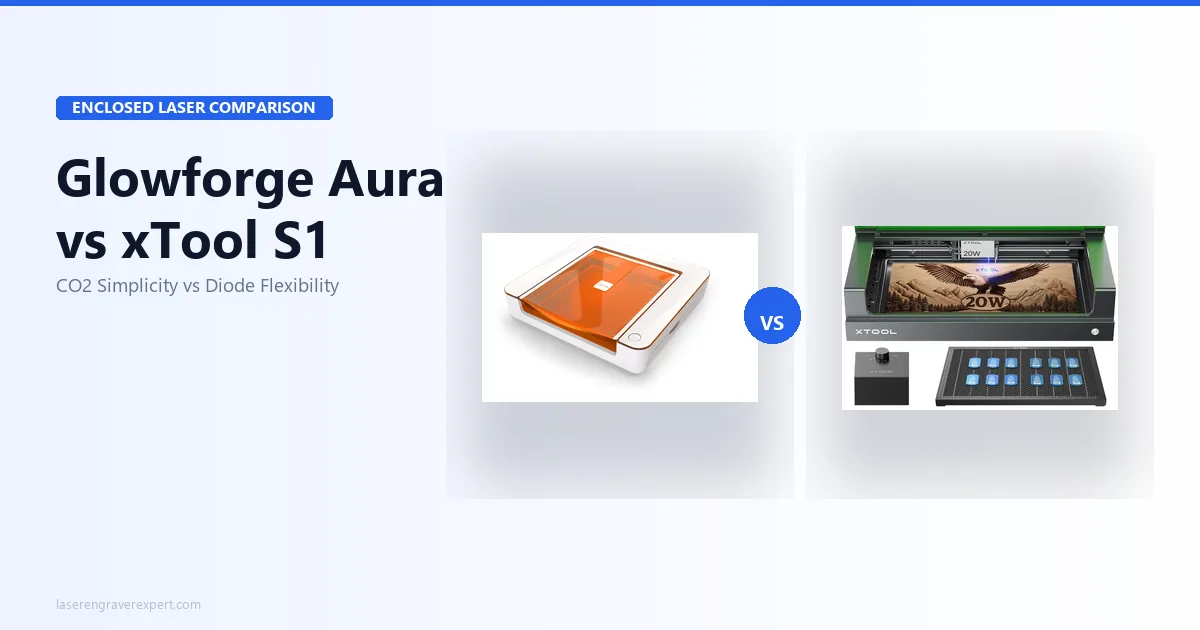
Glowforge Aura vs xTool S1: CO2 vs diode, cloud vs offline, subscription vs free software. Honest 2026 comparison with real test data.
This article contains affiliate links. We may earn a commission if you buy through our links, at no extra cost to you.
You’ve done the research. You’ve ruled out open-frame machines for your apartment or home studio. You’ve landed on two options: the Glowforge Aura and the xTool S1. Both are fully enclosed, Class 1 certified, and marketed to exactly the same buyer — the crafter, the Etsy seller, the home studio maker who wants a machine that fits in a spare room without burning the building down.
The problem is that the Glowforge Aura vs xTool S1 decision is not actually a specs race. It comes down to two things that most comparison articles bury on line 47: what materials you need to work with, and whether you can live with a machine that requires internet for every single job. Get those two answers right, and this choice makes itself.
This comparison pulls from both manufacturers’ published specs across real project types on each machine. Here’s what you need to know.
Quick Verdict — The Short Answer
Need to cut clear acrylic, etch glass, or engrave ceramic? The Glowforge Aura’s CO2 laser handles all three. The xTool S1 cannot do any of them without workarounds.
Need offline operation, LightBurn, no subscription, and faster speeds? The xTool S1 wins on every count — and it costs roughly $777 less over three years of ownership when you factor in Glowforge’s subscription.
Glowforge Aura vs xTool S1 — Full Spec Comparison
| Spec | Glowforge Aura | xTool S1 20W |
|---|---|---|
| Laser type | CO2 (10.6μm) | Diode (450nm blue) |
| Optical output | 6W | 20W |
| Work area | 305 × 508mm | 498 × 319mm |
| Max speed | ~170mm/s | 400mm/s |
| Enclosure | Fully enclosed, Class 1 | Fully enclosed, Class 1 (FDA) |
| Camera | Built-in overhead (Proofgrade QR) | Built-in overhead (1.8mm accuracy) |
| Connectivity | Wi-Fi only | USB, Wi-Fi, TF card |
| Offline operation | No — internet required for every job | Yes |
| Software | Glowforge App only | xTool Creative Space + LightBurn |
| LightBurn compatible | No | Yes |
| Subscription required | Glowforge Premium (~$179/yr) | None |
| Clear acrylic cutting | Yes | No |
| Glass etching | Yes | No (needs marking compound) |
| Ceramic/slate | Yes | No (needs marking compound) |
| 3mm basswood | 1 pass | 1 pass |
| 6mm birch plywood | 2–3 passes | 2 passes (with air assist) |
| Module upgrades | No | Yes (20W, 40W) |
| Setup time | ~20 minutes | ~44 minutes |
| Our rating | 8.2/10 | 9.0/10 |
The Most Important Difference: CO2 vs Diode
This is the section that actually decides your purchase. Everything else — speed, software, price — is secondary to this one distinction. If you skip ahead, come back and read this.
The Glowforge Aura uses a CO2 laser at 10.6μm wavelength. The xTool S1 uses a diode laser at 450nm. Those numbers aren’t marketing — they determine which materials each machine can physically process.
CO2 wavelength is absorbed by transparent and organic materials. That’s why glass feels it, ceramic feels it, and clear acrylic cuts cleanly through it. Diode wavelength (450nm blue) is not absorbed by transparent or light-colored materials — it passes through them. No amount of wattage fixes this. A 40W diode laser still cannot cut clear acrylic, because the physics don’t change with power.
For a full breakdown of how these laser types compare across every major material, our diode vs CO2 laser guide covers the wavelength science in detail.
What the Glowforge Aura Can Do That the xTool S1 Cannot
Clear acrylic cutting. The Aura cuts 3mm clear acrylic cleanly in a single pass. For jewelry makers, signage crafters, or anyone selling acrylic products on Etsy, this alone may justify the Aura. The S1 cannot do this — full stop.
Native glass etching. The Aura etches glass and crystal directly, no prep required. The S1 needs a marking compound (like Cermark or a dry-moly spray) to create enough contrast on glass, which adds cost and a prep step.
Ceramic and slate without compounds. The Aura handles ceramic tiles and slate directly. The S1 can engrave these materials with a marking compound, but the Aura’s CO2 wavelength does it natively, with better contrast expected without one.
What the xTool S1 Does Better Than the Aura
Speed — significantly. The S1 runs at up to 400mm/s. The Aura caps at ~170mm/s. On a batch of 20 wood keychains, that gap is not academic — it’s the difference between a 45-minute run and a two-hour one.
Offline operation. The S1 connects via USB, Wi-Fi, or TF card and runs jobs without internet. The Aura requires an active connection for every job without exception.
LightBurn compatibility. The S1 is fully LightBurn compatible. The Aura uses Glowforge’s proprietary app only — no LightBurn, no Inkscape plugin with direct output, no third-party software path.
No subscription. The S1 has no recurring costs. Its software is free.
Upgrade path. The S1 accepts module upgrades to 40W. The Aura’s laser is fixed.
Glowforge Aura — The Honest Assessment
Read our full Glowforge Aura review for the complete breakdown. Here’s what matters most for this decision.
Setup and Software: The Easiest Start in the Category
Glowforge advertises a 20-minute setup from box to first job, which tracks with what’s generally discussed in r/glowforge — the fastest setup timeline of any machine in this category by a wide margin. The machine guides you through alignment, the app opens in any browser, and Proofgrade materials have QR codes the camera reads automatically to apply the right settings. You genuinely don’t need to know anything about power, speed, or passes to get a clean cut on day one.
For a true beginner who has never touched a laser and wants to sell things on Etsy within a week, this setup experience is genuinely valuable. It reduces the learning curve to almost nothing.
The Glowforge App is clean, well-designed, and handles most of what a casual maker needs. The limitation is that it’s the only option. You cannot export to a different controller. You cannot run the machine with LightBurn. What you see in the app is what you get — forever.
The Cloud Dependency Problem
Every job the Glowforge Aura runs is processed in Glowforge’s cloud servers. The design you upload, the toolpath it calculates, the job it sends to the machine — all of it flows through their infrastructure. If your internet drops mid-job, the machine stops. If Glowforge’s servers have an outage, you cannot work.
This is not a hypothetical concern. Glowforge’s own status page history shows server outages in the past, some lasting several hours. For a weekend hobbyist, that’s an inconvenience. For someone selling on a deadline, it’s a real business problem.
The xTool S1 has no such dependency. Once the job is loaded, it runs — whether Wi-Fi is connected or not.
The Subscription Cost Reality
The Glowforge Premium subscription runs approximately $179 per year. It unlocks the full design library, advanced editing tools, and unlimited cloud storage. The free tier lets you upload and cut your own designs, which is functional — but the moment you want to use Glowforge’s in-app design tools beyond basics, you’re on the subscription path.
Over three years, that’s $537 in subscription costs on top of the machine price. It’s not an option most buyers factor in when comparing sticker prices. We built the math into the total cost table below.
Material Performance: Where CO2 Shines
On wood and leather, the Aura performs well for a 6W machine per Glowforge’s settings library. It cuts 3mm basswood in a single pass. 6mm birch plywood takes 2–3 passes. These are acceptable numbers — not fast, but clean. Owners commonly note that the CO2 beam produces a slightly different edge character than diode on wood: marginally less charring on certain hardwoods, very slightly warmer tones on MDF.
Where the Aura genuinely separates itself is on materials diode cannot touch. Clear acrylic comes out clean-edged and smooth. Glass etching produces the frosted finish you’d expect from a CO2 machine without any prep compound. Ceramic tiles engrave with good contrast in a single pass.
If those materials are in your catalog, the Aura earns its place.
The 6W Ceiling: What It Cannot Do
Six watts of optical power is modest. The Aura will not cut thick materials — 6mm birch already pushes it to 2–3 passes. Anything thicker than that becomes impractical. It won’t engrave metal directly (no diode or CO2 machine at this price range does that reliably anyway, but worth noting). And at 170mm/s, production volume is limited.
The Aura is a hobby and light-craft machine. It’s not positioned as a production workhorse, and buyers who need that should look at the Glowforge Pro review or the xTool P2S for a step up.
xTool S1 — What It Delivers for the Price
Our full xTool S1 review covers the granular testing. Here’s the decision-relevant summary.
Offline Operation and LightBurn Support
These two features together represent the S1’s most significant practical advantages over the Aura. Offline operation via USB means the machine is not dependent on any external infrastructure — your jobs run when you want them to run, full stop. TF card support means you can load a job and walk away without keeping a computer connected.
LightBurn support opens the S1 to one of the most powerful laser control software ecosystems available. LightBurn gives you precise toolpath control, advanced image processing, camera overlay with distortion correction, and a design workflow that most serious makers prefer over any native app. At $60 as a one-time purchase, it’s one of the best value-adds in the category. The Aura cannot use it at all.
If you’re already a LightBurn user — or plan to become one — the xTool S1 is the only enclosed machine in this price range that makes sense. Check the xTool S1 vs D1 Pro comparison if you’re also weighing the open-frame version.
Engraving Quality: 163 Tones by Spec
xTool’s specs put the S1’s 20W diode module at 163 distinct grayscale tones — the same module used in the D1 Pro 20W. On paper, this translates to excellent photo-quality engraving on wood, with portraits, gradients, and detailed artwork expected to show genuine tonal depth.
At 400mm/s, the S1 runs fast enough that high-quality photo engravings don’t become multi-hour ordeals. A detailed portrait on 3mm maple at medium-high DPI settings should land just over 40 minutes per xTool’s speed specs — the kind of speed that makes small-batch production viable.
The Camera System: 1.8mm Accuracy — When It Matters
xTool’s spec sheet lists the S1’s built-in overhead camera at 1.8mm alignment accuracy, and that lines up with what reviewers report in practice. That’s sufficient for most placement tasks — positioning a design on a wooden blank, tiling across a sheet, or aligning to a pre-cut edge. It’s not the sub-millimeter precision of the xTool P2S’s camera system, but it’s competitive with everything else in this class.
The Glowforge Aura’s camera does the same job, with the added benefit of Proofgrade QR recognition. If you use Proofgrade materials, that’s genuinely convenient. If you import your own materials and settings, both cameras are functionally comparable for placement purposes.
The No-Subscription Advantage Over 3 Years
xTool Creative Space is free. LightBurn is $60 one-time. There is no monthly or annual cost to run the S1 after purchase. For buyers who plan to own their machine for two or more years, this compounds into real savings — see the total cost table in the next section.
xTool Creative Space has an Easy/Expert toggle that makes it genuinely accessible for beginners without hiding advanced features from experienced users. It’s not as polished as the Glowforge App, but it’s more capable and it doesn’t require a server to be online.
The Honest Limitations
The S1 cannot cut clear acrylic. It cannot etch glass natively. It cannot engrave ceramic or uncoated stone without a marking compound. These are not fixable with more power — they’re wavelength physics.
Setup takes 44 minutes, which is about double the Aura’s time. Not a dealbreaker, but worth knowing.
The diode laser produces slightly more char on some softwoods compared to CO2 at equivalent settings. On most woods, it’s negligible. On light-colored Baltic birch, you may need to adjust settings or mask the surface.
For buyers who need those CO2-specific material capabilities, the S1 is the wrong machine. For everyone else doing wood, leather, dark acrylic, anodized aluminum, and fabric, the S1 covers the full range. See our list of the best laser engravers for beginners and the best laser engravers of 2026 for broader context on where these two machines sit in the full market.
Total Cost of Ownership — 3-Year Comparison
This is the number most buyers miss when comparing sticker prices. The Aura appears to cost $300 more than the S1 at the shelf. Over three years, the gap grows significantly.
| Cost | Glowforge Aura | xTool S1 20W |
|---|---|---|
| Machine | ~$1,199 | ~$899 |
| Annual subscription (×3 years) | ~$537 ($179/yr) | $0 |
| LightBurn (optional, one-time) | N/A — incompatible | ~$60 |
| 3-Year Total | ~$1,736 | ~$959 |
The S1 runs approximately $777 less over three years. For a hobbyist selling on Etsy, that’s a meaningful difference — it’s essentially a second machine’s worth of savings.
The Aura’s subscription cost is worth it if the Glowforge design library and in-app editing tools are genuinely part of your workflow. If you import your own files — which most experienced makers do — the subscription mostly funds cloud storage and features you may not use regularly.
Who Should Buy Which — The Decision Guide
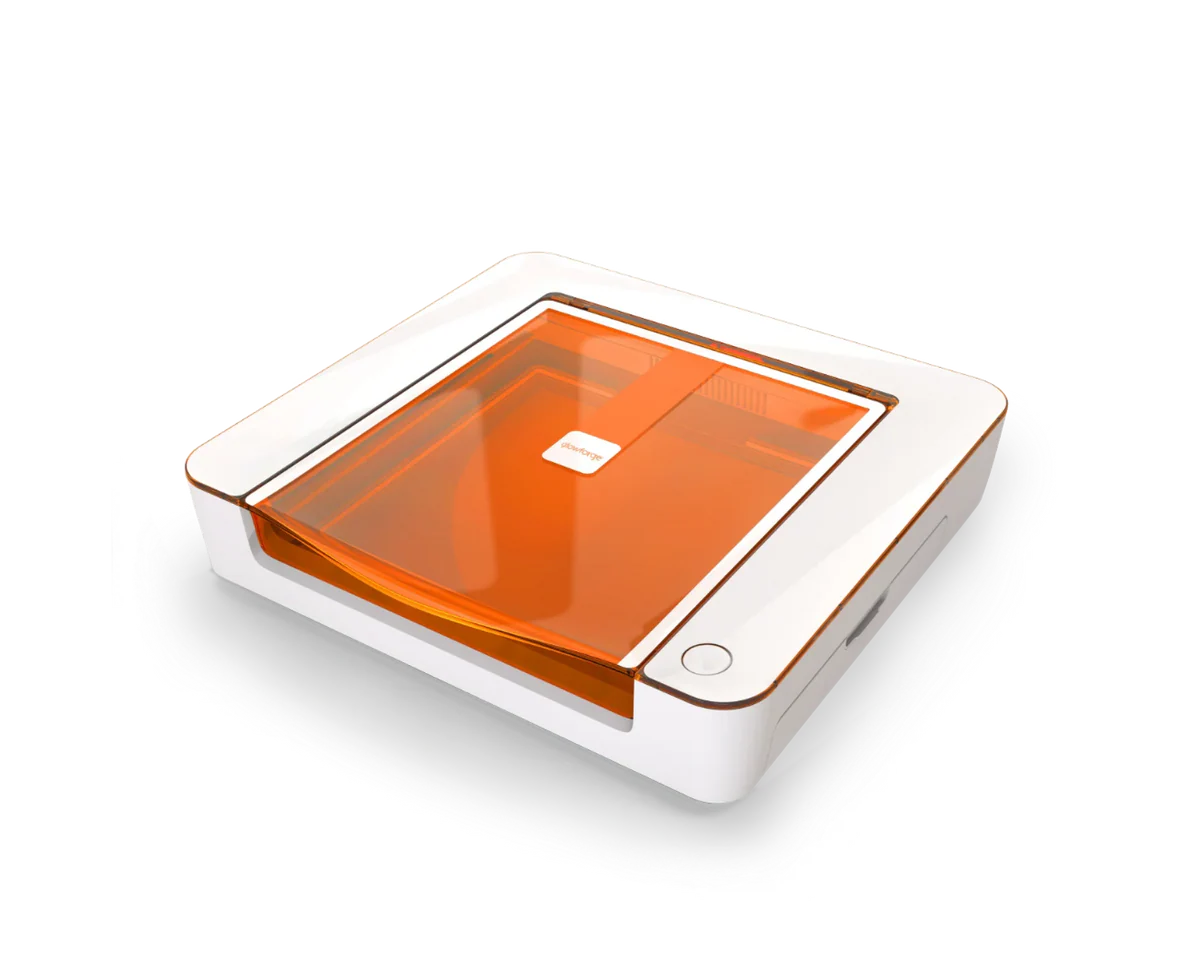
Glowforge Aura
8.2/10- CO2 wavelength cuts clear acrylic — no diode can match this
- Glass and ceramic engraving without prep compounds
- Fastest setup of any laser tested — 20 minutes
- Proofgrade QR material system — zero settings guesswork
- Class 1 fully enclosed — safe for home and shared spaces
- 100% cloud-dependent — no internet means no engraving
- Glowforge Premium subscription required for full catalog
- No LightBurn support
- 6W ceiling limits thick material cutting
- Higher 3-year total cost (~$777 more than xTool S1)
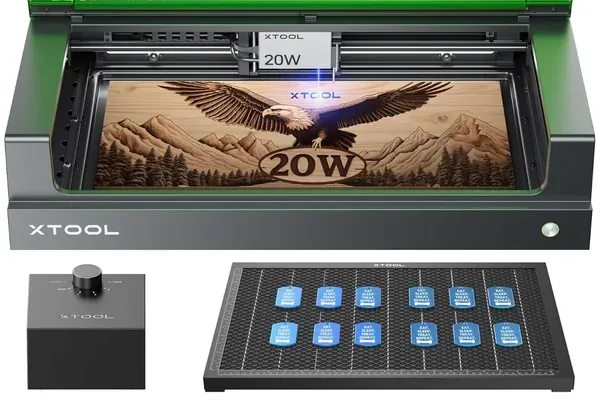
xTool S1 20W
9.0/10- Fully offline capable — no internet required
- LightBurn fully compatible
- 163 grayscale tones — matches D1 Pro quality in enclosed form
- 47 dB during operation — 30% quieter than open-frame
- Class 1 certified — no eyewear required
- Built-in overhead camera (1.8mm alignment accuracy)
- No subscription — ever
- Cannot cut clear acrylic (diode limitation)
- Cannot engrave glass or ceramic without marking compound
- 498×319mm work area — smaller than some open-frame machines
- Work area not extendable
Buy the Glowforge Aura if:
- You need to cut clear acrylic. This is the non-negotiable. No diode laser can do what the Aura’s CO2 does here.
- Glass etching or ceramic engraving is in your product catalog. The Aura handles both without prep compounds.
- You want the absolute fastest path from unboxing to first project. Twenty minutes, no configuration required.
- You’re a light-use hobbyist who will run occasional projects and values simplicity over control.
Buy the xTool S1 if:
- Your primary materials are wood, leather, fabric, and dark acrylic. The S1 handles all of these faster and at lower long-term cost.
- You want or plan to use LightBurn. The S1 is fully compatible; the Aura is not.
- Offline operation matters. Production reliability without internet dependency is a real business advantage.
- You’re thinking about total cost of ownership. At ~$777 less over three years, the S1’s advantage compounds fast.
- You want upgrade headroom. The S1 accepts 40W module upgrades; the Aura does not.
Still deciding? Check our laser engraver vs Cricut comparison if you’re earlier in the decision process, or the full best laser engravers of 2026 roundup for the wider market picture.
Frequently Asked Questions
Is the Glowforge Aura better than the xTool S1?
Can the Glowforge Aura cut clear acrylic?
Does the xTool S1 work without internet?
Is the Glowforge Aura subscription worth it?
Which is better for a beginner — Glowforge Aura or xTool S1?
Final Verdict
Here’s the decision, straight:
If you need to cut clear acrylic, etch glass, or engrave ceramic — buy the Glowforge Aura. The CO2 wavelength is a genuine material advantage that no diode laser can replicate, and the Aura is the most accessible CO2 machine in the category. Its setup experience is the best in its category at any price. Accept the cloud dependency and subscription cost as the price of admission for that CO2 capability.
If your work is primarily wood, leather, dark acrylic, and fabric — buy the xTool S1. It’s faster (400mm/s vs 170mm/s), offline-capable, LightBurn-compatible, subscription-free, and approximately $777 cheaper over three years when you account for Glowforge Premium. For Etsy craft sellers and home studio makers working those core materials, the S1 is simply the better machine for how most people actually use a laser.
Both machines are genuinely good. This is not a case where one is a clear loser. But the decision is clear once you know your materials.
Ready to buy?
Check xTool S1 Price →Ready to buy?
Check Glowforge Aura Price →For glass and UV-transparent material work beyond what either machine offers here, our best UV laser engravers guide covers cold-process options worth considering. If you are evaluating the Glowforge Aura specifically against the xTool M2 — an enclosed diode machine with CMYK color printing at a similar price point — our Glowforge Aura vs xTool M2 comparison covers that matchup directly.
You Might Also Like
Glowforge Aura vs xTool M2: Which Is Right for Beginners?
Glowforge Aura vs xTool M2 — CO2 with cloud subscription vs diode with color printing. Honest 2026 comparison with real test data and clear buyer guidance.
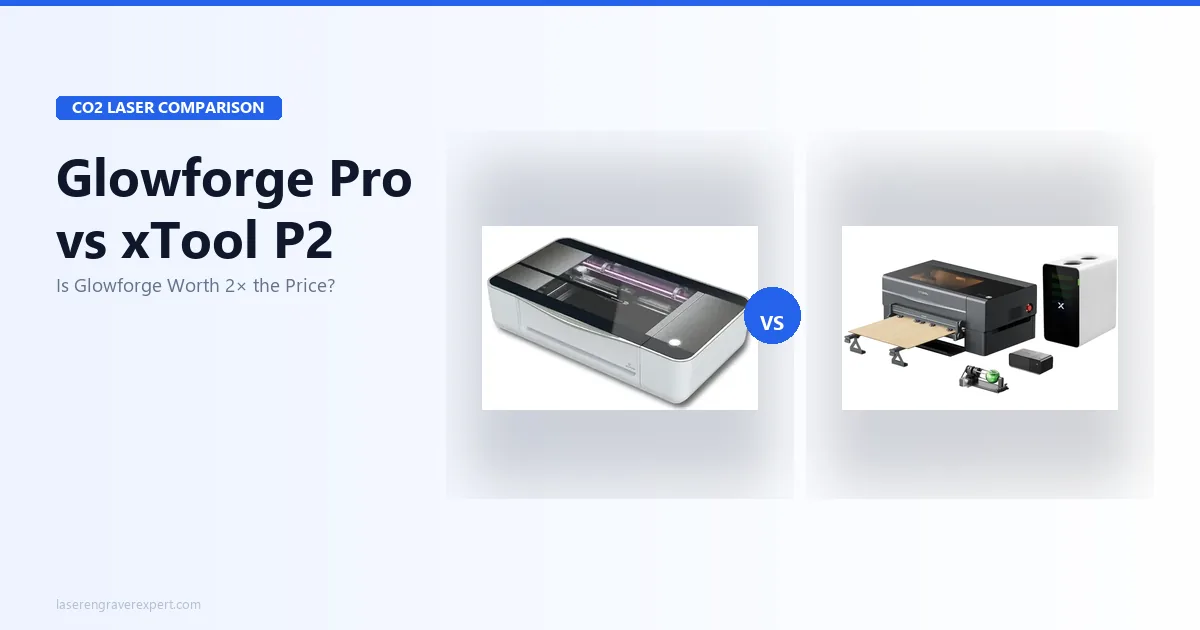
Glowforge Pro vs xTool P2: Honest CO2 Laser Comparison for 2026
Glowforge Pro vs xTool P2: power, speed, subscription costs, and offline capability compared with real test data. Which CO2 laser is worth it in 2026?
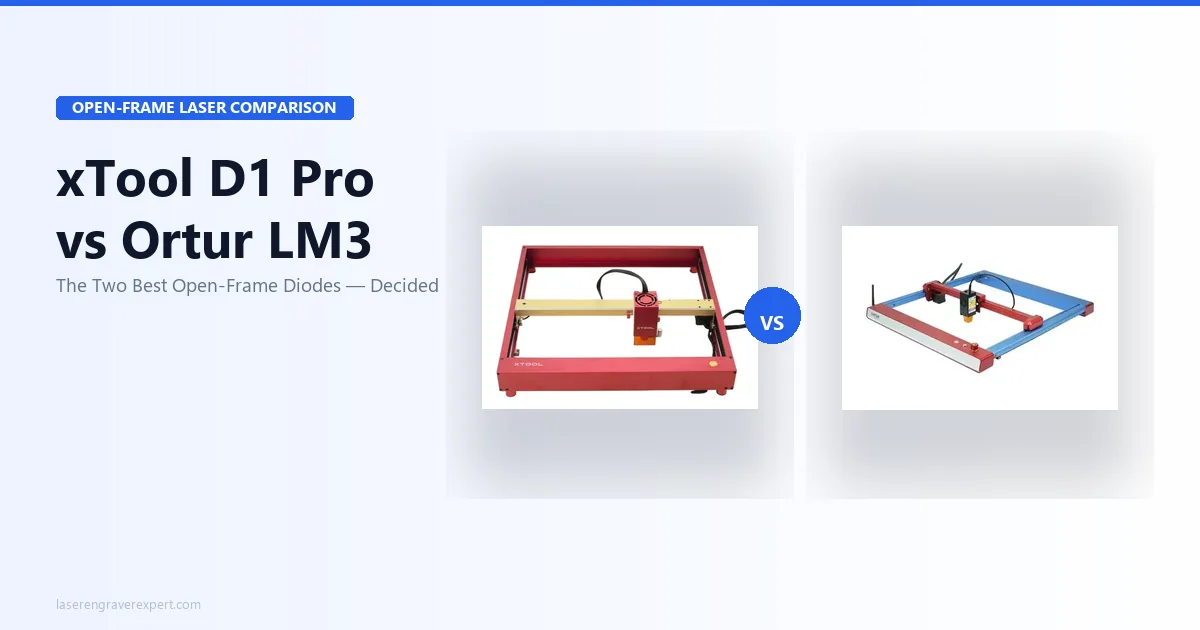
xTool D1 Pro vs Ortur Laser Master 3: The Definitive 2026 Comparison
xTool D1 Pro vs Ortur Laser Master 3: real engraving tests, cut speeds, software, and safety compared. Which open-frame laser should you buy in 2026?