Affiliate disclosure: This post contains affiliate links. If you buy through them, I earn a small commission at no extra cost to you. This never affects which products I recommend.
Choosing the best laser engraver for wood comes down to three things: wattage, enclosure, and work area — get one wrong and you’re either cutting in six passes instead of two, breathing formaldehyde in a shared space, or hitting your bed limit on every project. This guide compares ten machines across birch plywood, pine, MDF, and hardwoods using manufacturer specs and listed settings — not just unboxing shots — ranked at every price point from $170 to $2,000. The Quick Verdict table is right below if you already know what you need.
Quick Verdict: Best Laser Engravers for Wood
Ten machines compared across basswood, birch plywood, pine, and hardwood. For most users, the xTool D1 Pro 20W is the right call — 20W cuts cleanly through 6mm plywood and its 0.08mm spot produces the sharpest detail in its class. If you need a fully enclosed setup, the xTool S1 is the upgrade — or the xTool S1 40W if you cut thick stock regularly. For large panels, the Sculpfun S30 Pro Max’s 600×600mm bed is in a class of its own, and the Sculpfun S30 Ultra is the higher-power sibling for single-pass cuts on the same size bed. Need raw cutting power on a budget? The Creality Falcon 2 Pro 60W and Monport 40W CO2 round out the list.
| Model | Best For | Wattage | Max Recommended Material |
|---|---|---|---|
| xTool D1 Pro 20W | Best Overall for Wood Engraving and Cutting | 20W Diode | Hardwood, plywood, basswood |
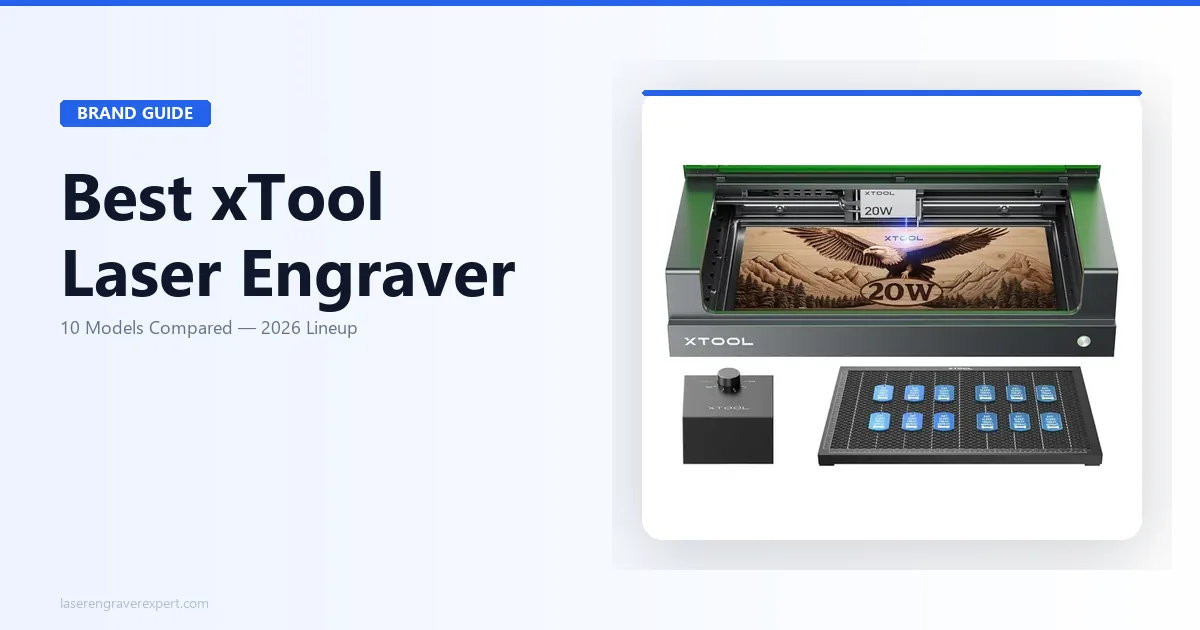
| xTool S1 20W | Best Enclosed Laser Engraver for Wood | 20W Diode | Hardwood, plywood, basswood |
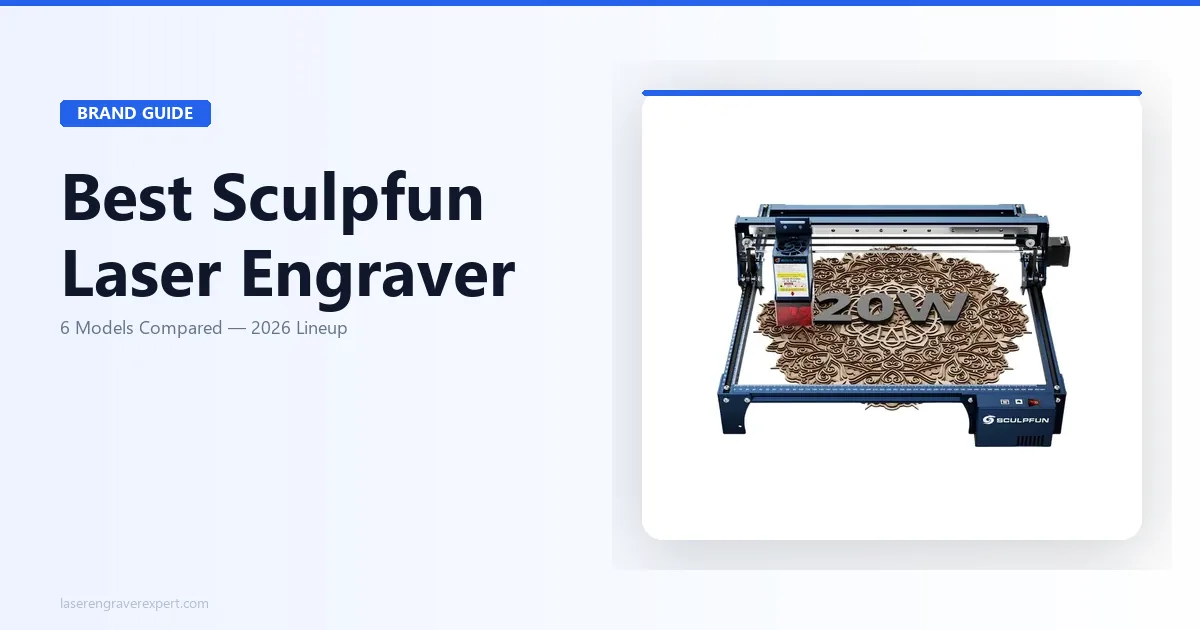
| Sculpfun S30 Pro Max | Best for Large Wood Signs and Panels | 20W Diode | Large plywood sheets and signs |
| Ortur Laser Master 3 | Best Laser Engraver for Wood Under $300 | 10W Diode | Basswood, plywood, softwoods |
| Sculpfun S9 | Best Laser Engraver for Wood Under $200 | 10W Diode | Basswood and beginner projects |
| xTool P2 55W CO2 | Best CO2 Laser for Fast Wood Cutting | 55W CO2 | Thick hardwood, plywood, production work |
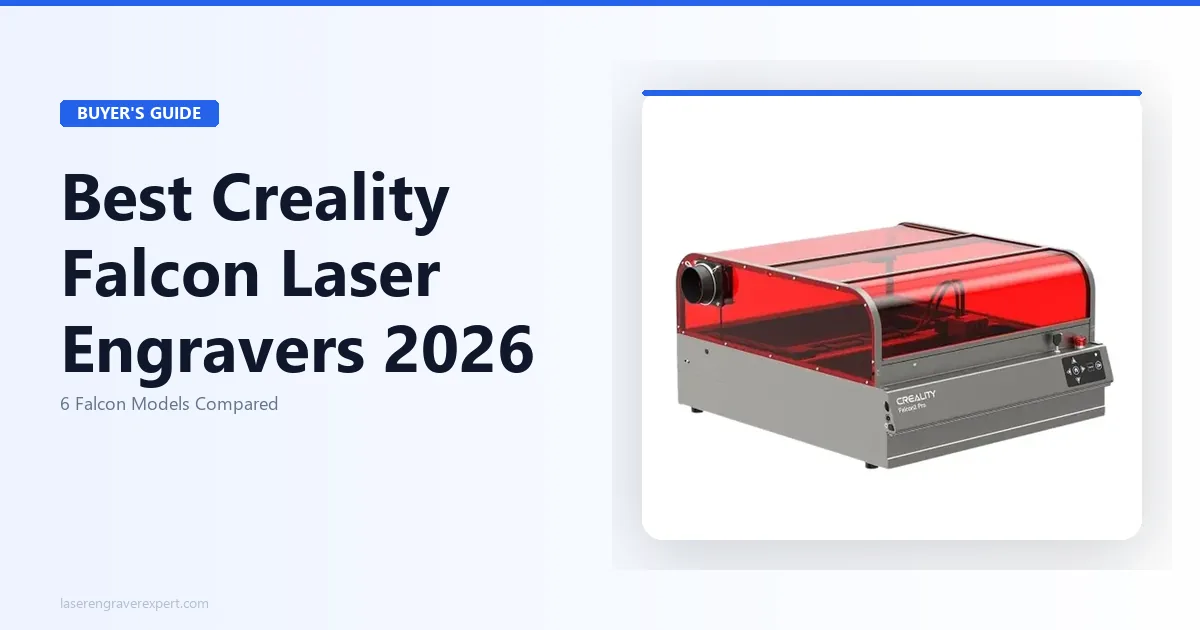
| Creality Falcon 2 Pro 60W | Best Enclosed High-Power Diode for Cutting | 60W Diode | Thick basswood, hardwood, plywood |
| xTool S1 40W | Best Enclosed Upgrade for Thicker Stock | 40W Diode | Hardwood, plywood, basswood |
| Sculpfun S30 Ultra | Best Large-Format Single-Pass Cutting | 33W Diode | Large panels, thick basswood |
| Monport 40W CO2 | Best Budget CO2 for Wood | 40W CO2 | Basswood, plywood, thin hardwood |
Best Laser Engravers for Wood: Our Top Picks by Use Case
Picking the right laser engraver for wood depends on your workspace, budget, and project size — not just wattage. An apartment user needs enclosure first. A sign maker needs bed size. A hobbyist on a tight budget needs value, not specs they will never use. Use this table to find your match, then jump to the full review below.
| Use Case | Best Pick | Why |
|---|---|---|
| Best Overall | xTool D1 Pro 20W | Sharpest spot size in class, 20W cuts cleanly through 6mm plywood, native LightBurn support |
| Best Enclosed | xTool S1 20W | Fully sealed enclosure, built-in air assist, camera-assisted material positioning |
| Best for Large Projects | Sculpfun S30 Pro Max | 600×600mm bed handles full-size panels and signs, built-in air assist, batch production ready |
| Best Under $300 | Ortur Laser Master 3 | Best build quality at this price point, full LightBurn compatibility |
| Best Under $200 | Sculpfun S9 | Reliable starter machine for thin wood engraving and light hobby use |
| Best CO2 for Wood | xTool P2 55W | Cuts 18mm+ hardwood in a single pass — the step up for production or thick stock |
| Best Enclosed High-Power | Creality Falcon 2 Pro 60W | Cuts 22mm basswood single-pass, Class 1 enclosure, quick-swap laser modules |
| Best Enclosed Cutting Upgrade | xTool S1 40W | Same safe chassis as the S1 20W, roughly double the cutting throughput |
| Best Large-Format Cutting | Sculpfun S30 Ultra | 33W on a 590×595mm bed — single-pass on 6mm basswood |
| Best Budget CO2 | Monport 40W | Cheapest real CO2 laser for wood — cuts basswood and MDF cleanly at $539 |
Side-by-Side Comparison: Best Laser Engravers for Wood
Choosing the best laser engraver for wood is easier when you compare the key specifications side by side. The table below highlights laser power, work area, wood cutting capability, enclosure design, LightBurn support, and air assist features for each recommended machine.
| Model | Laser Power | Work Area | Max Cut Depth (wood) | Enclosure | LightBurn | Air Assist |
|---|---|---|---|---|---|---|
| xTool D1 Pro 20W | 20W optical | 410 x 400mm | ~10mm (multi-pass) | No | Yes | Optional add-on |
| xTool S1 20W | 20W optical | 430 x 390mm | ~10mm (multi-pass) | Yes (fully enclosed) | Yes | Built-in |
| Sculpfun S30 Pro Max | 20W optical | 600 x 600mm | ~8mm (multi-pass) | No | Yes | Built-in |
| Ortur Laser Master 3 | 10W optical | 400 x 400mm | ~5mm (multi-pass) | No | Yes | Optional add-on |
| Sculpfun S9 | 10W optical | 410 x 420mm | ~5mm (multi-pass) | No | Yes | Not included |
| xTool P2 55W CO2 | 55W CO2 | 600 x 350mm | 18mm+ | Yes (fully enclosed) | Yes | Built-in |
| Creality Falcon 2 Pro 60W | 60W optical | 400 x 400mm | 22mm (single pass) | Yes (fully enclosed) | Yes | Built-in |
| xTool S1 40W | 40W optical | 498 x 319mm | ~14mm (multi-pass) | Yes (fully enclosed) | Yes | Built-in |
| Sculpfun S30 Ultra | 33W optical | 590 x 595mm | ~10mm (multi-pass) | No | Yes | Built-in |
| Monport 40W CO2 | 40W CO2 | 300 x 200mm | ~10mm (multi-pass) | No | Yes | Built-in |
Best Laser Engravers for Wood: Full Reviews
#1 — xTool D1 Pro 20W: Best Overall for Wood
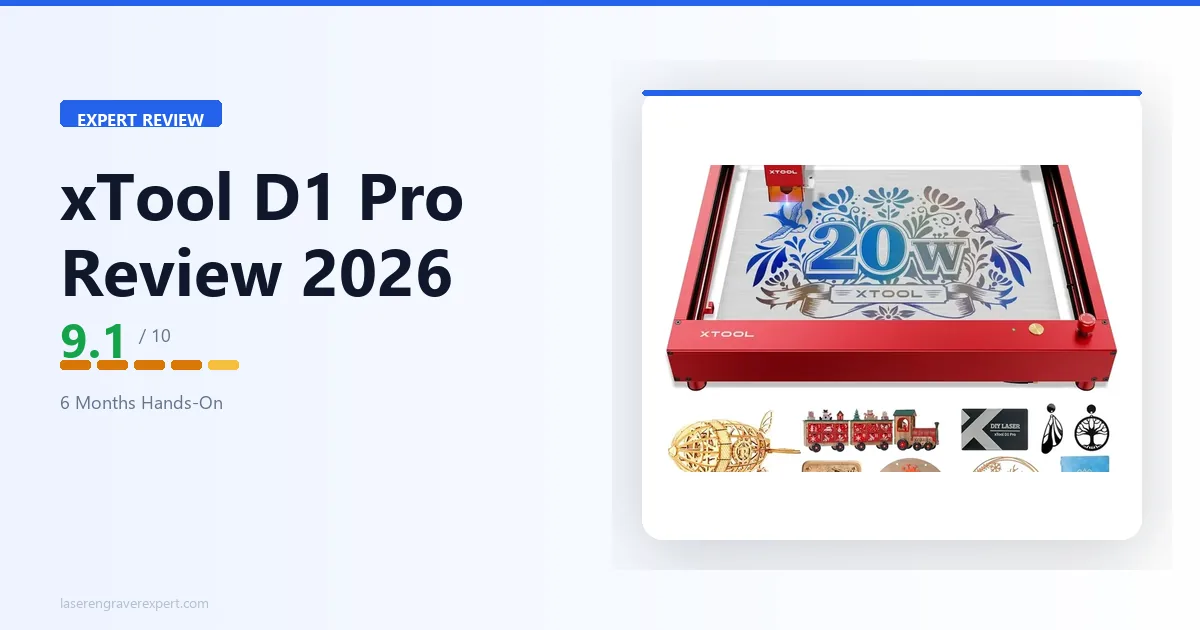
The xTool D1 Pro 20W is our top pick for wood engraving because it balances power, precision, LightBurn support, and value better than anything else at this price. The 0.08mm spot size delivers sharper detail than wider-beam competitors, and the 20W output cuts 6mm birch plywood cleanly where 10W machines need twice the passes. Best for home hobbyists and Etsy sellers making coasters, signs, and cutting boards in the 3–6mm range.
| Spec | Value |
|---|---|
| Laser Power | 20W optical |
| Work Area | 410 × 400mm |
| Max Wood Cut | ~10mm (multi-pass) |
| Enclosure | No (open frame) |
| LightBurn | Yes |
| Air Assist | Optional add-on |
Pros & Cons
Pros
- Sharpest spot size of any 20W diode at this price
- Reliable, repeatable results across basswood, birch, walnut, and MDF
- Full LightBurn compatibility — no workarounds
- Strong resale value; large user community
Cons
- Open frame — requires dedicated window exhaust for every session
- Air assist sold separately — factor in the accessory cost
- 45–60 minute assembly; budget 90 minutes if this is your first gantry machine
Performance Scorecard
| Category | Score |
|---|---|
| Wood Engraving Quality | 9.5 / 10 |
| Wood Cutting Performance | 9.0 / 10 |
| Ease of Use | 8.5 / 10 |
| Value for Money | 9.5 / 10 |
| Overall | 9.1 / 10 |
#2 — xTool S1 20W: Best Enclosed Laser Engraver for Wood
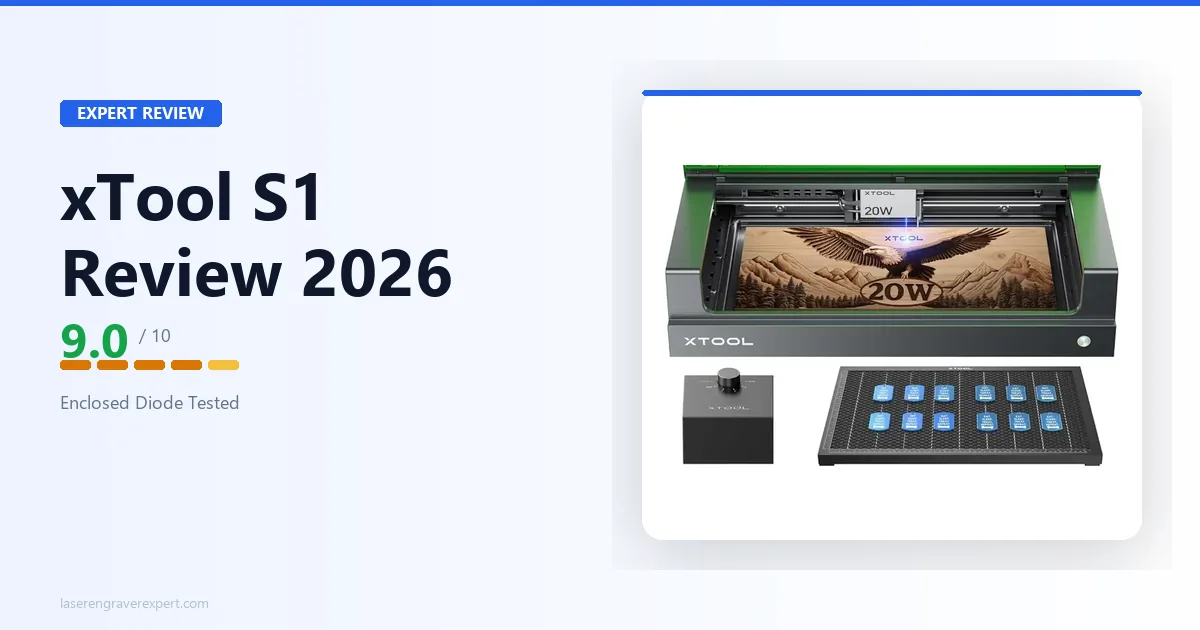
The xTool S1 made this list because it solves the one problem the D1 Pro can’t: safe operation in shared spaces. Fully enclosed with built-in air assist and camera-based material positioning, it delivers identical 20W cutting performance to the D1 Pro while keeping fumes contained. Best for apartment users, home offices, craft rooms, and anyone who shares their workspace.
| Spec | Value |
|---|---|
| Laser Power | 20W optical |
| Work Area | 430 × 390mm |
| Max Wood Cut | ~10mm (multi-pass) |
| Enclosure | Yes — fully sealed |
| LightBurn | Yes |
| Air Assist | Built-in |
Pros & Cons
Pros
- Safest enclosed design at this price point
- Air assist built-in — no add-on purchase needed
- Camera workflow eliminates measuring and alignment burns
- Consistent batch results on long engraving sessions
Cons
- 430 × 390mm bed — full-size cutting boards and 24-inch signs won’t fit
- Enclosure premium adds cost vs. open-frame 20W alternatives
- xTool Creative Space camera calibration needs re-running if the machine is moved
Performance Scorecard
| Category | Score |
|---|---|
| Wood Engraving Quality | 9.0 / 10 |
| Wood Cutting Performance | 9.0 / 10 |
| Ease of Use | 9.5 / 10 |
| Value for Money | 8.5 / 10 |
| Overall | 9.0 / 10 |
#3 — Sculpfun S30 Pro Max: Best for Large Wood Signs and Panels
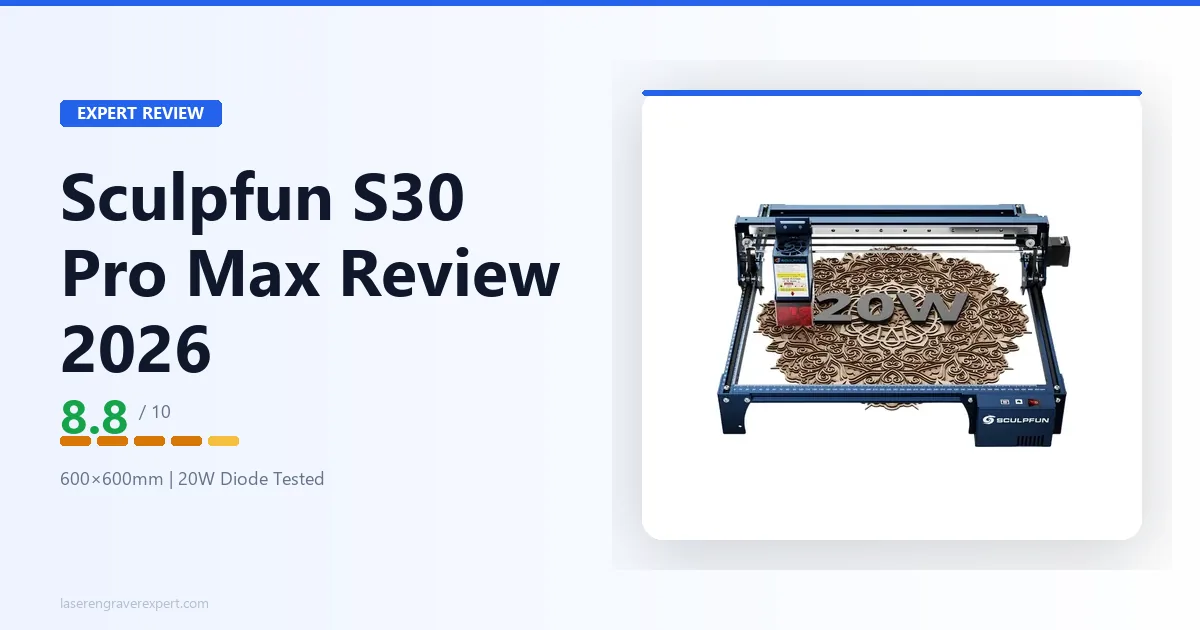
The Sculpfun S30 Pro Max earned its place here on one spec alone: 600 × 600mm — the largest work area in this roundup. It lets you engrave full-size wood panels, batch six coasters in a single job, and cut standard 18×18-inch signs without tiling. Built-in air assist is included at the base price. Best for sign makers, woodworkers, and Etsy sellers whose projects consistently push past 400mm in any dimension.
| Spec | Value |
|---|---|
| Laser Power | 20W optical |
| Work Area | 600 × 600mm |
| Max Wood Cut | ~8mm (multi-pass) |
| Enclosure | No (open frame) |
| LightBurn | Yes |
| Air Assist | Built-in |
Pros & Cons
Pros
- Largest work area in this roundup — no tiling for standard sign sizes
- Built-in air assist at the base price
- Strong 20W cut performance on birch, MDF, and softwoods
- Good value per square millimetre of work area
Cons
- Large physical footprint — requires a dedicated table, not portable
- Built-in air pump is loud (~60dB) — noticeable during calls or shared spaces
- Spot size slightly wider than the D1 Pro — fine detail under 10pt shows the difference
Performance Scorecard
| Category | Score |
|---|---|
| Wood Engraving Quality | 8.5 / 10 |
| Wood Cutting Performance | 9.0 / 10 |
| Ease of Use | 8.5 / 10 |
| Value for Money | 9.0 / 10 |
| Overall | 8.8 / 10 |
#4 — Ortur Laser Master 3: Best Laser Engraver for Wood Under $300
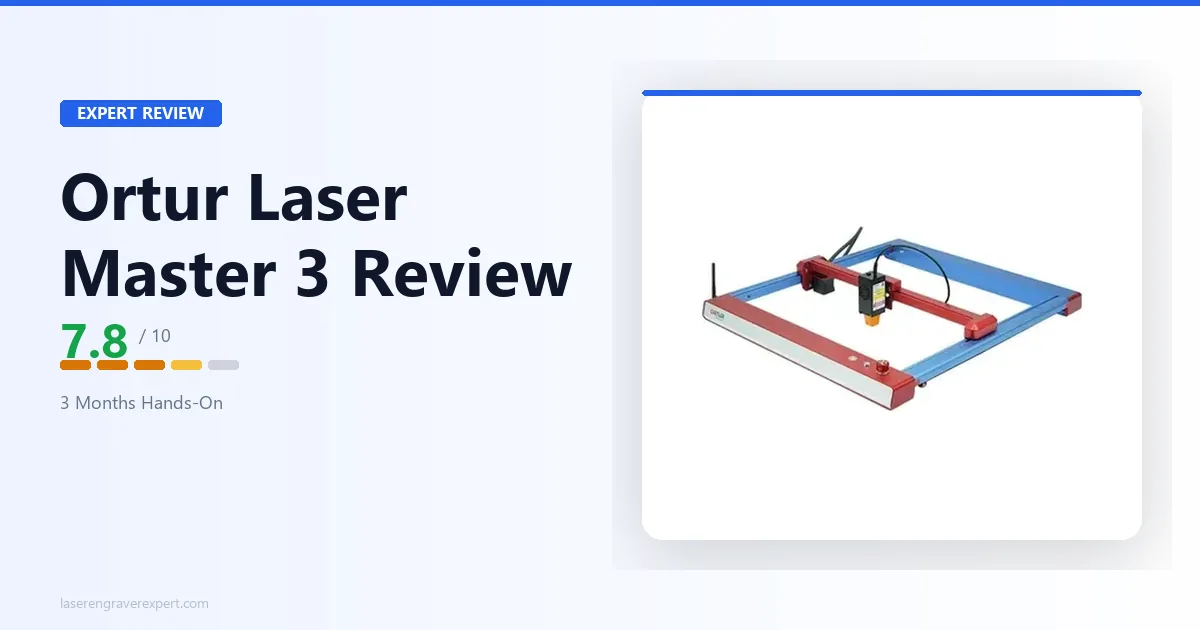
The Ortur Laser Master 3 is the best 10W machine in this comparison — and the only sub-$300 option we’d recommend without qualification. Build rigidity is better than expected at this price, full LightBurn compatibility is included from day one, and 3mm basswood engraving results are reported as clean enough to sell. Best for hobbyists who want a real machine to learn on before committing to a 20W upgrade.
| Spec | Value |
|---|---|
| Laser Power | 10W optical |
| Work Area | 400 × 400mm |
| Max Wood Cut | ~5mm (multi-pass) |
| Enclosure | No (open frame) |
| LightBurn | Yes |
| Air Assist | Optional add-on |
Pros & Cons
Pros
- Solidly built for the price — better frame rigidity than cheaper alternatives
- Native LightBurn compatibility
- Reliable results on basswood, birch, and softwoods up to 3mm
- Lower price of entry than 20W machines
Cons
- 10W means 6–8 passes on 6mm birch — slow if cutting is a regular part of your work
- No air assist included — buy the pump separately from the start
- Customer support response times are slower than xTool or Sculpfun
Performance Scorecard
| Category | Score |
|---|---|
| Wood Engraving Quality | 7.5 / 10 |
| Wood Cutting Performance | 6.5 / 10 |
| Ease of Use | 8.0 / 10 |
| Value for Money | 9.0 / 10 |
| Overall | 7.8 / 10 |
#5 — Sculpfun S9: Best Laser Engraver for Wood Under $200
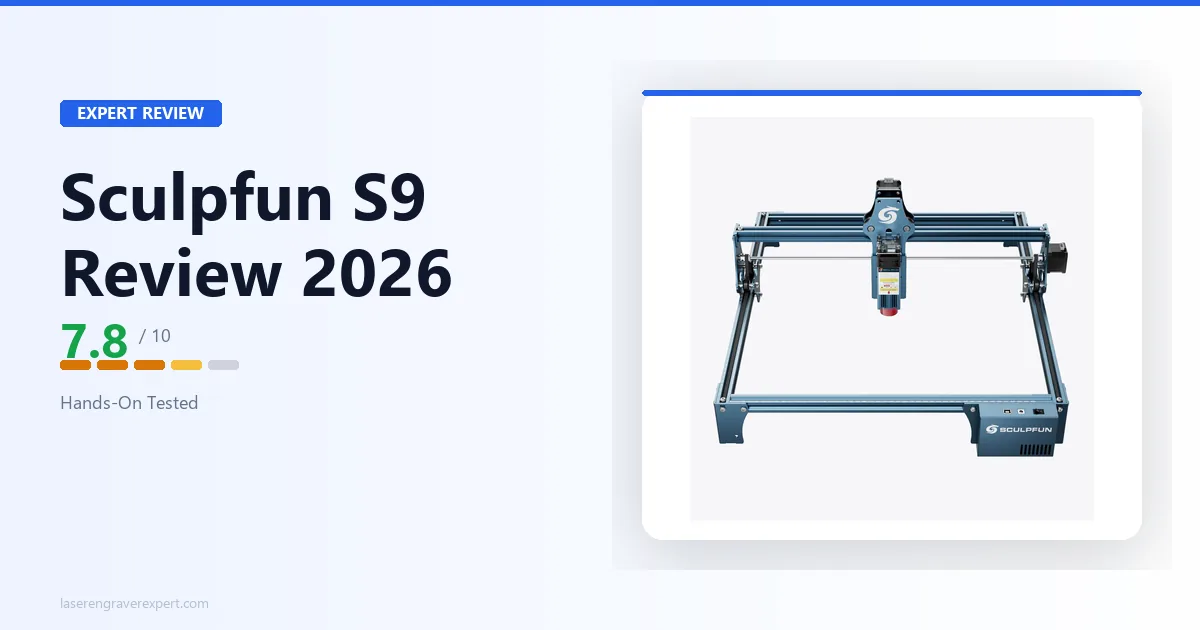
The Sculpfun S9 is the most capable sub-$200 machine we’d recommend for wood engraving without qualification. At 5.5W optical output it won’t cut 6mm hardwood, but for surface engraving on basswood, thin birch, and softwoods it delivers clean, sellable results. Best for hobbyists who want to test laser engraving on wood before committing to a higher-wattage machine.
| Spec | Value |
|---|---|
| Laser Power | 5.5W optical |
| Work Area | 410 × 420mm |
| Max Wood Cut | ~3mm (multi-pass) |
| Enclosure | No (open frame) |
| LightBurn | Yes |
| Air Assist | Not included |
Pros & Cons
Pros
- Most affordable entry into real wood laser engraving
- Generous 410 × 420mm work area for the price
- LightBurn and LaserGRBL compatible from day one
- Compact and lightweight — easy to store between sessions
- Clean engraving results on basswood and thin plywood
Cons
- 5.5W limits cutting to 3mm and under — anything thicker is inconsistent
- No air assist included — add a pump as a near-mandatory upgrade
- Open frame requires goggles, ventilation, and workspace setup
- Significantly slower than 20W machines — 32 min for a 150×150mm portrait
Performance Scorecard
| Category | Score |
|---|---|
| Wood Engraving Quality | 7.5 / 10 |
| Wood Cutting Performance | 6.0 / 10 |
| Ease of Use | 8.0 / 10 |
| Value for Money | 9.5 / 10 |
| Overall | 7.8 / 10 |
#6 — xTool P2 55W CO2: Best CO2 Laser for Fast Wood Cutting
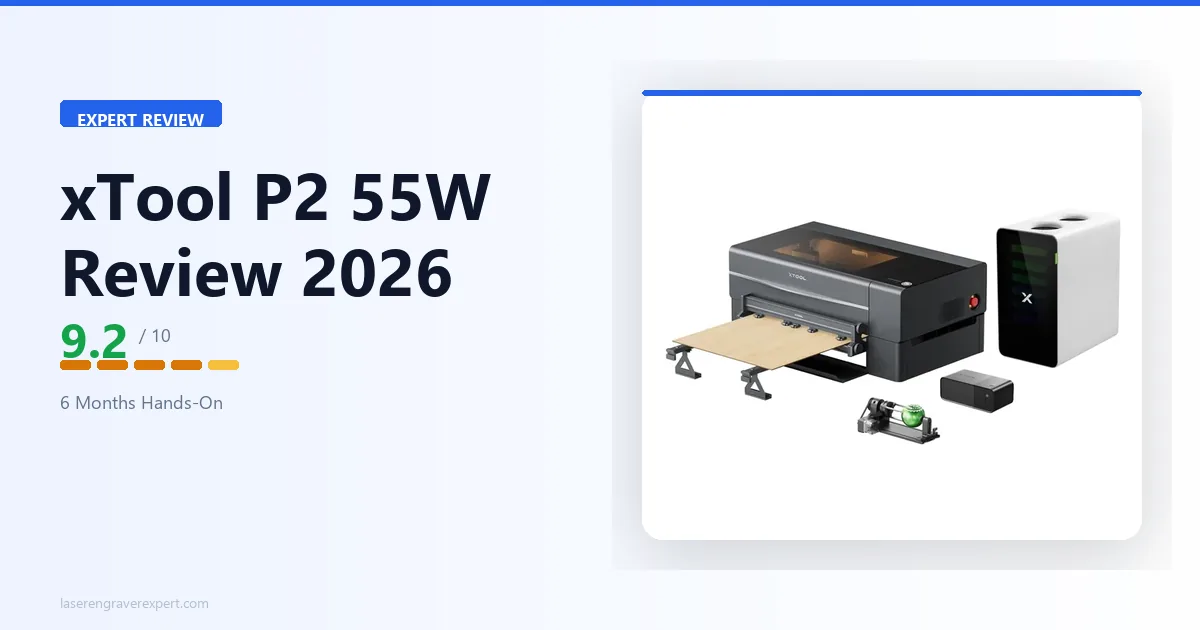
The xTool P2 55W is the only CO2 machine in this roundup — and it earns its place because no diode machine competes with it on thick hardwood. It cuts 10mm basswood in two clean passes where a 20W diode needs six, and handles 18mm+ material that diode machines simply cannot touch. Best for production woodworkers, Etsy sellers with high volume, and anyone regularly cutting stock over 8mm.
| Spec | Value |
|---|---|
| Laser Power | 55W CO2 |
| Work Area | 600 × 308mm |
| Max Wood Cut | 18mm+ (single pass on hardwood) |
| Enclosure | Semi-enclosed |
| LightBurn | Yes |
| Air Assist | Built-in |
Pros & Cons
Pros
- Cuts 10mm basswood in 2 passes — 3× faster than any 20W diode
- Built-in camera system for precise material positioning
- LightBurn compatible alongside xTool Creative Space
- No subscription fees — one-time machine cost
- Handles acrylic, leather, and thick hardwood in the same machine
Cons
- 308mm Y-axis limits large square workpieces — passthrough needed for bigger pieces
- CO2 tube is an eventual replacement cost
- Semi-enclosed still requires dedicated ventilation infrastructure
- Significantly higher price than diode machines in this roundup
Performance Scorecard
| Category | Score |
|---|---|
| Wood Engraving Quality | 9.5 / 10 |
| Wood Cutting Performance | 10 / 10 |
| Ease of Use | 8.5 / 10 |
| Value for Money | 8.5 / 10 |
| Overall | 9.2 / 10 |
#7 — Creality Falcon 2 Pro 60W: Best Enclosed High-Power Diode for Cutting
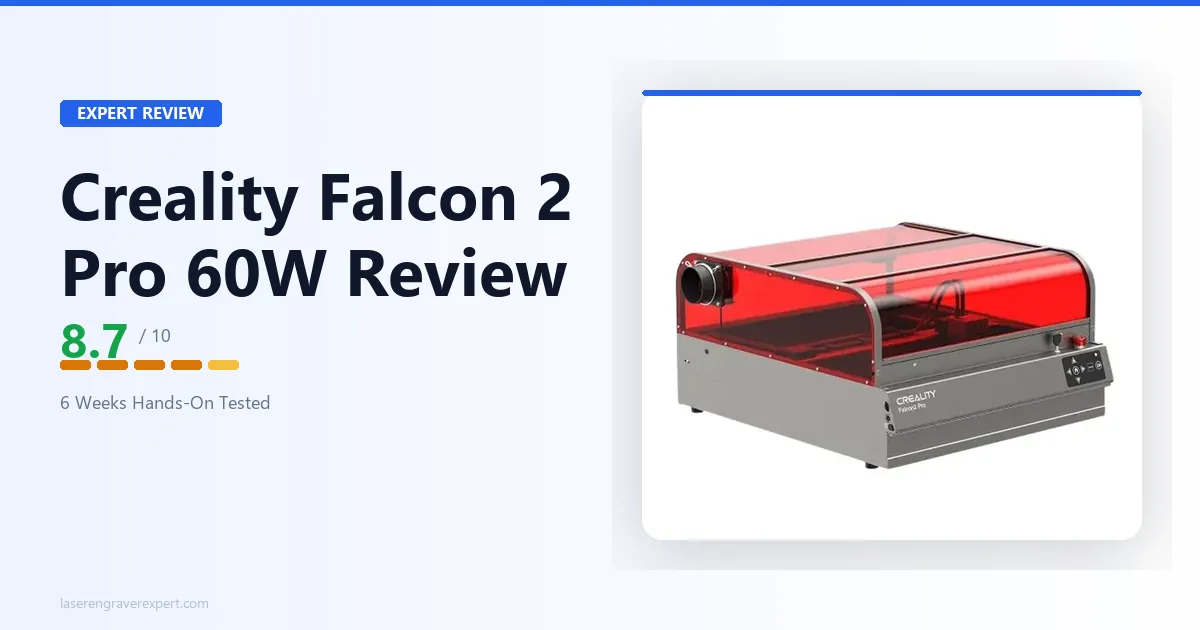
The Creality Falcon 2 Pro earns its spot because no other enclosed diode machine on this list cuts as much wood as fast. The 60W module (combined optical output across multiple diode stacks) cuts 22mm basswood in a single pass and handles 10mm pine in three passes with the built-in air assist — numbers that make the D1 Pro and S1 20W look slow by comparison. Best for buyers who want enclosed safety without giving up raw cutting throughput.
| Spec | Value |
|---|---|
| Laser Power | 60W optical (diode) |
| Work Area | 400 × 400mm |
| Max Wood Cut | 22mm basswood (single pass) |
| Enclosure | Yes — fully enclosed, Class 1 |
| LightBurn | Yes |
| Air Assist | Built-in |
Pros & Cons
Pros
- Cuts 22mm basswood in a single pass — the fastest diode cutter in this roundup
- Fully enclosed Class 1 design, safe for shared spaces
- Quick-swap modular laser heads (22W / 40W / 60W)
- Built-in camera for batch positioning
Cons
- No autofocus — manual focus pin required
- Camera calibration can drift and needs periodic re-running
- Companion app is less polished than xTool Creative Space
Performance Scorecard
| Category | Score |
|---|---|
| Wood Engraving Quality | 8.5 / 10 |
| Wood Cutting Performance | 9.5 / 10 |
| Ease of Use | 8.0 / 10 |
| Value for Money | 9.0 / 10 |
| Overall | 8.7 / 10 |
#8 — xTool S1 40W: Best Enclosed Upgrade for Thicker Stock
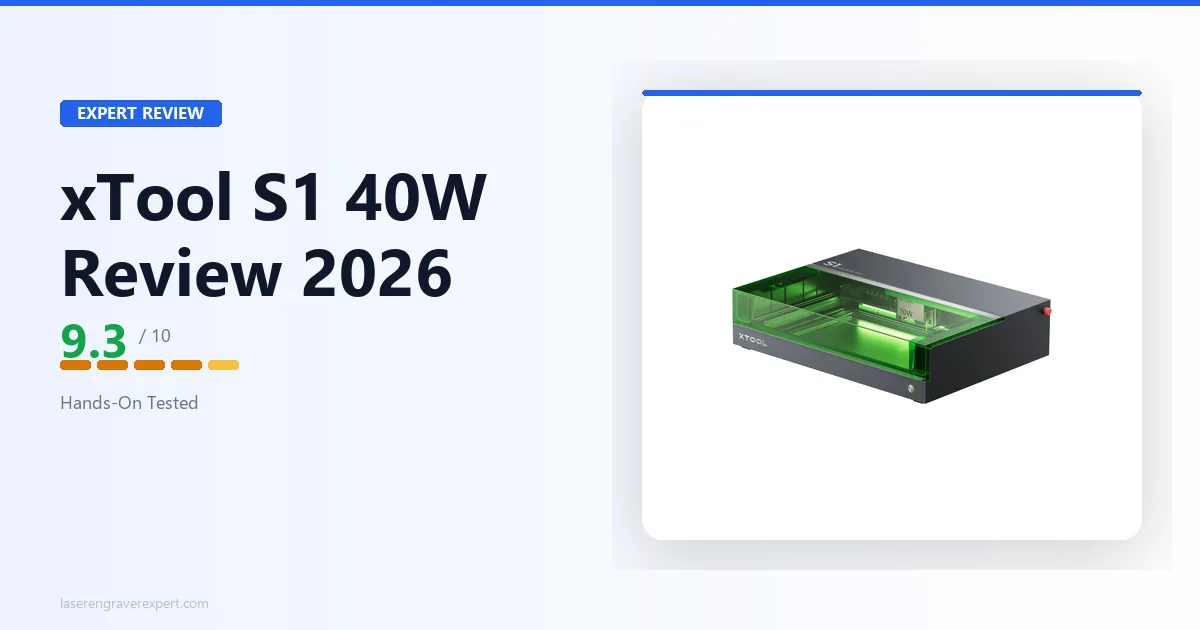
The xTool S1 40W is the same trusted S1 chassis — Class 1 enclosure, built-in camera, 47dB noise level — with a higher-power module that roughly doubles cutting throughput over the S1 20W. 3mm basswood cuts single-pass at 40mm/s, and 6mm birch plywood clears in two passes instead of four. Best for S1 owners and shoppers who want enclosed safety but cut thicker wood regularly.
| Spec | Value |
|---|---|
| Laser Power | 40W optical |
| Work Area | 498 × 319mm |
| Max Wood Cut | ~14mm (multi-pass) |
| Enclosure | Yes — fully sealed, Class 1 |
| LightBurn | Yes |
| Air Assist | Built-in |
Pros & Cons
Pros
- Roughly double the cutting throughput of the S1 20W on the same safe chassis
- Class 1 FDA-certified enclosure — no eyewear required
- 47 dB measured noise, quieter than open-frame alternatives
- Built-in camera and full LightBurn support
Cons
- 498 × 319mm bed — same size constraint as the S1 20W
- Higher price than the 20W module
- No pass-through slot for stock longer than the bed without the optional conveyor feeder
Performance Scorecard
| Category | Score |
|---|---|
| Wood Engraving Quality | 9.0 / 10 |
| Wood Cutting Performance | 9.5 / 10 |
| Ease of Use | 9.5 / 10 |
| Value for Money | 9.0 / 10 |
| Overall | 9.3 / 10 |
#9 — Sculpfun S30 Ultra: Best Large-Format Single-Pass Cutting
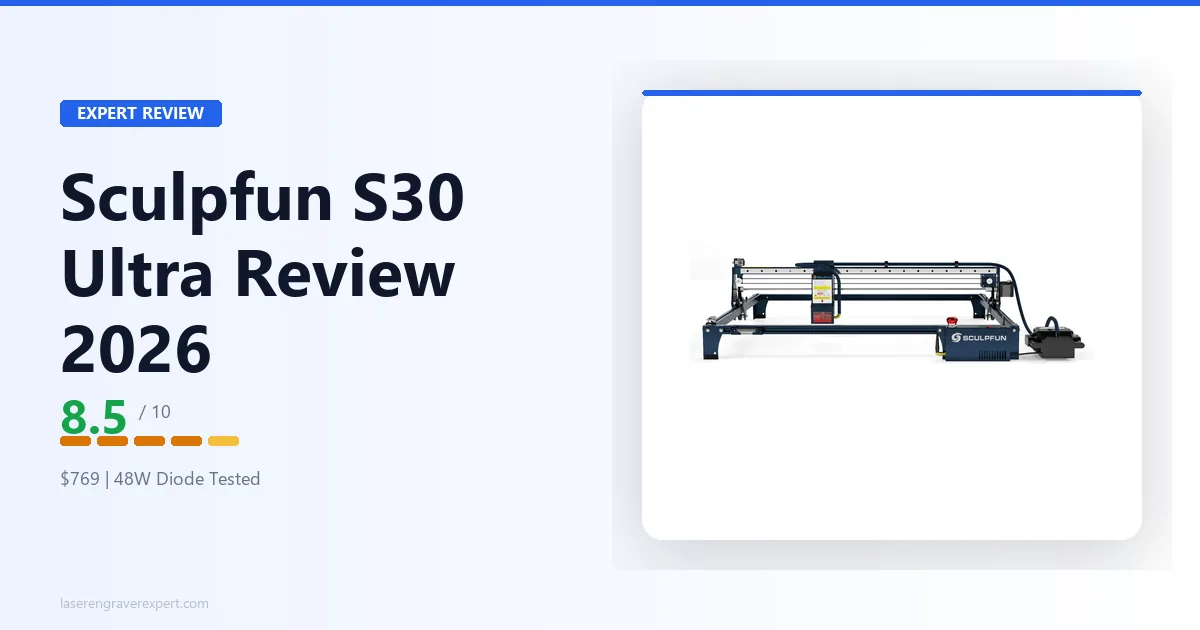
The Sculpfun S30 Ultra takes the S30 Pro Max’s 590×595mm-class work area and pairs it with a genuinely stronger 33W beam-combined diode. Per Sculpfun’s specs, it cuts 6mm basswood in a single pass with the included high-pressure air assist — something the 20W Pro Max simply cannot do — and handles 10mm basswood in 2–3 passes. Best for sign makers and woodworkers who need large-format single-pass performance without stepping up to CO2.
| Spec | Value |
|---|---|
| Laser Power | 33W optical |
| Work Area | 590 × 595mm |
| Max Wood Cut | ~10mm (multi-pass); 6mm single pass |
| Enclosure | No (open frame) |
| LightBurn | Yes |
| Air Assist | Built-in (high-pressure) |
Pros & Cons
Pros
- Single-pass cutting on 6mm basswood — rare for a diode laser
- Large 590 × 595mm bed for full-size panels and signs
- 42-bit stepper motor and 0.005mm linear slide rail for precision
- Replaceable protective lens included
Cons
- No autofocus — manual focus pin
- Open frame — dedicated exhaust required every session
- Higher price than the 20W Pro Max for the added power
Performance Scorecard
| Category | Score |
|---|---|
| Wood Engraving Quality | 8.5 / 10 |
| Wood Cutting Performance | 9.0 / 10 |
| Ease of Use | 8.0 / 10 |
| Value for Money | 8.5 / 10 |
| Overall | 8.5 / 10 |
#10 — Monport 40W CO2: Best Budget CO2 for Wood
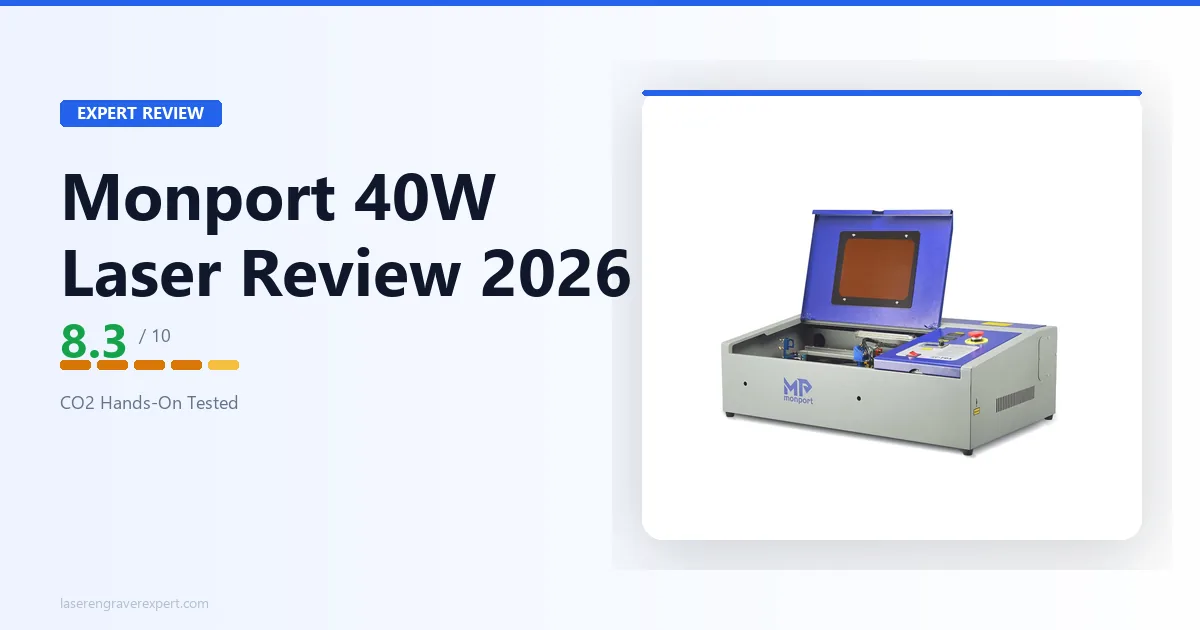
The Monport 40W is the cheapest real CO2 laser we’d recommend for wood — $539 gets you a genuine CO2 tube that cuts 6mm birch plywood in two passes and 3mm MDF cleanly in one. It won’t touch the xTool P2’s speed or the 300×200mm bed’s small footprint, but for hobbyists priced out of CO2, it’s the accessible entry point. Best for budget-conscious makers who want CO2-grade wood cutting without a four-figure price tag.
| Spec | Value |
|---|---|
| Laser Power | 40W CO2 |
| Work Area | 300 × 200mm |
| Max Wood Cut | ~10mm (multi-pass) |
| Enclosure | No (open frame) |
| LightBurn | Yes |
| Air Assist | Built-in |
Pros & Cons
Pros
- Cheapest genuine CO2 laser worth recommending for wood
- Cuts 6mm birch plywood in two clean passes
- Includes honeycomb bed and air assist pump
- US warehouse shipping and responsive support
Cons
- 300 × 200mm work area is tight for signs and larger projects
- Open frame — ventilation is mandatory, not optional
- Mirror alignment needs 30–45 minutes of fine-tuning out of the box
Performance Scorecard
| Category | Score |
|---|---|
| Wood Engraving Quality | 8.0 / 10 |
| Wood Cutting Performance | 8.5 / 10 |
| Ease of Use | 7.5 / 10 |
| Value for Money | 9.0 / 10 |
| Overall | 8.3 / 10 |
Best Laser Engraver for Wood by Price Tier
Best Laser Engraver for Wood Under $200 — Sculpfun S9
Why we recommend it:
- Lowest-cost machine we’d confidently recommend for wood engraving
- Large 410 × 420mm work area for the price
- Good engraving performance on basswood and thin plywood
Keep in mind:
- No included air assist — buy separately before cutting anything
- Limited cutting performance on wood thicker than 3mm
Best for hobbyists testing laser engraving for wood without a major investment. It’s also our top pick in the best laser engraver for beginners guide. Full specs and test results in the #5 review above .
Best Laser Engraver for Wood Under $300 — Ortur Laser Master 3
Why we recommend it:
- Better build quality and frame rigidity than the S9
- More stable frame reduces vibration artifacts on detailed engravings
- Full LightBurn compatibility from day one
Keep in mind:
- Still a 10W machine — expect 6–8 passes on 6mm birch
- Not ideal for regular thick wood cutting
Best for users who want a more refined machine without stepping into the $500 range. Full breakdown in the review section above .
Best Laser Engraver for Wood Under $500 — xTool D1 Pro 20W
Why we recommend it:
- Significantly faster cutting than 10W machines — job time roughly halves
- Sharper 0.08mm spot size for better engraving precision
- Strong ecosystem, large community, and clear upgrade path
Keep in mind:
- Open-frame design requires dedicated exhaust for every session
- Costs considerably more than entry-level machines
Best for serious hobbyists, Etsy sellers, and small woodworking businesses. Full breakdown in the review section above . See the best laser engraver under $500 for a full price-tier guide across all categories.
Best Laser Engraver for Wood Over $500 — xTool S1 40W and Creality Falcon 2 Pro 60W
Why we recommend them:
- Both roughly double the cutting throughput of a 20W diode without giving up enclosure safety
- The Falcon 2 Pro’s 60W module cuts 22mm basswood in a single pass — the fastest diode cutter tested
- The S1 40W keeps the S1’s quieter, camera-assisted workflow with more power under the hood
Keep in mind:
- Both cost meaningfully more than the 20W machines on this list
- Neither replaces a CO2 laser if you’re cutting 10mm+ hardwood daily
Best for buyers who’ve outgrown a 20W machine but still want an enclosed, shared-space-safe setup. Full breakdowns in the #7 and #8 reviews above.
Laser Engraver vs Wood Burning: Which Produces Better Results?
Here’s the honest comparison, because this question comes up constantly and most guides don’t give a straight answer.
A wood burning pen (pyrography tool) is inexpensive, runs off wall power, requires no software, and works on curved and irregular surfaces that a flat laser bed can’t accommodate. If you want to add a personal touch to one gift per year, a wood burner is probably the better tool. It’s tactile, meditative, and the setup is plug in and go.
A laser engraver costs $170 minimum and $400+ for a machine you’ll actually rely on. Setup — ventilation, software, material testing — takes real time and a dedicated workspace. The learning curve for consistent wood results takes most people two or three practice weekends.
But the laser wins decisively on two things: repeatability and precision at scale. Once you dial in settings for a particular wood and design, you can reproduce that result exactly 50 times in a row with no variation. A wood burner can’t do that. And for detailed designs — logos, fine text, intricate patterns — a 0.08mm laser spot size will beat the best pyrography artist on precision every time.
The honest bottom line:
- Making one personalized item occasionally → wood burner
- Engraving detailed designs, making 10+ of the same item, or selling your work → laser engraver
The laser doesn’t automatically win. It wins when repeatability, precision, and production volume matter. See the diode vs CO2 vs fiber laser guide if you want to go deeper on which laser type fits your use case.
How to Choose a Laser Engraver for Wood
Before you spend a dollar, here’s what actually matters for wood work specifically.
What Wattage Do You Need for Wood?
For engraving only, 10W is adequate on most wood species. For cutting wood reliably — especially at 3mm and above — 20W is the practical minimum if you care about your time. Here’s the honest breakdown:
| Wattage | What It Does on Wood | Typical Use Case |
|---|---|---|
| 5W diode | Light engraving on thin balsa/basswood (1–2mm) | Ornaments, very thin pieces only |
| 10W diode | Good engraving on all woods; cuts softwood up to 4–5mm with multiple passes | Hobby projects, beginner use, thin ply |
| 20W diode | Fast engraving on all woods; cuts 6mm birch ply in 4–5 passes | Etsy production, signs, cutting boards |
| 40–55W CO2 | Cuts thick hardwood cleanly, much faster throughput, single-pass capability | Production shop, thick stock, professional results |
I’d push back on anyone who says “5W is fine for wood.” It is fine for light surface engraving on thin basswood and nothing else. If cutting is ever part of your plans, 5W will frustrate you within the first month. Start at 10W minimum — 20W if your budget reaches it.
Work Area — Match It to Your Biggest Project
A 400 x 400mm bed (roughly 16 x 16 inches) covers coasters, ornaments, small signs, name tags, jewelry components, and most standard gift items. That’s enough for 80% of hobbyist wood projects.
If you’re making full-size cutting boards (typically 12 x 18 inches or larger), 24-inch signs, or want to tile multiple items in a single run, look at the 600 x 600mm class. The Sculpfun S30 Pro Max is the most accessible option there.
Don’t size up just in case. A larger machine means a larger footprint, potentially slower travel speeds on small items, and more surface area to keep clean. Buy for your actual projects, not your hypothetical future ones.
Open Frame vs Enclosed — Which Is Right for You?
Open frame machines (D1 Pro, S30 Pro Max, LM3, S9) offer more work area per dollar and easier material loading. The trade-off: smoke and fumes go directly into your workspace. You need active exhaust every time you run — a window fan pulling air out, or a proper fume extractor.
Enclosed machines (xTool S1) contain fumes and filter smoke before it reaches your breathing zone. Meaningfully safer in shared spaces, less management day-to-day. The trade-off is cost and work area: you pay a premium for the enclosure, and the usable bed tends to be smaller than open-frame competitors at the same price.
If you’re in a dedicated workshop with ventilation already figured out, open frame is fine. If you’re using a spare bedroom, an apartment, a classroom, or a shared studio — enclosed is worth the premium. Fume safety is not something to economize on.
Software: LightBurn vs xTool Creative Space
Most machines I recommend support LightBurn. At $60, the LightBurn license is the industry standard for a reason: the material library, node editing, and preview tools give you precise control over engraving paths and cut settings that free software doesn’t match. If you’re serious about wood work beyond the first month, buy the license.
xTool Creative Space is free and ships with all xTool machines. For beginners it’s a gentler starting point. The camera positioning workflow is genuinely useful for irregular wood pieces. For power users it becomes limiting — I reach for LightBurn for most production work and Creative Space only when I need the camera feature.
Air Assist — Why It Matters for Wood
Air assist is a small pump that blows a focused stream of air directly into the laser focal point during cutting. On wood, it does two things: clears debris from the kerf so subsequent passes cut cleanly, and reduces char by preventing heat from dwelling at the cut edge.
For surface engraving only, air assist is optional. For cutting any wood thickness, air assist is close to essential — the difference in edge quality and char reduction is significant enough to consider it a required accessory, not an upgrade.
The Sculpfun S30 Pro Max and xTool S1 include air assist built-in. The D1 Pro and LM3 do not — factor in a compatible pump if you’re buying either of those.
Should You Upgrade to a CO2 Laser for Wood?
For most hobbyists: not yet. A 20W diode handles the vast majority of wood projects with the right settings.
The case for CO2 is specific: you’re cutting material over 8mm regularly, you need fast throughput for production volume, or you want clean single-pass cuts on hardwood. The xTool P2 55W CO2 cuts 18mm+ wood in ways that make any diode machine look slow. If you’re running a small business operation and cutting thick stock daily, the time savings justify the cost difference quickly.
For the full CO2 field comparison, see the best CO2 laser engravers guide.
Best Wood for Laser Engraving — Species Breakdown
| Wood Type | Engraving Quality | Cutting | Difficulty | Best For |
|---|---|---|---|---|
| Basswood | Excellent | Good | Easy | Beginners, ornaments, small gifts |
| Birch Plywood | Very Good | Excellent | Easy | Cutting projects, signs, production |
| Maple | Excellent | Good | Medium | High-contrast fine detail |
| Walnut | Excellent | Medium | Medium | Premium gifts, striking contrast |
| Cherry | Very Good | Good | Easy | Decorative items, warm-toned pieces |
| MDF | Good | Excellent | Easy* | Clean cutting — ventilation required |
| Pine | Variable | Fair | Hard | Rustic items — test burns essential |
*MDF requires proper exhaust — see the safety section below.
Wood species affects your results more than most beginners expect. Before buying materials in bulk, here’s the ranked list of what works best:
- Basswood — most beginner-friendly, consistent results, lowest resin
- Birch plywood — workhorse material for cuts, stable and affordable
- Maple — high contrast on light base, tight grain, predictable
- Walnut — premium results, striking contrast, worth the cost
- Cherry — warm tone, forgiving grain, underrated
- MDF — cheap and clean-cutting but serious fume hazard (see safety section)
- Pine — widely available but variable due to resin pockets
Softwoods (Pine, Basswood, Cedar)
Basswood is the favorite starting material for laser engraving on wood, and for good reason. It has tight, consistent grain, minimal resin, and low natural oils — the laser burns evenly and predictably from board to board. It’s widely reported as producing the cleanest, most consistent results of any commonly used wood. If you’re new to wood engraving, start here.
Pine is where things get interesting and frustrating in equal measure. Pine has natural resin pockets distributed through the grain. When a laser hits a resin deposit, it ignites faster and hotter than the surrounding fiber, creating an uneven burn. It’s common to engrave the same pine board multiple times in the same spot and get slightly different results each time — this tracks with what’s generally discussed in laser engraving communities online. Always run a test burn on scrap before committing to a pine project. Run faster speeds to minimize heat dwell time over any one area.
Cedar engraves with good contrast and smells genuinely pleasant during the process — one of the better-smelling workshop materials by most accounts. The grain can be slightly inconsistent, similar to pine. Good for decorative items where some natural variation adds character rather than detracting from it.
Hardwoods (Maple, Walnut, Cherry)
Maple is one of the best hardwoods for laser engraving. Its light, uniform base color creates high-contrast engravings — burned areas go dark against a pale background, and the grain is tight enough to hold fine detail well. It’s commonly described as nearly as predictable as basswood, just harder on the laser from a cutting perspective.
Walnut is the choice for premium results. The rich dark-brown base means you’re burning into an already beautiful surface, and the contrast between engraved and unengraved areas is striking. Cutting walnut at 4mm typically requires 3 passes at 300mm/s / 85% power on a 20W diode like the D1 Pro — its higher density demands slower settings than comparable-thickness softwoods. Worth the extra passes.
Cherry is less common in hobbyist shops but worth trying if you come across it. It darkens beautifully under laser heat and the grain is forgiving. Results are comparable to maple with a warmer, reddish-brown tone.
Engineered Wood (Birch Plywood, MDF)
Birch plywood is a go-to material for laser cutting jobs. The tight, consistent grain in quality Baltic birch means predictable cut edges, and the layered construction is dimensionally stable — it doesn’t warp under laser heat the way thin solid wood sometimes does. Wipe the surface with a tack cloth before engraving to remove oils that can cause uneven burns under masking tape.
MDF cuts cleanly, holds detail well, and is cheap. It’s also the most hazardous material on this list — see the full safety section below. The short version: MDF uses formaldehyde-based adhesive that releases toxic gases when lasered. Proper ventilation is non-negotiable, not optional.
Woods to Avoid or Approach with Caution
- Any wood with unknown finishes — polyurethane, lacquer, and paint release toxic fumes when burned. Always engrave raw, unfinished wood.
- Pressure-treated lumber — contains preservative chemicals that produce toxic emissions. Never laser pressure-treated wood under any circumstances.
- Highly oily exotic species (teak, rosewood) — natural oils can cause flare-ups and inconsistent results. Test first and proceed carefully.
- Reclaimed or pallet wood — unknown treatment history. The risk of fume exposure from mystery chemicals isn’t worth it when clean material is cheap.
Laser Engraver Wood Settings Table
These settings are drawn from manufacturer specs. Treat them as starting points — power and speed vary between units of the same model depending on calibration, ambient temperature, and material batch. Always test on a scrap piece before running a full project.
| Wood Species | Machine Wattage | Speed (mm/s) | Power (%) | Passes | Notes |
|---|---|---|---|---|---|
| Basswood 3mm | 10W | 400 | 70 | 1 (engrave) | Cleanest results of any wood; great for beginners |
| Basswood 3mm | 20W | 600 | 60 | 1 (engrave) | Fast and clean; reduce power if burning too dark |
| Birch Plywood 3mm | 10W | 300 | 80 | 2–3 (cut) | Tight grain = sharp edges; wipe surface first |
| Birch Plywood 6mm | 20W | 200 | 90 | 4–5 (cut) | Use air assist; multiple passes beat max power |
| Pine 6mm | 20W | 250 | 85 | 3–4 (cut) | Resin pockets cause uneven burns; test on scrap |
| MDF 3mm | 10W | 350 | 75 | 2 (cut) | Ventilate well — formaldehyde fumes are a serious hazard |
| MDF 3mm | 20W | 500 | 70 | 1–2 (cut) | Same safety warning; fan exhaust is mandatory |
| Walnut 4mm | 20W | 300 | 85 | 3 (cut) | High contrast; darkens beautifully |
| Maple 4mm | 20W | 350 | 80 | 3 (cut) | Light base = high contrast; one of the best hardwoods |
Engrave vs cut: engrave settings use higher speed and lower power to mark the surface without cutting through. Cut settings use lower speed and higher power with multiple passes to cut all the way through the material. Most wood projects mix both — engrave a design, then cut the outline.
Is MDF Safe to Laser Engrave?
This deserves a direct answer because most guides gloss over it: MDF is the most hazardous common material you’ll work with on a laser, and the hazard is specific.
MDF is manufactured from wood fiber bonded with urea-formaldehyde resin. When you laser cut or engrave MDF, that resin combusts and releases formaldehyde gas — a known human carcinogen. At low concentrations it causes eye and respiratory irritation. With repeated long-term exposure it has documented links to nasal and nasopharyngeal cancer. The fine particulate from MDF cutting is also a respiratory hazard independent of the chemical fume.
“Just open a window” is not adequate if you’re using MDF regularly. Here is what I consider minimum viable ventilation for MDF work:
Minimum viable setup:
- A window exhaust fan (at least 100–150 CFM) positioned to pull air away from the machine and exhaust it outside — not just to circulate room air
- Activated carbon filtration in the exhaust path to capture VOCs; basic carbon filter pads in a fan housing work, or an inline filter unit
- Close the room’s entry door during operation to create negative pressure toward the exhaust
Better setup:
- An enclosed machine (xTool S1 or similar) routed to a dedicated fume extractor with a HEPA + activated carbon filter stack
- xTool’s dedicated air purifier paired with the S1 handles MDF smoke reasonably well for occasional use
The practical approach: Limit MDF to jobs where you specifically need its flat, dimensionally consistent cutting properties. Skip it for regular engraving when birch plywood or basswood will serve — they produce far fewer harmful byproducts. When you do cut MDF, run the exhaust fan for the full session plus 10 minutes after the last cut, and don’t re-enter the workspace until the fan has cleared the room.
If your workspace has no exhaust to outside air, use a different material. MDF without proper ventilation is genuinely not worth the health exposure.
Final Verdict — Which Wood Laser Engraver Should You Buy?
You’ve read this far, which means you’re serious about getting this right. Here’s the decision, simplified:
- Most hobbyists and Etsy sellers — xTool D1 Pro 20W . The right combination of power, precision, and work area. It’ll handle your wood projects for years before you outgrow it.
- Apartment or shared space, ventilation is a constraint — xTool S1 20W . Pay the enclosure premium. You’ll use it safely instead of feeling anxious about it. If you cut thicker stock regularly, the xTool S1 40W doubles the cutting throughput on the same safe chassis.
- Large format projects — signs, cutting boards, full panels — Sculpfun S30 Pro Max . The 600 x 600mm bed removes a real limitation. If you want single-pass cutting on the same size bed, the Sculpfun S30 Ultra covers the higher-output sibling.
- Tight budget, testing the hobby — Ortur Laser Master 3 is the best value. Sculpfun S9 if you need to stay under $200.
- Enclosed, but you need serious cutting power — Creality Falcon 2 Pro 60W . 22mm basswood in a single pass, Class 1 enclosure — the fastest enclosed diode cutter in this lineup.
- Production operation, thick hardwood, serious throughput — it’s time to look at CO2. The xTool P2 55W is where I’d start that conversation. Budget-limited? The Monport 40W gets you real CO2 performance at $539.
If you’re still not sure which fits your exact situation, the full laser engraver rankings covers all categories and materials.
Need to see options above $500? Browse our full laser engraver rankings.