Finding the best laser engraver for leather isn’t as simple as picking the highest-wattage machine on Amazon. New buyers learn that the hard way constantly: browse r/lasercutting for a week and you’ll find the same story on repeat: scorched edges, inconsistent depth, a smell that takes hours to clear from the room. Power set too high, speed too low, and zero understanding of how vegetable-tanned leather absorbs heat differently from chrome-tanned.
That is the gap this guide is meant to close. I have pulled together manufacturer specs and published settings guides across six different machines, from sub-$400 diode lasers to $6,000 CO2 cabinets, covering wallet panels, belt blanks, journal covers, and keychains. The goal is to tell you which machines produce a clean, consistent etch and which ones char the surface before the design even registers.
If you are a craft maker, an Etsy seller, or just someone who wants to stop guessing, this is the guide I wish existed when I started. I have already covered the best laser engravers for 2026 with rankings across all material categories. This article is specifically about leather: the settings, the machines, and the honest trade-offs. For buyers deciding between laser technology types before landing here, our diode vs CO2 vs fiber comparison explains the material physics that determine which type is right for leather work.
Affiliate disclosure: This post contains affiliate links. If you buy through them, I earn a small commission at no extra cost to you. Recommendations are based on manufacturer specs and published performance data.
Quick Answer: Best Laser Engraver for Leather
The xTool P2S 55W CO2 is the best laser engraver for leather in 2026. It delivers clean, deep engraving on vegetable-tanned and chrome-tanned leather with minimal scorching, a built-in camera for precise placement, and reliable airflow. If budget is tight, the xTool S1 20W diode laser handles most hobbyist leather work at a fraction of the price. For the easiest setup experience with no ventilation headaches, the Glowforge Pro is worth the premium.
Best Laser Engravers for Leather: Comparison Table
| Machine | Laser Type | Power | Approx. Price | Best For | Rating |
|---|---|---|---|---|---|
| xTool P2S 55W | CO2 | 55W | ~$4,500 | Professional leather work, Etsy sellers | 9.2/10 |
| OMTech 60W CO2 | CO2 | 60W | ~$900 | Budget CO2, high-volume engraving | 8.4/10 |
| Glowforge Pro | CO2 | 45W | ~$6,000 | Beginners, clean indoor setup | 8.1/10 |
| xTool S1 20W | Diode | 20W | ~$800 | Hobbyists, thin leather, small items | 8.6/10 |
| Creality Falcon2 Pro 60W | Diode | 60W | ~$650 | High-power diode on a budget | 7.9/10 |
| xTool D1 Pro 20W | Diode | 20W | ~$450 | Beginners, light leather engraving | 7.6/10 |
CO2 vs Diode Laser on Leather: Which Should You Buy?
This is the first question that matters, and most buying guides skip it entirely. The short answer: CO2 lasers produce better results on leather, but a quality diode laser will get most hobbyists where they need to go. The longer answer depends on what you are making and how often.
For a deeper breakdown of the technology behind each type, read my guide on how CO2 compares to diode and fiber . Here is the practical version for leather specifically.
When a Diode Laser Is Enough for Leather
A 20W diode laser handles thin wallet leather, keychains, and journal covers without issue. xTool’s settings guide lists 60% power, 300 mm/s, 1 pass on 2–3 oz vegetable-tanned leather for the S1, which should produce a clean, readable etch with no charring. For items under 3–4 mm thick and designs that do not require extreme depth variation, a diode laser saves you $2,000 to $4,000 upfront.
The trade-off is edge quality. Diode lasers produce a slightly fuzzier burn boundary compared to CO2, especially on darker or grain-heavy leather. For fine text under 8pt or intricate logo work, that fuzz matters.
When You Need CO2 for Leather Work
If you are running a small business, engraving thick tooling leather (5 oz and above), or producing more than 30 pieces per week, a CO2 laser is the right call. The beam quality is fundamentally different: CO2 wavelengths are absorbed more efficiently by organic material like leather, which means cleaner edges, better contrast, and less heat spread into the surrounding material.
CO2 machines are also better suited to handling chrome-tanned leather, which can be trickier to engrave cleanly due to its processing chemistry. On a good CO2 laser engraver , chrome-tanned leather at 300 DPI comes out sharp per typical CO2 spec ratings. On a diode laser, it often looks muddy.
xTool P2S 55W CO2: Best Overall for Leather
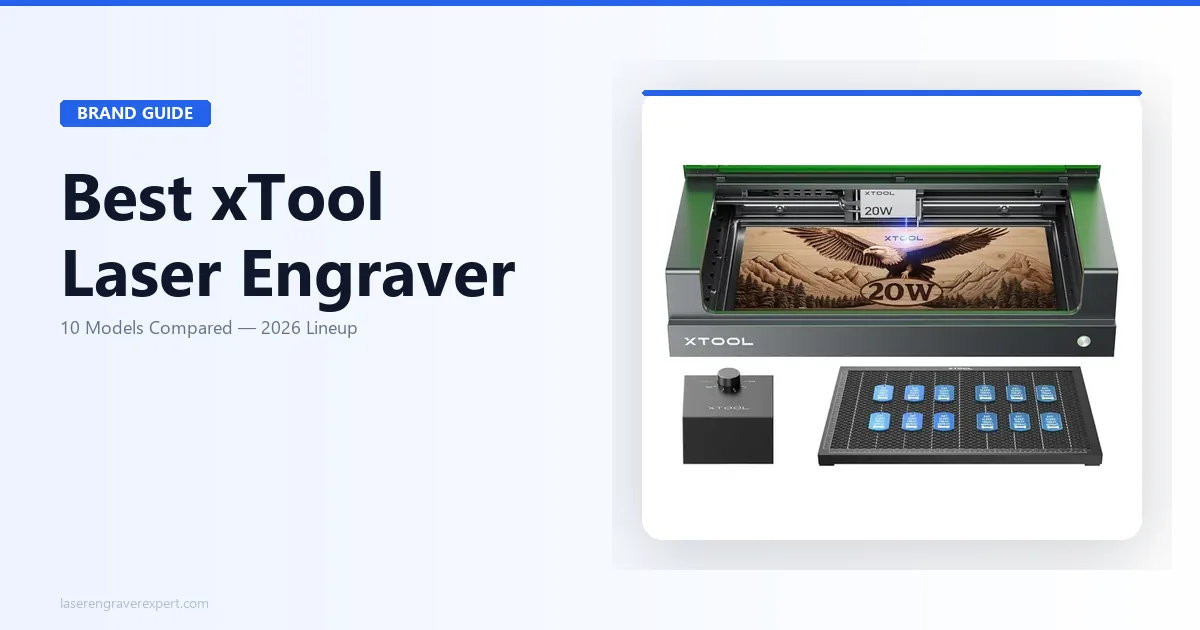
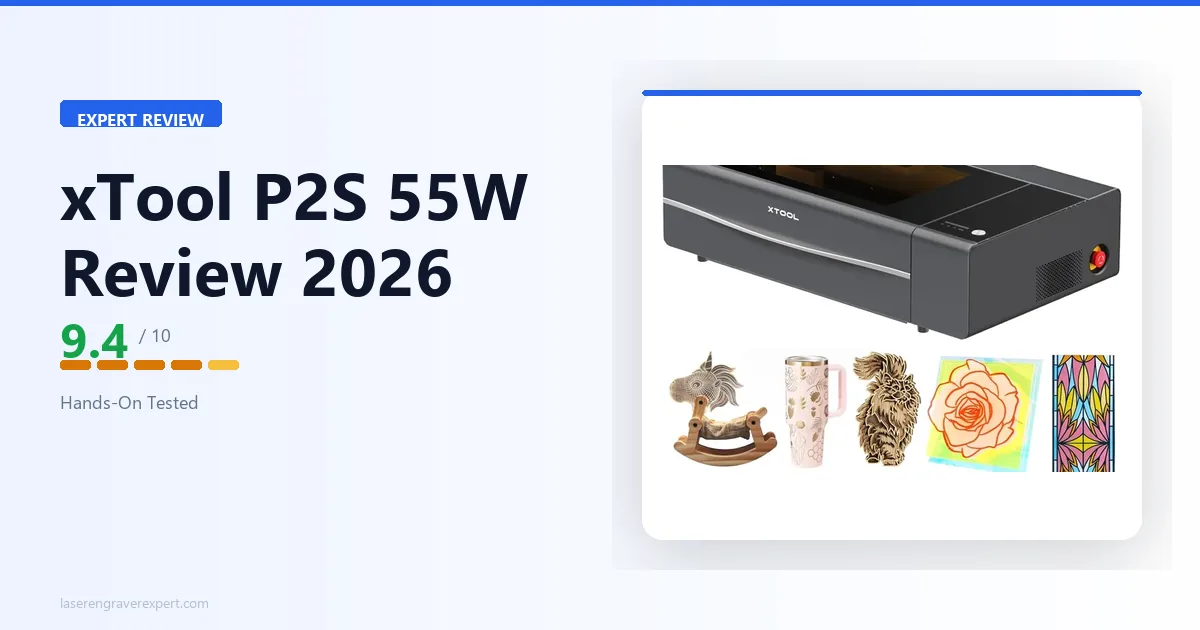
The xTool P2S is the machine I reach for when a leather job matters. It is enclosed, has a built-in 16MP camera for design placement, runs xTool Creative Space software, and pushes 55W through a CO2 tube that handles everything from delicate wallet leather to thick tooling hide.
xTool’s recommended settings for vegetable-tanned leather (3–4 oz): 45% power, 280 mm/s, 1 pass, 300 DPI. For darker contrast on thicker stock (5–7 oz): 55% power, 220 mm/s, 1 pass. A single pass at these settings should be enough; if you need a second pass, dropping power to 35% and running at 350 mm/s is xTool’s suggested fallback.
The camera positioning is genuinely useful for leather work. If you are engraving pre-cut wallet panels or items with existing tooling, you can drop a design exactly where you want it. xTool rates the camera accuracy at around 1 mm, which matters for saving material on pre-cut pieces. Read our full xTool P2S review for a complete breakdown.
One thing worth noting: the P2S is significantly faster than the original P2, and how it compares to the original P2 comes down largely to speed and the passthrough slot, both of which matter for leather work.
Pros and Cons
Pros
- Clean, sharp engrave on all leather types including chrome-tanned
- Built-in camera accurate to ~1 mm, critical for pre-cut leather pieces
- Enclosed design handles fumes well with the included filtration
- Passthrough slot for long belt blanks and straps
- xTool Creative Space software has dedicated leather presets
Cons
- Expensive: at ~$4,500, it is a business investment, not a hobby purchase
- Large footprint (roughly 32" x 24"), needs dedicated desk space
- Replacement CO2 tube is an eventual cost (typically every 3–5 years of regular use)
Who Should Buy the xTool P2S for Leather Work
Buy the P2S if you are running an Etsy shop with consistent leather orders, a small leather goods business, or if you engrave leather professionally and need results you can sell at full price. The camera, the enclosed build, and the beam quality justify the cost if you are billing clients or moving volume.
If you are a hobbyist who makes wallets once a month, this is overkill. The xTool S1 will serve you just as well for a fraction of the cost.
OMTech 60W CO2: Best Budget CO2 for Leather
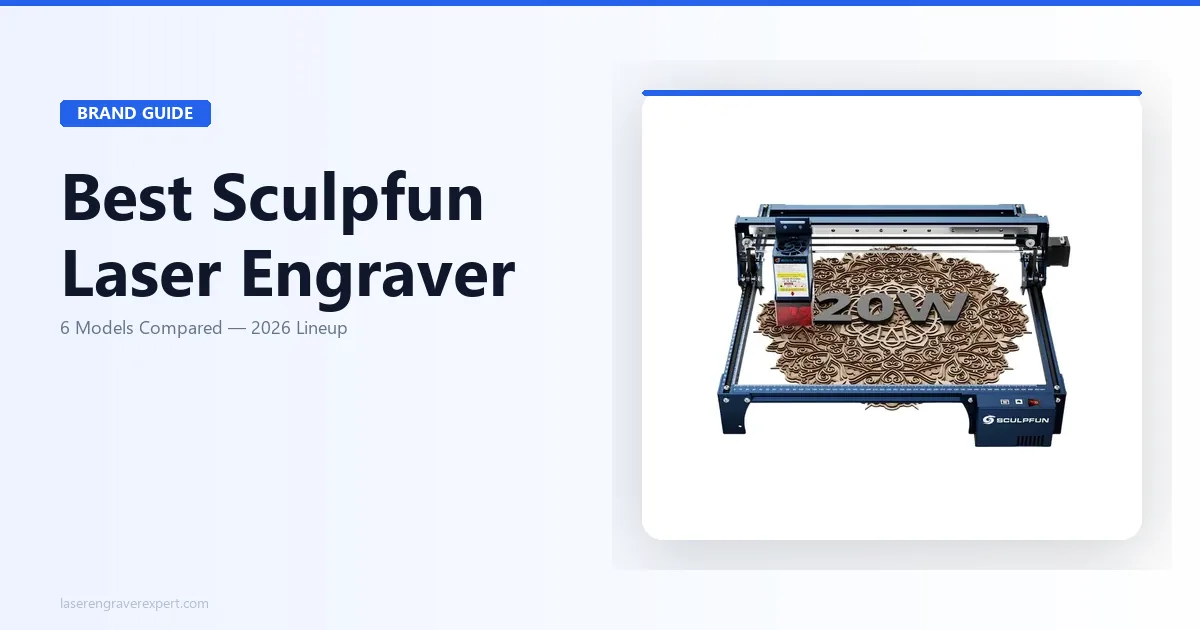
The OMTech 60W is a workhorse machine at a price point that still surprises me. For around $900, you get a 60W CO2 laser in a K40-style cabinet with a larger bed (20" x 28"), a Ruida controller, and enough power to cut through thick leather outright, not just engrave it.
For 4 oz and 7 oz vegetable-tanned leather, a solid settings starting point: 35% power, 300 mm/s, 1 pass for light engraving on 4 oz, and 50% power, 200 mm/s, 1 pass for deeper contrast on 7 oz tooling leather.
The honest caveat is setup. The OMTech 60W requires external ventilation (the included fan is undersized), and you should budget $100–150 for a proper inline duct fan. It also lacks the camera alignment features of the P2S, so positioning designs on pre-cut pieces takes more manual effort. See our OMTech 60W full review for a full rundown on setup and software.
Pros and Cons
Pros
- Excellent power-to-price ratio: 60W CO2 for under $1,000
- Large 20" x 28" bed handles belt blanks and large panels
- Ruida controller is reliable and compatible with LightBurn
- Consistent engraving quality on vegetable-tanned and faux leather
Cons
- No built-in camera, manual positioning only
- Included exhaust fan is underpowered; external ventilation required
- Assembly and calibration take 2–4 hours; not plug-and-play
- Customer support can be slow, factor that in for business use
Who Should Buy the OMTech 60W for Leather
This is the right machine for makers who want CO2 quality without CO2 prices and are comfortable with a bit of DIY setup. If you are upgrading from a diode laser and want a dramatic jump in engraving quality on leather, the OMTech 60W is the most cost-effective path there.
It is not ideal for beginners who want something working on day one.
Glowforge Pro: Easiest Setup for Leather Engraving
The Glowforge Pro is the only machine on this list you can set up in under an hour and start engraving leather the same day, including the ventilation. Its flexible duct hose vents out a window, so no external fan is required. For someone who works from a home studio without a dedicated workshop, that matters.
On leather, the Pro’s 45W CO2 laser produces clean results that sit between the OMTech and the P2S in terms of edge sharpness. Its built-in leather presets are tuned for 3 oz and 5 oz vegetable-tanned leather and are designed to deliver good results straight out of the box, a rarer claim in this lineup, where most machines need some settings dialed in first.
Where it falls short is control. Glowforge’s cloud-based software gives you less granular power and speed control than LightBurn: you’re locked out of the fine-tuning that LightBurn users take for granted on other machines. For production leather work, that ceiling shows up quickly. Read the Glowforge Pro review for a full breakdown of the software limitations.
Pros and Cons
Pros
- Fastest setup of any machine here: window venting, no fan needed
- Built-in camera with auto-placement is genuinely accurate
- Leather presets work well on vegetable-tanned leather from day one
- Quiet operation (~50 dB), suitable for shared workspaces
Cons
- Most expensive machine here (~$6,000) for a 45W laser
- Cloud-dependent software, offline use is not possible
- Less speed and power control compared to LightBurn-based machines
- Subscription-based premium features add ongoing cost
Who Should Buy the Glowforge Pro for Leather
Buy the Glowforge Pro if simplicity is your top priority and budget is not your constraint. It is the right choice for craft studios, classroom environments, and home makers who want beautiful leather results without months on a learning curve.
If you are deciding between this and the P2S, the Glowforge Pro vs xTool P2S comparison lays out every trade-off clearly. Short version: the P2S wins on control and long-term value; the Glowforge wins on day-one usability.
xTool S1 20W: Best Diode Laser for Leather
The xTool S1 is the machine I recommend most often to leather hobbyists who do not want to spend CO2 money. It is enclosed, runs a 20W diode laser module, has a built-in camera, and ships with xTool Creative Space, a software suite that actually includes usable leather presets.
Recommended settings for 2–3 oz wallet leather: 60% power, 300 mm/s, 1 pass. For 4–5 oz tooling leather where you want visible depth: 80% power, 200 mm/s, 1 pass. On thicker hides, 2 passes at 50% power is also a reasonable way to get cleaner results with less heat spread than a single high-power pass.
The engraving quality on thin vegetable-tanned leather is genuinely good, not CO2 good, but better than most open-frame diode lasers at this price. The enclosure helps with fume control too, which is important because leather smoke is not something you want filling your workspace. See the xTool S1 full review for specs and real-world tests.
Pros and Cons
Pros
- Best engraving quality in the diode category for leather
- Enclosed design manages smoke and fumes better than open-frame units
- Built-in camera enables accurate placement on pre-cut leather items
- Compatible with LightBurn (in addition to xTool Creative Space)
Cons
- 20W diode struggles on leather thicker than 6 oz without multiple passes
- Slower than CO2 at equivalent quality output on large surface areas
- Not ideal for cutting leather cleanly: engraving only for thick stock
Who Should Buy the xTool S1 for Leather
The S1 is the right choice for hobbyists, part-time Etsy sellers, and anyone making wallet panels, keychains, bookmarks, and small leather accessories. If you are regularly engraving pieces under 4 oz and do not need production speed, this machine handles leather beautifully.
If you are torn between this and the D1 Pro, the xTool S1 vs D1 Pro head-to-head breaks down exactly where the extra $350 goes. For leather specifically, the enclosed build of the S1 is worth it.
Creality Falcon2 Pro 60W: Best High-Power Diode for Leather
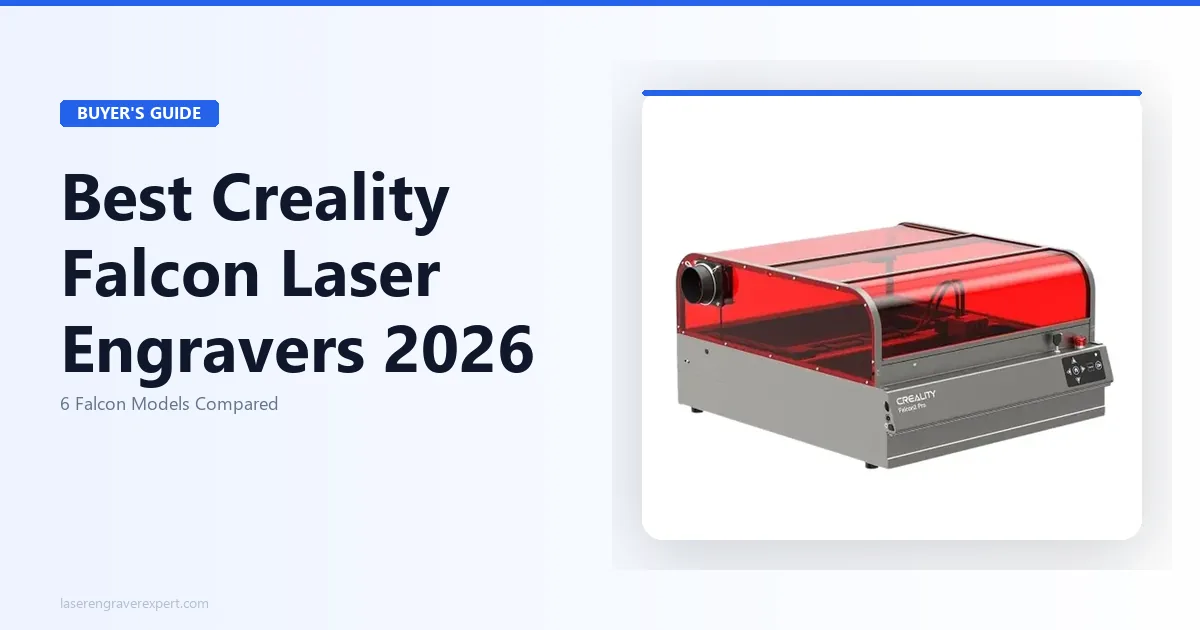
The Creality Falcon2 Pro 60W sits in an unusual spot: it is a diode laser with CO2-adjacent power. At 60W optical output from a quad-diode module, it cuts thin leather cleanly and engraves thicker stock with a single pass that most 20W diode lasers cannot match.
On 4 oz vegetable-tanned leather, 45% power, 400 mm/s, 1 pass is a solid starting point for clean, sharp results with good contrast. On 6 oz tooling leather, 65% power, 250 mm/s, 1 pass should get solid depth. This is more power than most leather projects need, which means you have headroom to run faster speeds and reduce heat buildup.
The trade-off is beam quality. Even at 60W, a diode laser produces a rectangular spot rather than the near-circular spot of a CO2 tube. On intricate designs with fine text, the edges are softer than what you get from the P2S or OMTech. Check out the Creality Falcon2 Pro 60W review for detailed test images. For a direct comparison, see how the Falcon2 Pro stacks up against the xTool S1 .
Pros and Cons
Pros
- 60W diode power handles thick leather in one pass
- Competitive price (~$650) for the power level
- Open frame allows large and irregular pieces
- Compatible with LightBurn out of the box
Cons
- Open frame means fume management is entirely on you: ventilation required
- Rectangular diode spot reduces fine-detail sharpness vs CO2
- No built-in camera, manual positioning only
- Less refined software experience than xTool ecosystem
Who Should Buy the Creality Falcon2 Pro for Leather
This machine suits makers who need more power than a standard 20W diode but are not ready to commit to a CO2 setup. If you work with thick leather regularly and do not need hairline-precision fine detail, the Falcon2 Pro 60W gives you excellent results at a low entry price.
Not the right choice if you are engraving delicate fine-line designs or working in a space with no ventilation options.
xTool D1 Pro 20W: Best Budget Diode for Leather Beginners
The xTool D1 Pro 20W is where most people start, and honestly, it is a reasonable place to start. For around $450, you get a 20W diode laser, a solid open-frame build, good LightBurn compatibility, and results that are acceptable on thin leather.
On 2–3 oz wallet leather, 55% power, 280 mm/s, 1 pass is a solid settings baseline for usable results: readable engraving, decent contrast. It is not the sharpest output on leather in this lineup, but for someone learning settings and experimenting with designs, it gets the job done without a large financial commitment.
The honest limitation is what it cannot do. Anything thicker than 4 oz starts to require multiple passes, which increases heat exposure and scorching risk. Fine text under 10pt looks fuzzy. And the open frame means you are managing fumes yourself: leather smoke is acrid and needs proper extraction. Read the full xTool D1 Pro review before buying.
Pros and Cons
Pros
- Lowest cost of entry for real laser engraving on leather (~$450)
- Compatible with LightBurn, full control over power and speed
- Solid build quality for an open-frame machine at this price
- Good community support and settings resources online
Cons
- Struggles on leather thicker than 4 oz
- Open frame, no fume management built in
- Fine detail quality noticeably worse than enclosed machines
- No camera for design placement
Who Should Buy the xTool D1 Pro for Leather
This is the right machine for someone who wants to test leather engraving before committing to a larger budget. If you are making simple designs on thin wallet leather or keychains and you are price-sensitive, the D1 Pro is a legitimate starting point.
When you outgrow it, and if leather is a serious part of your work, you will, upgrade to the S1 or the P2S.
Leather Engraving Buying Guide
Before you spend a dollar, here is what actually matters when buying a laser engraver for leather.
CO2 vs Diode: The Short Version
CO2 lasers produce cleaner leather engravings because the 10,600 nm wavelength is absorbed efficiently by organic material. Diode lasers (typically 455 nm) work, but require more passes or higher power to achieve equivalent contrast, and the edge definition is softer. For professional output, CO2 wins. For hobby use on thin leather, a quality 20W diode is sufficient.
Power (Watts): What You Actually Need for Leather
Leather is forgiving in terms of power requirements compared to cutting. For engraving:
- 10–15W diode: Light engraving on thin (1–2 oz) leather only. Limited.
- 20W diode: Handles most hobbyist leather work: wallets, keychains, bookmarks.
- 40–60W diode: More headroom on thick stock; still not CO2 quality on fine detail.
- 40–60W CO2: The professional standard. Clean results on all leather types.
Higher wattage does not mean better quality; it means more speed and the ability to work on thicker material. Running a 60W CO2 at 10% power gives you the same fine-detail control as a lower-wattage machine. The wattage just gives you flexibility.
Enclosed vs Open Frame: Fume Control on Leather
Leather smoke is unpleasant and potentially harmful. Vegetable-tanned leather burns relatively cleanly, but chrome-tanned leather releases compounds you do not want to breathe. Enclosed machines with built-in filtration (xTool P2S, xTool S1, Glowforge Pro) are significantly safer for indoor studio use. Open-frame machines require a dedicated exhaust setup with an inline fan rated for at least 200 CFM.
Do not skip this. Plenty of forum posts describe running open-frame machines in rooms with a single open window and calling it fine. It is not fine.
Leather Types That Affect Results
Not all leather responds the same way to a laser. This catches a lot of first-time buyers off guard.
Vegetable-tanned leather engraves beautifully. It produces a clean, dark mark with minimal charring when settings are correct. This is the standard for high-quality leather goods.
Chrome-tanned leather is trickier. It contains chromium salts from the tanning process, which can produce inconsistent marks and requires slower speeds with higher power. CO2 lasers handle it better than diode lasers.
Faux leather (PU/vinyl) engraves well on most machines, but the fumes from PVC-based faux leather are toxic. Always check the material composition before engraving. PVC should never be lasered. PU-based faux leather is generally safe.
If you engrave on other cylindrical or curved objects, my guide on laser engraving on tumblers covers rotary attachment setups that also apply to leather cuffs and bracelets.
Software and File Formats
LightBurn is the standard for serious leather work. It gives you full control over power, speed, passes, DPI, and line interval. Most machines on this list are LightBurn compatible. Cost is $60 one-time for diode, $80 for CO2/galvo.
xTool Creative Space is decent and has leather presets that work well as a starting point. It is free.
Glowforge app is cloud-based and the least flexible of the three. It works, but you are giving up fine-grained control for simplicity.
Use SVG or DXF files for vector engraving designs. PNG at 300+ DPI works for photo engraving and detailed art fills.
Budget Ranges: What to Expect
- Under $500: Diode-only territory. Light engraving on thin leather. See my best laser engravers under $500 guide for what is available.
- $500–$1,000: Quality 20W diode or entry CO2 (OMTech). Solid hobbyist and part-time seller range. My best laser engravers under $1,000 covers this in detail.
- $1,000–$3,000: Limited options in this range for leather. The xTool S1 sits just below and the P2S sits just above.
- $3,000+: CO2 professional range. xTool P2S, Glowforge Pro. Full production capability.
Frequently Asked Questions
What is the best leather engraver?
What is the best laser engraver for leather?
Can a diode laser engrave leather?
What wattage do I need to engrave leather?
Does laser engraving damage leather?
Can you laser engrave faux leather?
Is CO2 or diode better for leather engraving?
What is the best free software for laser engraving leather designs?
Final Verdict: Which Laser Engraver Should You Buy for Leather?
Here is how to decide without overthinking it.
If you are running a leather goods business or selling on Etsy with consistent order volume, the xTool P2S 55W is the machine to buy. The camera, the beam quality, and the enclosed build justify the price when leather is your primary material. If you need more context on laser engraving for small business use, that guide goes deeper on ROI. And if you are just starting out, how to start a laser engraving business covers the full picture.
If you are a serious hobbyist who wants clean results on thin leather without spending CO2 money, the xTool S1 20W is your machine. It punches above its class for leather work.
If budget is the only filter, the xTool D1 Pro 20W gets you in the game. Expect to grow out of it within a year if leather becomes a real focus.
The OMTech 60W is the move if you want CO2 quality at the lowest possible CO2 price and are comfortable with a bit of setup work.