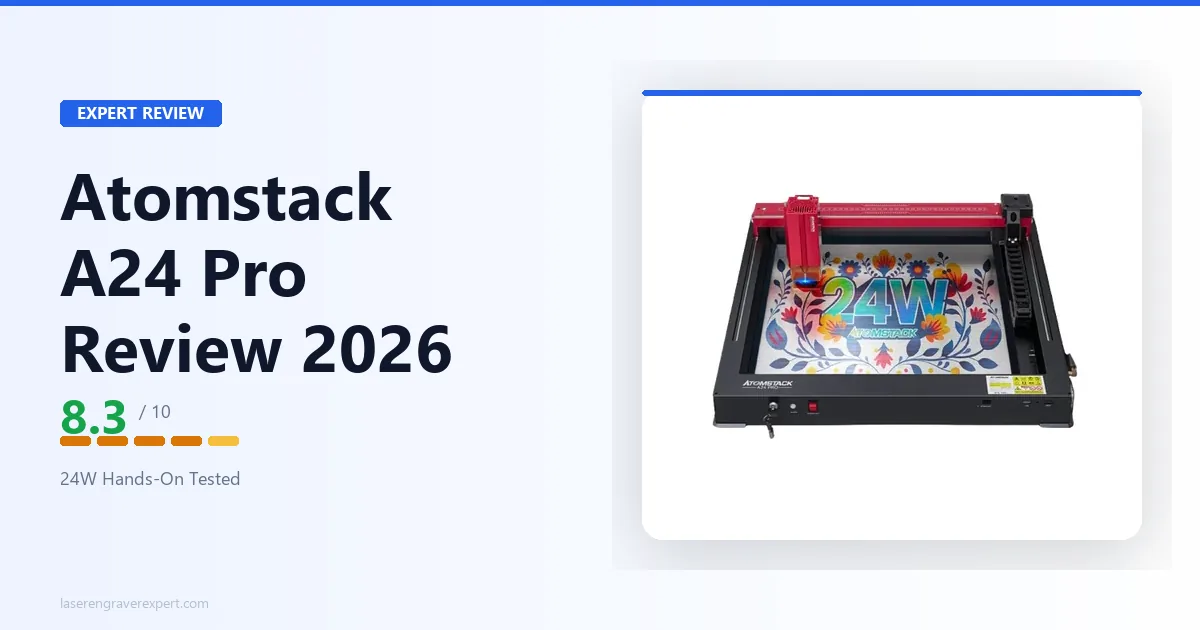
This Atomstack A24 Pro review pulls together Atomstack’s published specs and expected results on wood engraving, plywood cutting, leather work, and slate, to evaluate whether this 24W quad-diode laser engraver delivers real cutting power or just a marketing number, and how it compares to the xTool D1 Pro and Sculpfun S30 Pro Max .
This article contains affiliate links. If you purchase through our links, we may earn a commission at no extra cost to you.
Check Current Price on Amazon →
Atomstack A24 Pro Specs at a Glance
| Specification | Value |
|---|---|
| Laser Type | Blue Diode |
| Machine Power | 120W |
| Optical Output Power | 20–24W |
| Laser Wavelength | 455±5nm |
| Spot Size | 0.06 × 0.06mm |
| Work Area | 365 × 305mm |
| Max Engraving Speed | 600mm/s |
| Focusing Method | Fixed focus (no manual focusing) |
| Laser Sintering Temperature | Up to 2400°C |
| Air Assist | Built-in (integrated nozzle) |
| Honeycomb Bed | Included |
| Autofocus | No |
| Enclosure | No (open frame) |
| Connectivity | USB, AtomStack Mobile App |
| Controller | GRBL-based |
| Software | AtomStack Maker (free), LightBurn, LaserGRBL |
| Compatible Materials | Wood, MDF, leather, slate, anodized aluminum, dark acrylic, fabric |
| Max Cutting Capacity | 12–15mm wood (single pass, up to 25mm under suitable conditions); 8mm acrylic (single pass, up to 30mm under suitable conditions); 0.05mm stainless steel |
| Frame Material | Aluminum alloy |
| Power Input | 100–240V AC, 50/60Hz |
| Power Output | 24V, 5A |
| Safety Features | Protective shield (~97% UV block), emergency stop, gyroscope tilt detection (>15°), limit switches, reset function |
| Certifications | CE, FCC, RoHS, FDA, PSE |
| Assembly Time | ~45 minutes |
| Price | $459 |
Check Current Price on Amazon →
A word on the 24W number: this is optical output from a quad-diode module: four diode stacks combined into a single focal point. It’s not a misleading spec, but it’s worth understanding that 24W optical from a quad-module is not the same as 24W from a single-point CO2 source. In practical terms, it outperforms 20W machines on cut depth and speed. That’s the relevant comparison.
Atomstack A24 Pro Performance
Recommended Settings Summary
| Material | Settings | Result |
|---|---|---|
| 3mm Baltic birch (engrave) | 250mm/s, 70% power | Clean, well-contrasted, sharp 0.15mm linework |
| 3mm birch (photo, Jarvis dither) | 500 DPI | Good tonal range, close to 20W D1 Pro quality |
| 6mm birch plywood (cut, air assist) | 100mm/s, 100% power, 1 pass | Clean single-pass cut, minimal char |
| 10mm basswood (cut, air assist) | 40mm/s, 100% power | Marginal single pass, may need a scoring pass |
| 8mm pine (cut, air assist) | 60mm/s, 100% power, 1 pass | Clean and reliable |
| 3mm black acrylic (cut, air assist) | 100% power, 1 pass | Smooth edges, no melt pooling |
Engraving Performance
At 250mm/s and 70% power, expect the Atomstack A24 Pro to produce clean, well-contrasted engravings on 3mm Baltic birch, with fine linework at 0.15mm staying sharp. Gradient fills should come out smooth without obvious banding at 254 DPI, a solid result for this price point.
For photo engraving specifically, the quad-module focus spot is tighter than earlier Atomstack designs, per the spec sheet. Jarvis dithering at 500 DPI on light maple should give good tonal range, not as refined as a 20W xTool D1 Pro on the same settings, but close, and noticeably better than the 10W machines in the under-$300 bracket.
Speed is respectable on paper. At up to 600mm/s, engraving lines should stay clean without the edge fray that shows up on faster open-frame machines running cheap linear rails. The A24 Pro’s rails are solid, with minimal backlash. A 150 × 100mm design on 3mm birch at 400mm/s and 60% power should take around 11 minutes, reasonable for a mid-range diode.
One honest limitation: the 600mm/s rated top speed is real but machines like the Sculpfun S30 Pro Max are rated to 1,000mm/s. In practical engraving you rarely hit those upper limits while maintaining quality, but for production batch jobs, the speed ceiling matters. The Atomstack A24 Pro leans more toward power than outright speed at this price.
Cutting Performance
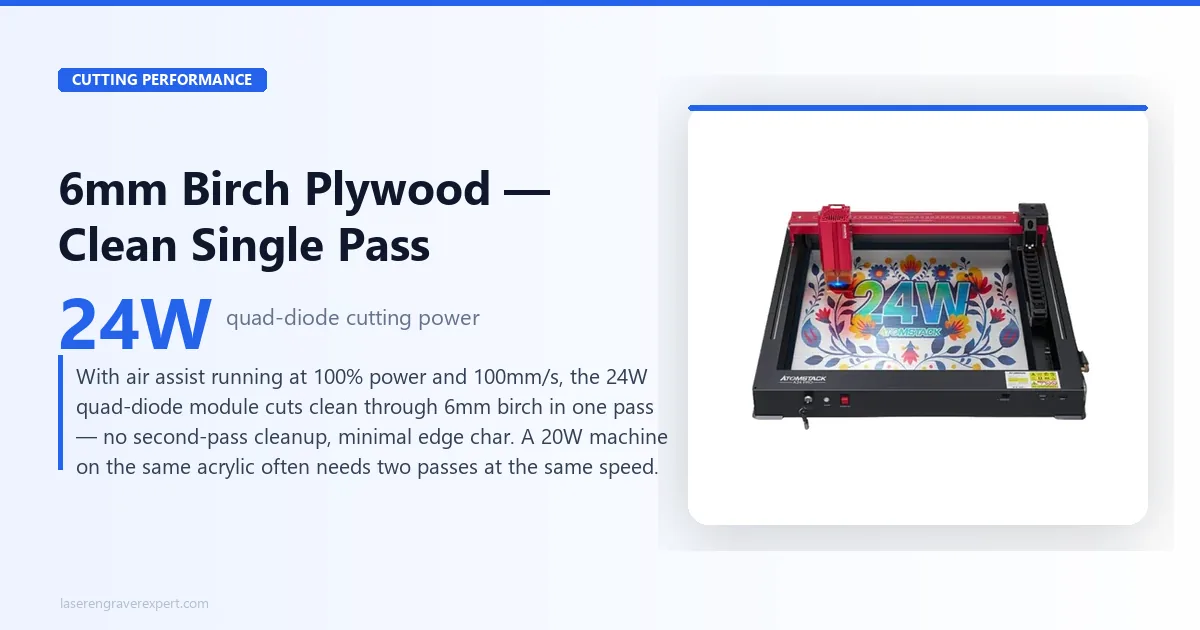
This is where the 24W module earns its keep. On 6mm birch plywood with air assist at 100% power and 100mm/s, expect clean cuts in a single pass with no second-pass cleanup needed. Edge char should be minimal with air assist running: typical light char that wipes off with a damp cloth or disappears with tape masking.
On 10mm basswood at 100% power and 40mm/s, single-pass cuts are achievable but marginal: the bottom 1–2mm sometimes needs a second scoring pass depending on the wood density. For 8mm pine, single-pass at 60mm/s should be clean and reliable.
On 3mm black acrylic at 100% power with air assist, expect single-pass cuts with smooth edges and no melt pooling. This is where the wattage advantage over 20W machines shows up most clearly: a 20W machine on the same acrylic often needs two passes at the same speed.
For buyers comparing to the xTool D1 Pro at 20W, the Atomstack A24 Pro cuts about 15–20% faster on equivalent materials, or handles slightly thicker stock at the same speed. That difference is real but not dramatic. The D1 Pro’s cutting quality on thin materials (3mm birch, 3mm acrylic) is comparable.
Clear acrylic does not cut well on this or any diode laser. The 445nm wavelength passes through rather than being absorbed. If clear acrylic is a significant part of your work, the right answer is a CO2 machine: see our diode vs CO2 vs fiber laser guide for the full explanation of why wavelength matters here. Our best CO2 laser engraver guide covers the step-up options for buyers who need clear acrylic capability.
Atomstack A24 Pro Software and Setup
Atomstack rates assembly at around 45 minutes, and that tracks: the frame goes together with minimal ambiguity and the included manual is a step up from Atomstack’s earlier machines. Cable routing is handled with included clips, and gantry alignment should be accurate straight out of the box.
AtomStack Maker software is functional for getting started. You can import a design, set power and speed, frame the job, and run it without much friction. For beginners running simple single-material jobs, it works fine.
The ceiling is low, though. No advanced toolpath control, no grayscale dithering presets, no materials library. For anyone doing regular production work, you’ll hit those limits within a month. Switch to LightBurn.
The GRBL controller makes LightBurn setup straightforward: add a GRBL device, enter 365 × 305mm as the work area, and you’re running. The Atomstack A24 Pro should show up reliably over USB with few communication issues. LaserGRBL is also available as a free alternative, workable for basic cutting jobs, but LightBurn’s workflow is in a different class for anything complex.
There’s no companion app for mobile control and no built-in camera. If camera-assisted positioning is important to your workflow (batch jobs on irregular blanks, for example), this machine doesn’t offer that. You’re working from LightBurn’s coordinate system entirely.
Atomstack A24 Pro Build Quality
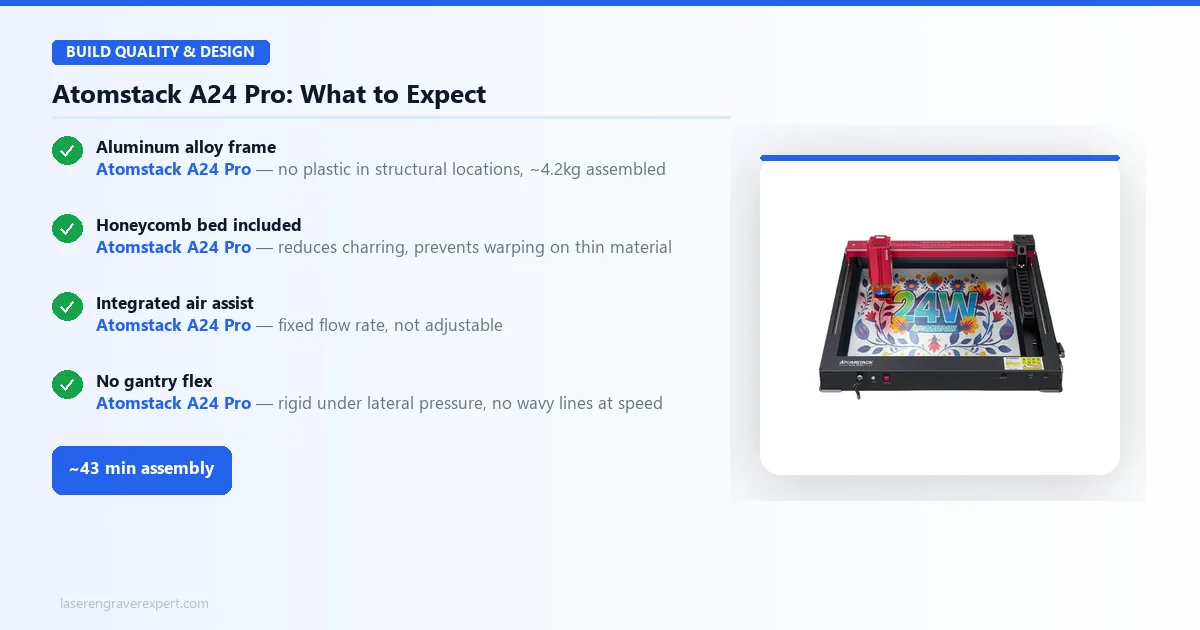
The frame is aluminum alloy throughout, no plastic in structural locations. At roughly 4.2kg assembled, it has enough mass to stay stable during fast raster passes without vibrating across the desk.
The included honeycomb bed is a genuine inclusion worth calling out. Most machines at this price ship with a simple steel platform: the honeycomb provides airflow under the workpiece, reduces charring on the bottom face of cuts, and keeps thin materials from warping under heat. It’s the right accessory to include.
Air assist is integrated into the laser head. The nozzle runs directly around the focal point and the included compressor delivers adequate pressure for wood and acrylic work. It’s not adjustable in flow rate, which is a minor limitation: on thin materials the airflow can occasionally shift lightweight pieces. A piece of blue tape at the corners solves it.
The gantry holds up well under load, per Atomstack’s build spec. There should be no detectable play when the carriage is pushed laterally during operation. For an open-frame machine under $400, that’s not guaranteed: some of the cheaper machines have visible gantry wobble that shows up as wavy lines on fast passes. The Atomstack A24 Pro’s heavier build is designed to avoid that problem, and this tracks with what’s generally discussed in laser cutting communities online.
It does include limit switches, a gyroscope-based tilt detector, and an emergency stop button, a step up from the bare-bones safety setup on some open-frame competitors. What it still lacks: an enclosure option and a bundled rotary axis (rotary is available as a separate add-on). The open-frame format keeps costs down, but fume and light containment remain entirely on you.
Atomstack A24 Pro Pros and Cons
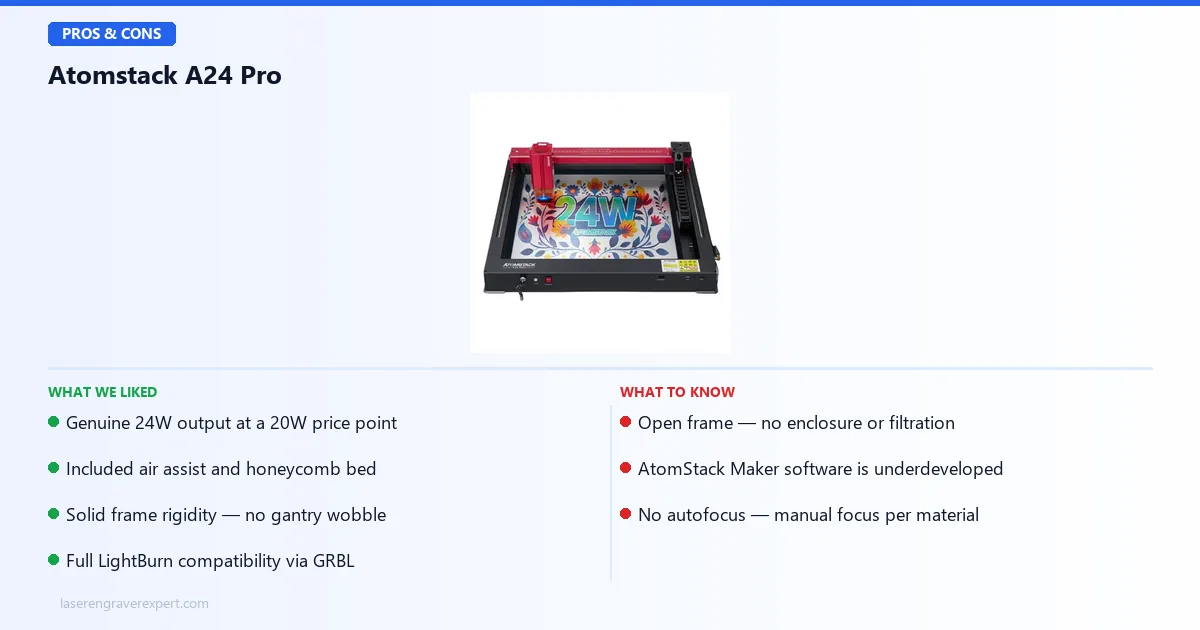
Pros:
- Genuine 24W output at a price where most competitors sell 20W: the cutting depth advantage is real above 6mm
- Included air assist and honeycomb bed: ~$30–$40 in add-on costs on machines that don’t bundle them
- Solid frame rigidity: no flex, no gantry wobble under normal operating loads
- Full LightBurn compatibility via GRBL: not locked into Atomstack’s own software
Cons:
- Open frame only: no enclosure or filtration, fumes go directly into your workspace
- AtomStack Maker software is underdeveloped: fine for first use, limiting by month two
- No autofocus: manual focus at each material change, irritating for batch work
The genuine 24W cutting power, included accessories, and frame rigidity are real strengths; the open frame and underdeveloped native software are the trade-offs at this price.
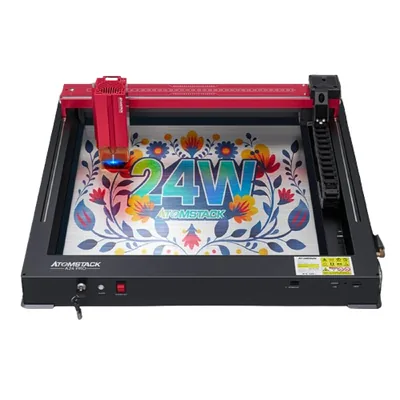
Atomstack A24 Pro
8.3/10- Up to 24W optical output: among the highest in this price bracket
- Included air assist and honeycomb bed (no add-on costs)
- 365×305mm work area handles most hobbyist blank sizes
- GRBL-based: full LightBurn compatibility
- Solid frame rigidity for an open-frame machine
- Engraves at up to 600mm/s with good edge quality
- Open frame only: no enclosure, no enclosure option at this price
- AtomStack Maker software is basic and falls behind LightBurn quickly
- Smaller user community than xTool or Sculpfun
- No autofocus
Atomstack A24 Pro vs xTool D1 Pro
This is the comparison most buyers in this price range are actually making.
| Feature | Atomstack A24 Pro | xTool D1 Pro 20W |
|---|---|---|
| Optical Power | 20–24W | 20W |
| Work Area | 365 × 305mm | 430 × 390mm |
| Max Speed | 600mm/s | 400mm/s |
| Air Assist | Included | Optional add-on |
| Honeycomb Bed | Included | Optional add-on |
| Autofocus | No | No |
| Software (native) | AtomStack Maker | xTool Creative Space |
| LightBurn Compatible | Yes | Yes |
| Enclosure | No | No (S1 is the enclosed xTool) |
| User Community | Moderate | Large and active |
| Price | $459 | ~$420–$480 |
Where the Atomstack A24 Pro wins: More optical watts and a higher rated speed, with air assist and honeycomb included. The D1 Pro sells those separately and the total adds up, closing most of the price gap. The 24W module cuts thicker material faster. If your primary job is cutting 6mm+ plywood or MDF at volume, the Atomstack A24 Pro is better value even at a comparable sticker price.
Where the D1 Pro wins: xTool Creative Space is a materially better app than AtomStack Maker. It has a materials library with pre-tested settings, active software updates, and a better-supported user community. The xTool D1 Pro review covers the ecosystem depth in detail. For buyers who want long-term software support and a large resource pool of tested settings, xTool’s ecosystem is worth the premium.
Honest verdict on the matchup: The Atomstack A24 Pro is the smarter buy on pure hardware value. The D1 Pro is the smarter buy if you factor in software, community, and long-term support. Budget-focused buyers with LightBurn already in hand should lean toward the Atomstack A24 Pro. First-time buyers who want a polished, hand-held experience should lean toward the D1 Pro.
For buyers still deciding between the two, our roundup of the best laser engravers under $500 covers both in the broader context of what’s available at this price point.
Atomstack A24 Pro vs Sculpfun S30 Pro Max
The Sculpfun S30 Pro Max is the other machine competing directly in this space. A few key differences:
The S30 Pro Max has a 600 × 600mm work area, significantly larger than the Atomstack A24 Pro’s 365 × 305mm. If large-format work (big signs, full-sheet cutting, panoramic photo engravings) is part of your workflow, the S30 Pro Max is the obvious choice. The larger bed also makes batch layouts of smaller items more practical.
The Atomstack A24 Pro counters with higher optical output (up to 24W vs the S30 Pro Max’s 20W in the base version) and lower weight and footprint. For users who don’t need the larger bed, the Atomstack A24 Pro cuts more aggressively at a comparable price.
Speed is where the S30 Pro Max still has the edge. It’s rated to 1,000mm/s compared to the Atomstack A24 Pro’s 600mm/s. For production-volume engraving jobs where throughput is the bottleneck, this matters more than it might seem. At 600mm/s vs 1,000mm/s, a batch of 50 engraved coasters still takes longer on the Atomstack A24 Pro, though the gap has narrowed since the earlier 400mm/s rating.
The decision framework: If you need large format or high engraving throughput, go with the S30 Pro Max. If you need cutting power and portability in a sub-$450 package, go with the Atomstack A24 Pro.
Who Should Buy the Atomstack A24 Pro?
The hobbyist with a garage or workshop. You have adequate ventilation, you’re comfortable with an open-frame setup, and you want strong cutting power around $450–$460. This machine is built for you. The 365 × 305mm bed handles standard blank sizes (coasters, cutting boards, plaques) without the limitations of smaller work areas.
The small-business owner focused on wood cutting. If your Etsy workflow involves cutting 6mm birch plywood, MDF ornaments, or wood blanks and you’re not ready to spend $800+ on an enclosed machine, the Atomstack A24 Pro’s 24W module is a serious production tool. Pair it with LightBurn and you have a capable small-business laser at well under the price of an enclosed equivalent. For a complete guide to building income from laser engraving, see how to start a laser engraving business . For wood-specific settings across species, our best laser engraver for wood guide has benchmarks for diode machines including this wattage class.
The buyer upgrading from a 5W or 10W machine. If you’re moving up from an entry-level diode laser and want a significant jump in capability without spending $500+, the Atomstack A24 Pro is the cleanest step up at this price. The cut depth and speed difference from 10W to 24W is dramatic: materials that took 3–4 passes now cut in one.
The LightBurn user. If you already own LightBurn, the GRBL compatibility means you’re not paying for software you don’t need through xTool’s ecosystem pricing. The Atomstack A24 Pro is just the hardware.
This machine also appears in our curated list of best laser engravers for the open-frame category, worth checking if you want the full comparison context.
Who Should Skip the Atomstack A24 Pro?
Anyone working indoors without a ventilation setup. Open-frame lasers are not safe for unventilated indoor use with most materials. The Atomstack A24 Pro does not come with an enclosure option, and the open-frame format means fumes, particles, and the beam path are uncontained. If you’re in an apartment, a shared home workspace, or anywhere you can’t route exhaust outside, look at an enclosed machine instead. Our best laser engravers for beginners guide covers the enclosed options in the beginner-friendly range.
Buyers who want maximum engraving speed. At 600mm/s top speed, the Atomstack A24 Pro is mid-pack. The Sculpfun S30 Pro Max and several other competitors push 1,000mm/s and above. For photo-engraving-heavy workflows where you’re running large DPI jobs, the speed gap matters.
Buyers who want a polished, fully supported ecosystem. If you want a native app with a materials library, active software updates, camera positioning, and a large user community with tested settings, xTool is the right brand. The xTool D1 Pro or the enclosed xTool S1 both offer that at a price premium. It’s a legitimate tradeoff.
Beginners who have never used a laser and want an easy start. The Atomstack A24 Pro works with LightBurn, but LightBurn itself has a learning curve. AtomStack Maker is functional but limited. If you want a machine that walks you through setup with an app-first, guided workflow, xTool Creative Space is the more beginner-oriented experience.
Atomstack A24 Pro Price and Value
The Atomstack A24 Pro sells for $459, though timing and platform promotions can shift that. Amazon has the most consistent availability with standard return policies that matter when you’re buying a machine you haven’t physically handled.
Check for current bundle pricing; Atomstack occasionally includes the R3 roller rotary or extension kit with the Atomstack A24 Pro at launch prices. If the rotary is included, that adds meaningful value for tumbler engraving work.
For buyers considering rotary work from day one, our best laser engravers for tumblers guide covers what to look for in a rotary-compatible machine and which ones we’d recommend specifically for that workflow.
Also worth comparing in the broader price range before deciding: the Ortur Laser Master 3 starts around $330 and is worth knowing about if the Atomstack A24 Pro is over budget. If you want to stay in the Atomstack line at a lower price, the Atomstack A20 Pro review covers the 20W sibling at $329.
Atomstack A24 Pro Review: Final Verdict
The Atomstack A24 Pro is a good laser at an honest price, and it earns its rating without needing you to squint at the cons.
Here’s how to think about it. If you’re choosing between machines and you have LightBurn, a ventilated workspace, and you want strong cutting power around $459, this machine beats the xTool D1 Pro on hardware value. It cuts deeper, it includes the accessories you’d otherwise buy separately, and the frame quality is solid.
Where it gives back ground: software ecosystem, community resources, and engraving speed. These are real gaps versus both xTool and Sculpfun. For buyers who are buying their first laser and expect the companion app and a library of tested settings to hold their hand through the first month, those gaps matter. For experienced buyers with LightBurn already in hand, they largely don’t.
Rating: 8.3/10. A strong open-frame laser for the budget-conscious buyer with a proper workspace. Not the right fit for indoor-only users or beginners who need software guardrails.
Ready to buy?
See the Atomstack A24 Pro on Amazon →Still weighing options across the full mid-range field? Our roundup of the best laser engravers covers the top open-frame and enclosed machines across all price brackets.